
Macros for the win
"Great product, very customizable in software. Great as a macropad"

Loading...

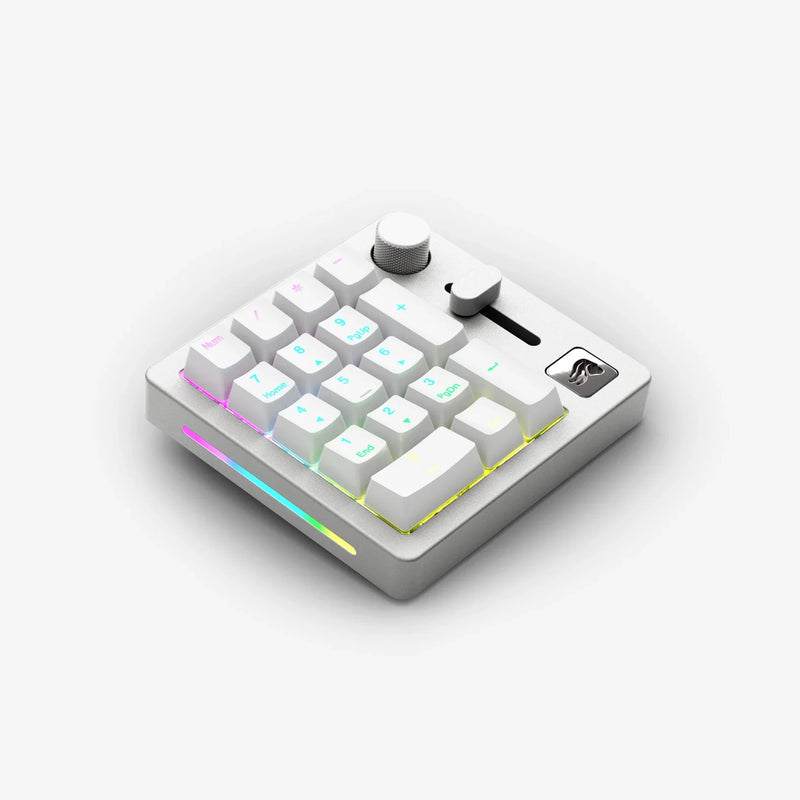

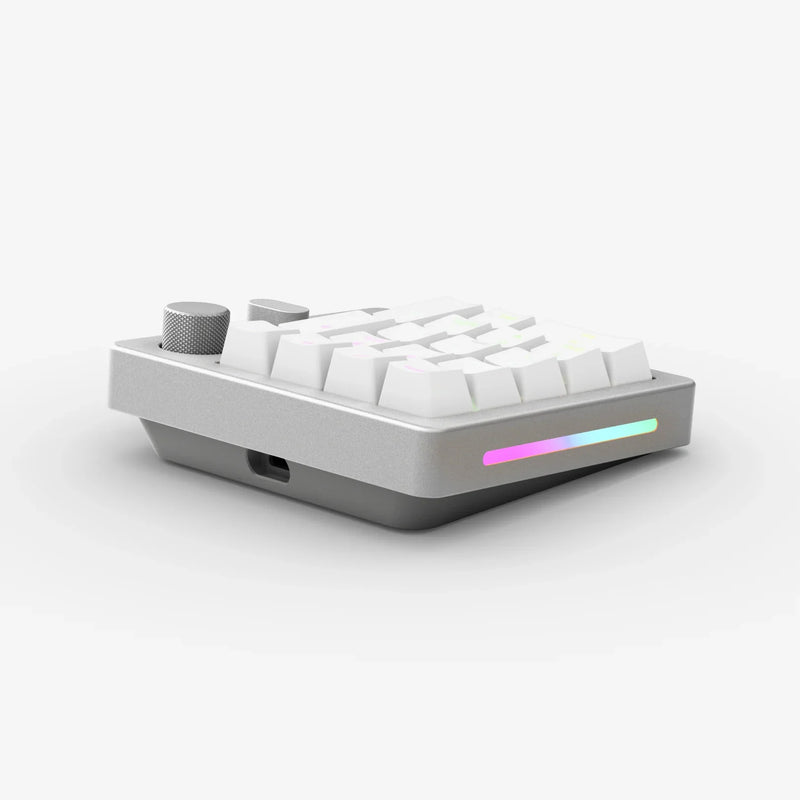
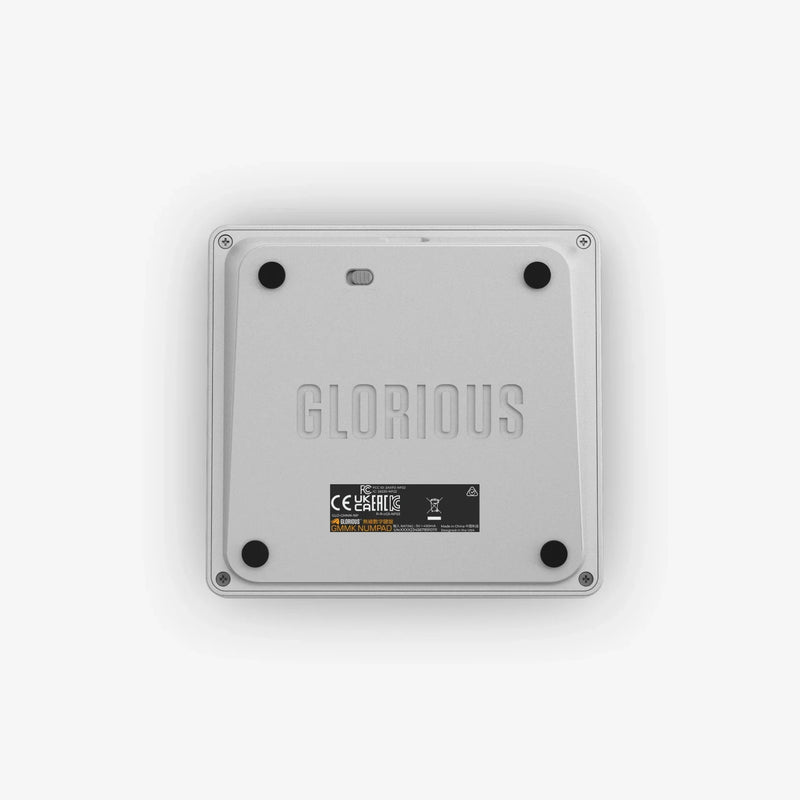
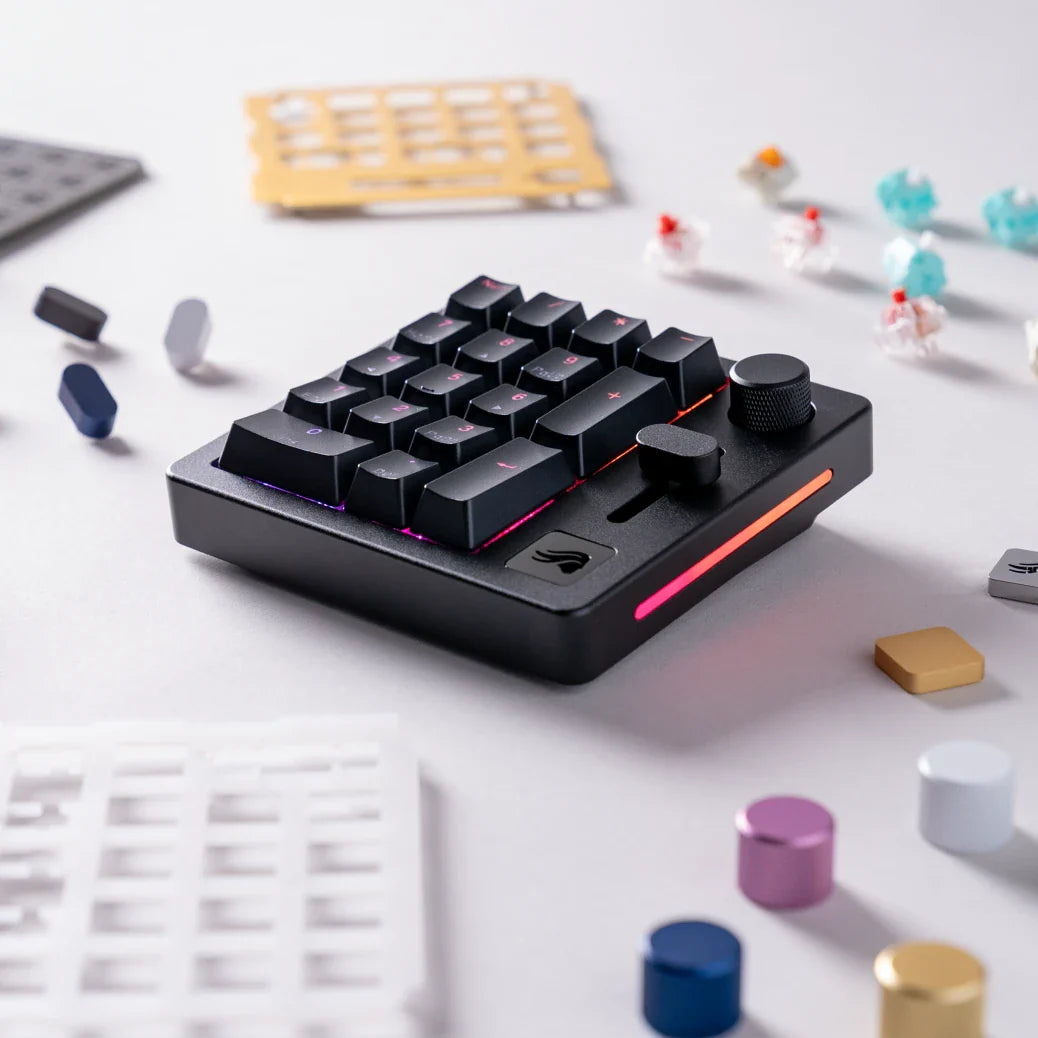
Meet the world's most customizable mechanical numpad. Packed with high-tech features, the GMMK Numpad is incredibly versatile with its hotswappable design and unmatched build quality.


Find everything you need to get the most out of your numpad.

Provides superior strength with a satisfying weight. Anodization gives the aluminum impressive scratch and corrosion resistance. Fine brushing creates a matte finish that’s smooth to the touch.

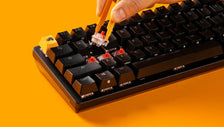
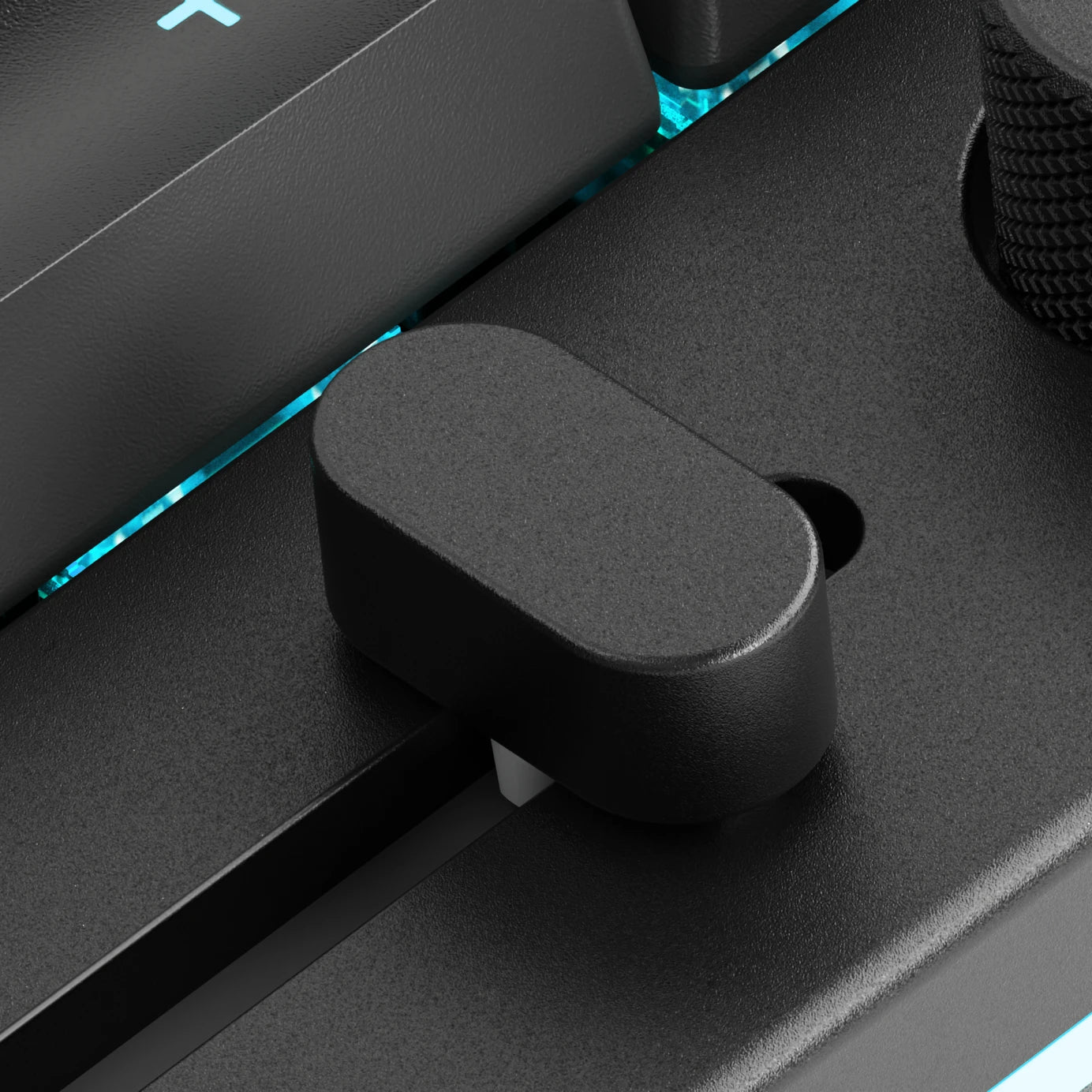
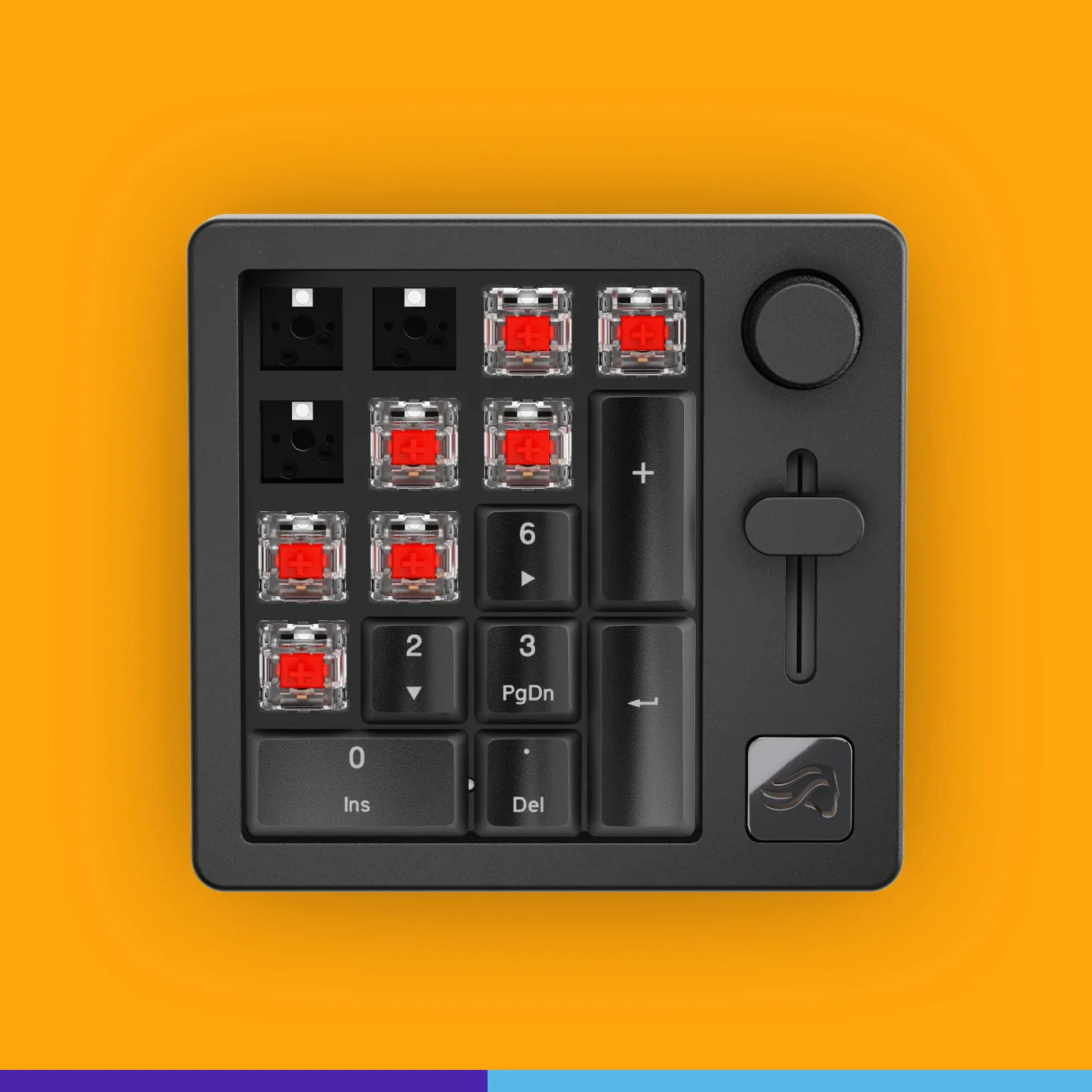
Easily swap keycaps, top frame, slider, knob, and accent badge with colorful alternatives. Modify sound and feel by plugging in almost any MX-style switches or changing out the switch plate material.

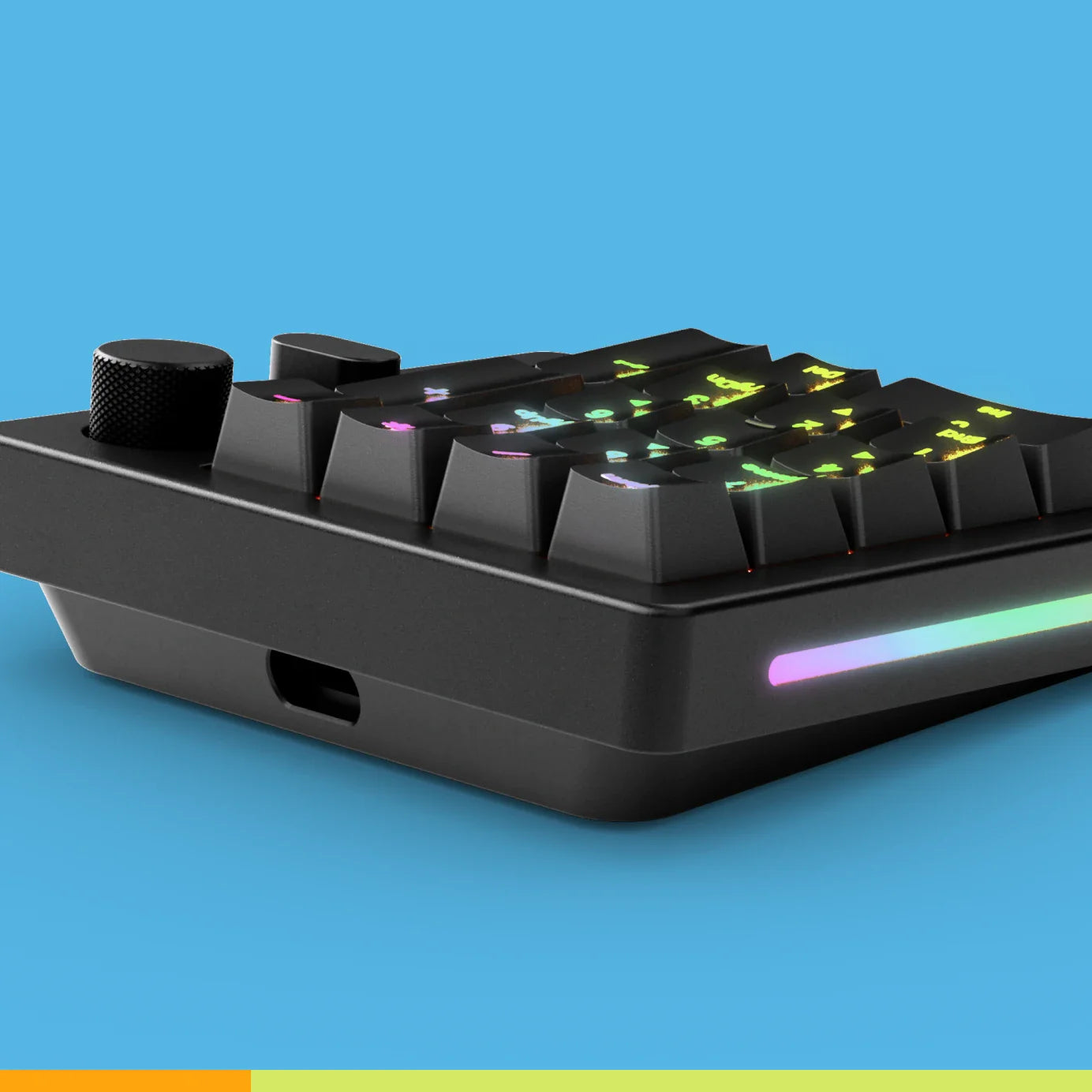
North-facing LEDs shine directly underneath each keycap’s transparent legend for enhanced readability and a captivating look. Sidelights flank the GMMK 2’s body, producing a smooth and subtle glow.
| Warranty | 2 years |
|---|---|
| Switch Type | 5-Pin Hotswap Support; North-Facing |
| Hot Swappable | Yes |
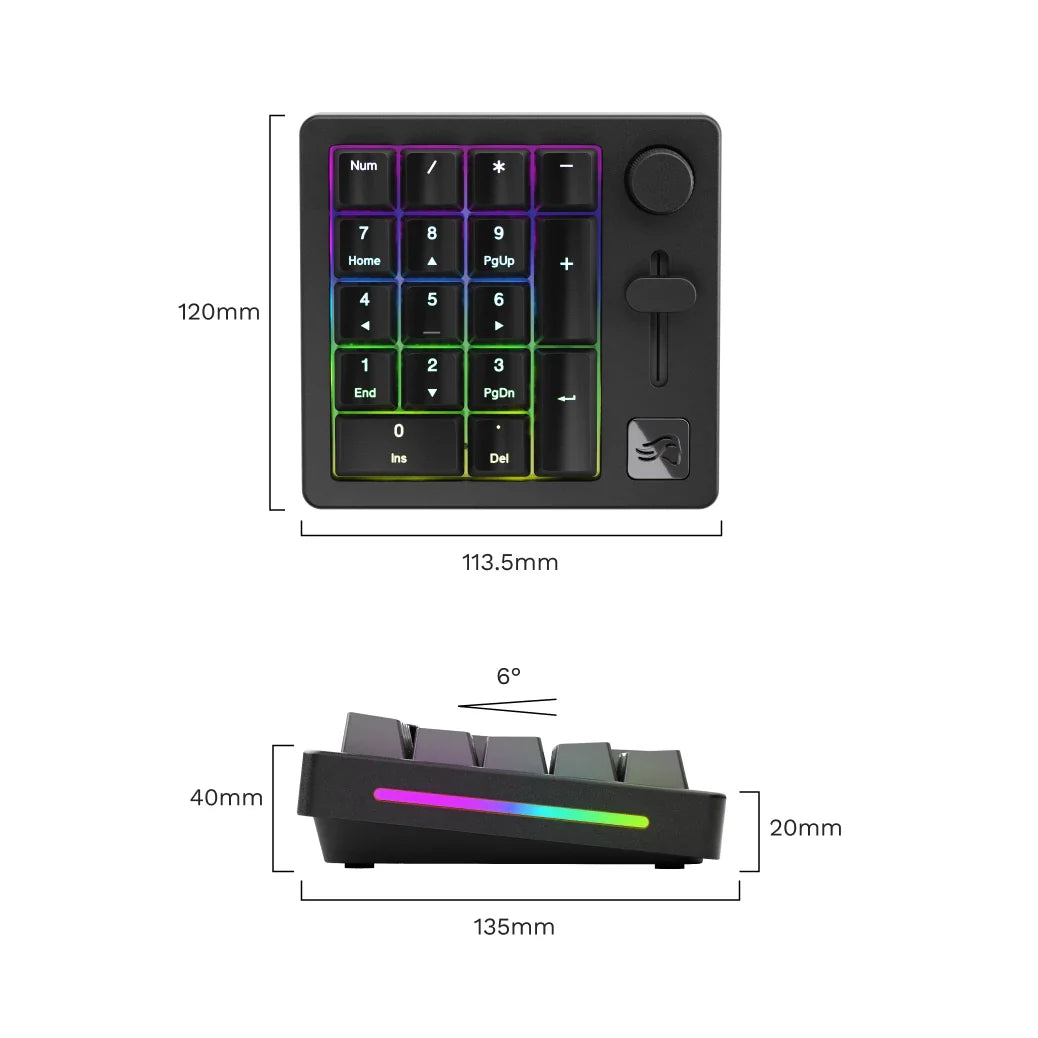
| Size | 18 Key Numpad + Clickable Rotary Encoder |
| Hall Effect (Rapid Trigger) | No |
| Connectivity | Dual Wired and Wireless, Bluetooth |
| Lighting | 16.8 Million Color Per-Key LED Backlighting; Diffused Side Lights |
| Colors | Black Slate, White Ice |
| Case Material | CNC Aluminum |
| Keycap Material | ABS Doubleshot |
| Software | Glorious CORE |
| Max Polling Rate | 1,000 Hz |
| OS Support | Windows, macOS, Linux |
| On-Board Memory Profiles | 3 |
| Mounting Style | Gasket |
| QMK Support | Yes |
| Knob Support | Yes |
| Layout | 18 Mechanical Keys, including Clickable Rotary Encoder |
| Switches | Glorious Fox Linear Switches (Pre-Lubed) |
| Dimensions | 120 x 113.5 x 40 mm (4.7” x 4.5” x 1.6”) |
| Weight | 1.9 lb (.86 kg) |
| Angle | 6° |
| Stabilizers | GSV2 Premium Screw-In Stabilizers |
| Cable | 6 ft (1.8m); Braided; USB-C 2.0 |
| Firmware Compatibility | Glorious CORE & QMK |
| Interface | Dual (Bluetooth 5.0 LE | USB-C) |
| Also Included | 1 x USB-C Charging Cable (6 ft / 1.8 m), 1 × Keycap Puller, 1 × Switch Puller |

Take your GMMK Numpad’s functionality to the next level by customizing its layers and profiles in just a few clicks with Glorious CORE. Easily toggle between custom layers and profiles with shortcuts, like Num Lock + 3.
Choose from an extensive library of keybinds, macros, shortcuts, and more - or create your own.
Pair the GMMK Numpad to your desktop, laptop, tablet, or phone regardless of operating system thanks to Bluetooth 5.0 Low Energy.** No dongle or open USB port is required. Pairing the numpad via Bluetooth is simple – just tap ‘Numlock’ and ‘+’ to enable pairing mode. **Some of the numpad’s features may not be available on some device operating systems, but its core functionality should remain intact.
Overall rating: 3.9044943 / 5 from 178 reviews.
The GMMK Numpad is highly regarded for its customizable mechanical design, hotswappable features, and excellent build quality. Customers appreciate its real feel and the number pad, though opinions vary on the software and some functionalities.
Review topics: ["color","finish","quality","issues","light","value","weight","looks","design","software","volume","works","build","functionality","control","feels","hardware","sound","features","price","buttons","support","material","numpad","frame","slider","pad","keyboard","keys","knob"].
"Great product, very customizable in software. Great as a macropad"
"Disappointed in the battery life, but a very nice numpad besides."
"Does not connect to BT. Even wired does not save settings as colozt adjustments. Slide bar cannot be set as volume control, as audio sources are not displayed. Software took 30 minutes to download (850mb via optic fibre)."
"Slider does not work"
"Solidly built and looks handsome on my desk, the only minor quibble is I couldn’t get the slider to do anything out of the box or through (admittedly limited) fiddling with the software. At some point I’ll look into it in more depth to try and get it to work, but it wasn’t as straightforward as I would have expected (windows 11 pro, self assembled pc)."
"Good for trips"
"It's not that great in my personal opinion. They should have implemented the 65% and 75% to have magnetic sides on the right where they can connect seemlessly. It just seems cluttery with two power cables going to the back of the computer. I would think with how large it is that it would have a longer battery life or more features like I listed above. Maybe they will implement them in the future."
"Cool, but too expensive!"
"It "works" but isnt very customizable and some features seem like an afterthought. It has a knob and slider right by eachother. . . both of which are for volume control. I also apparently cant bind the slider to any other function. Same with the knob. What's the point of having both? I also cant seem to find out how to change the side lighting. If there's a way, the Glorious Core software is not intuitive at all. It feels great, but seems like a money grab without much thought."
"The Numpad is quite good, the slider and the knob are responsive, however the hardware seems to be slightly buggy (having to fiddle with the next/previous buttons several times to change lighting option) and the software doesn't link correctly to it (pressing save on the program while the numpad is connected doesn't update the numpad most of the time)"