
first custom keyboard i’ve done
"first custom keyboard i’ve done and it’s amazing"

Loading...
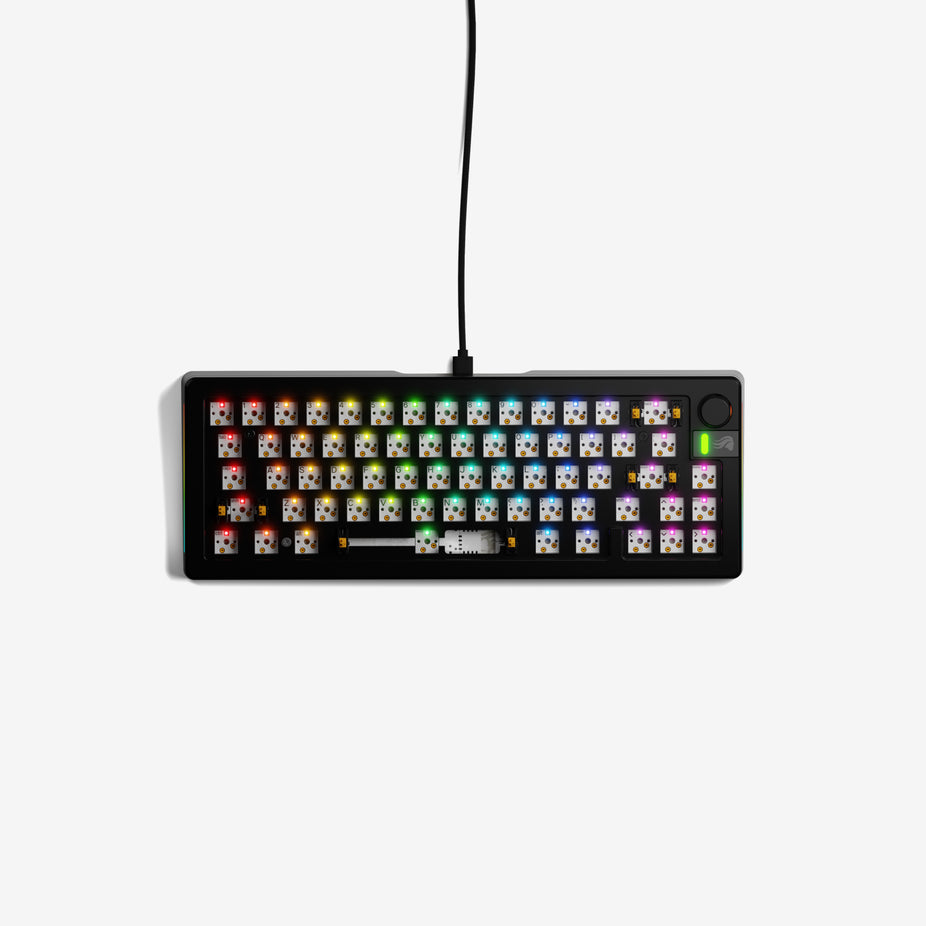
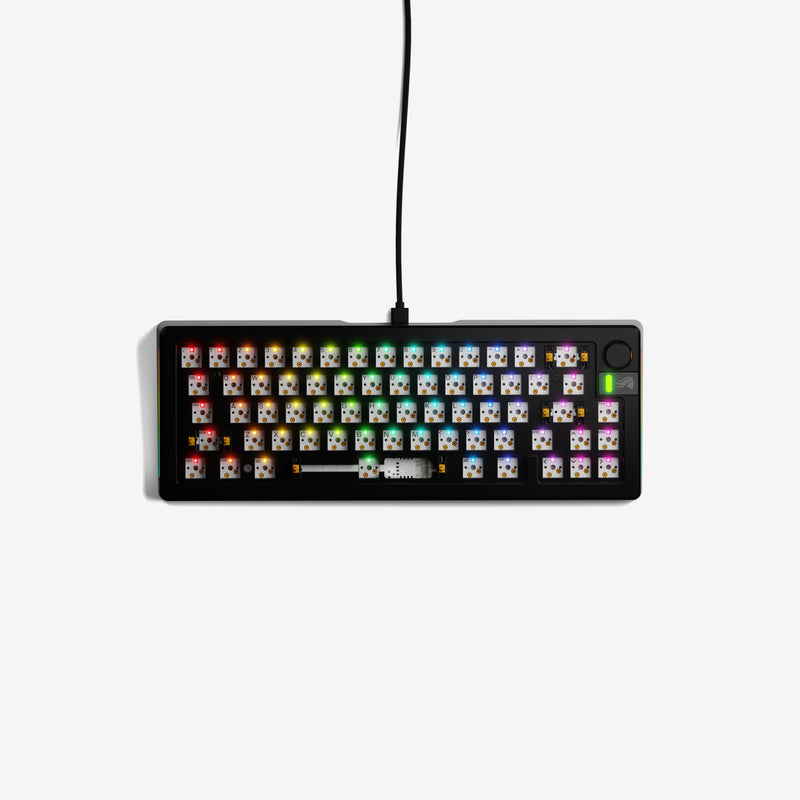
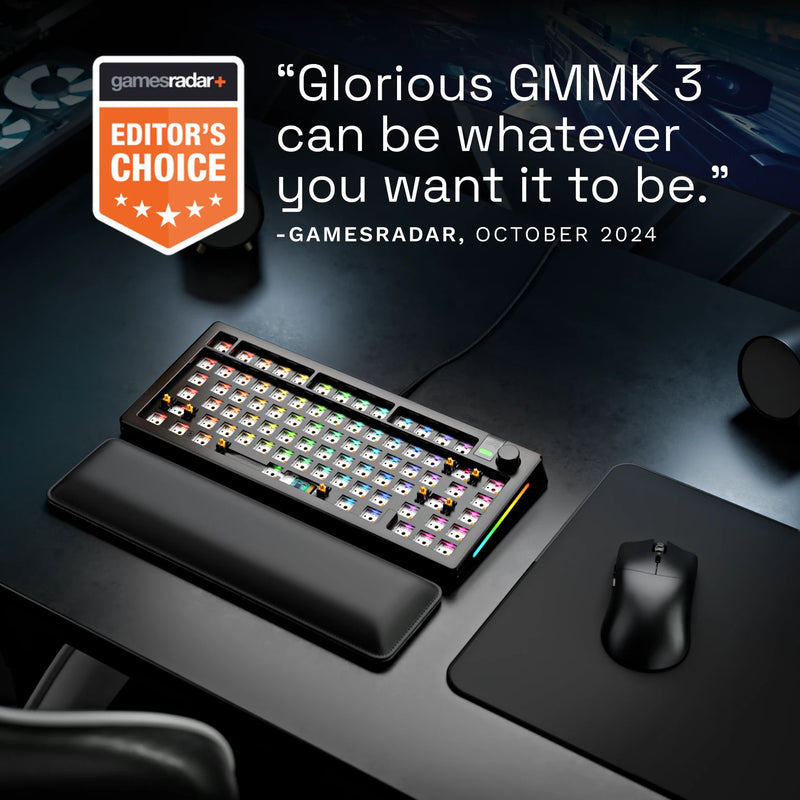
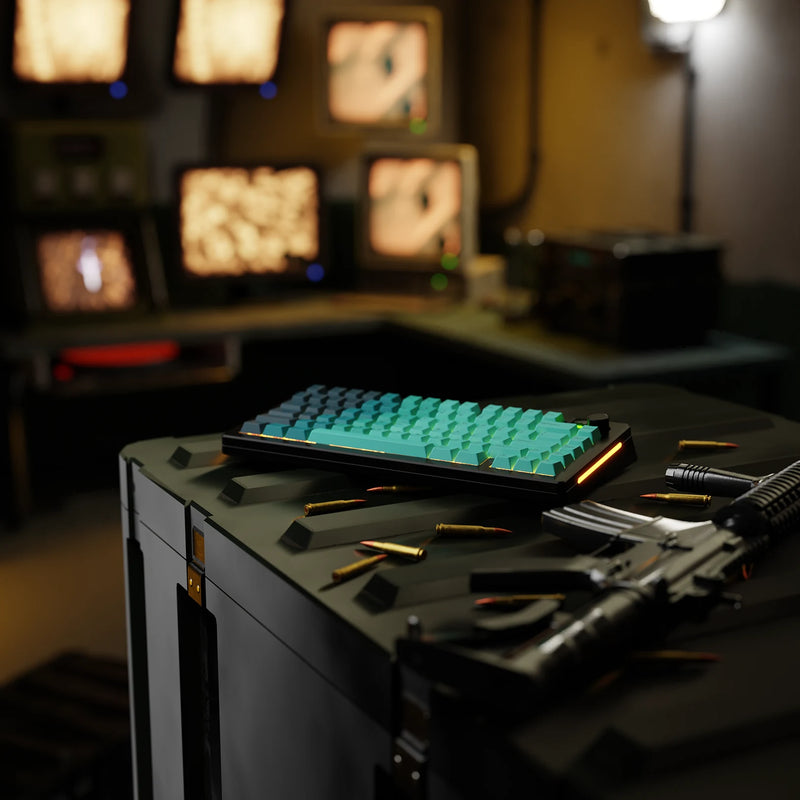
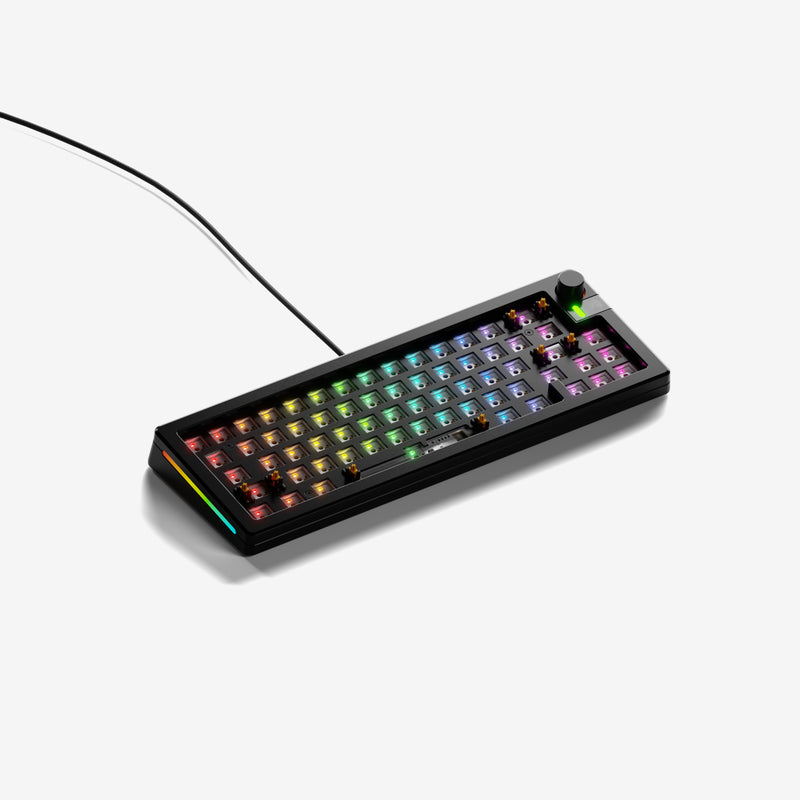
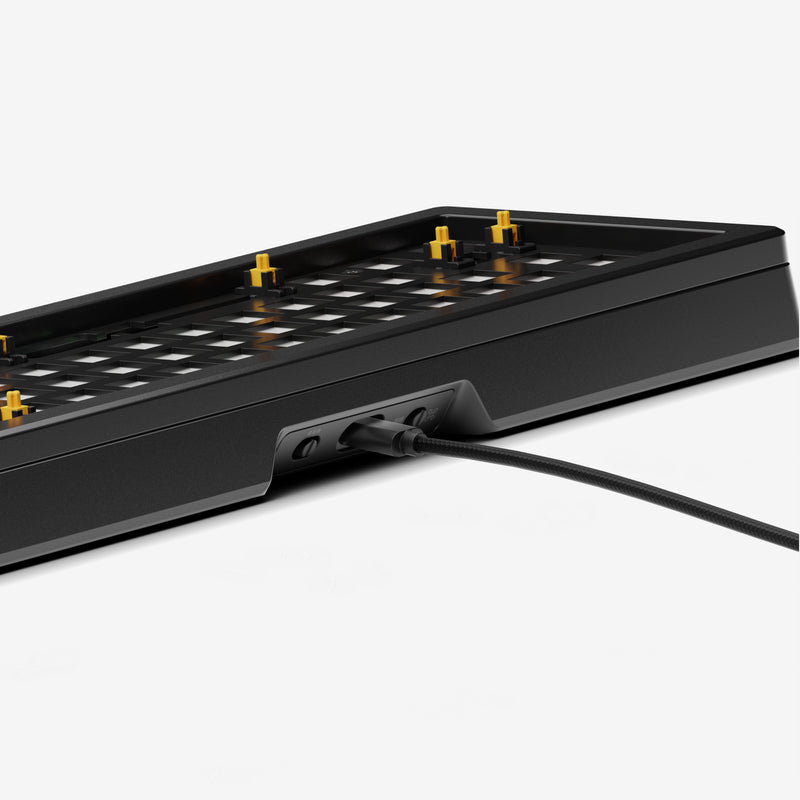
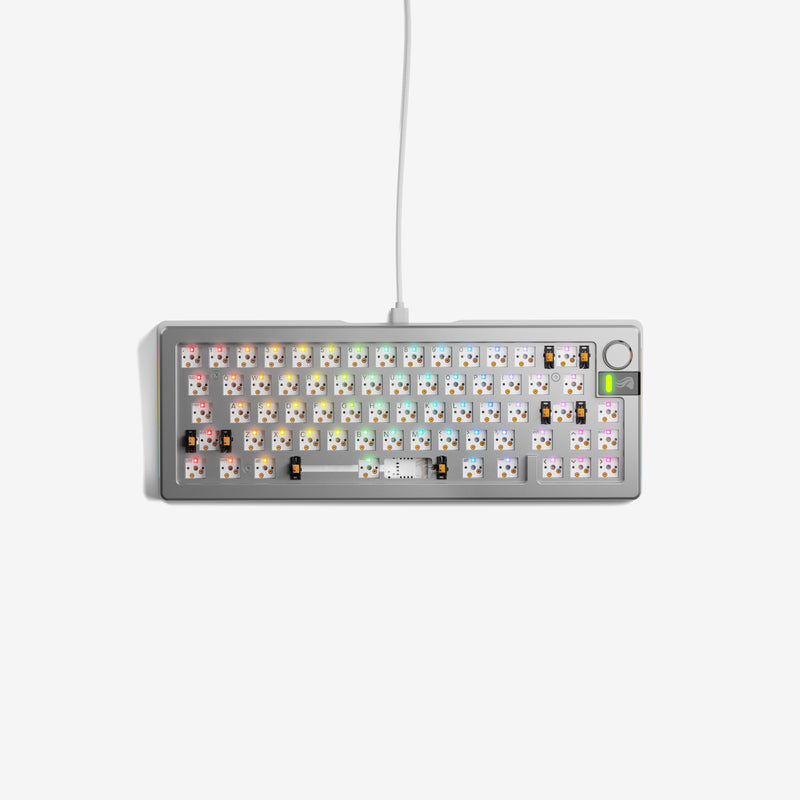
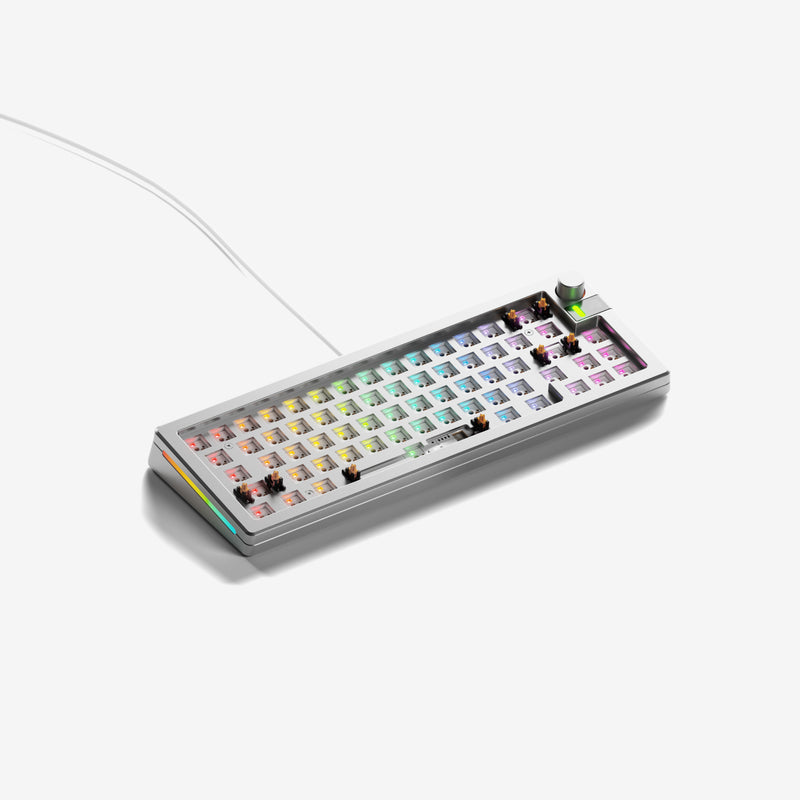
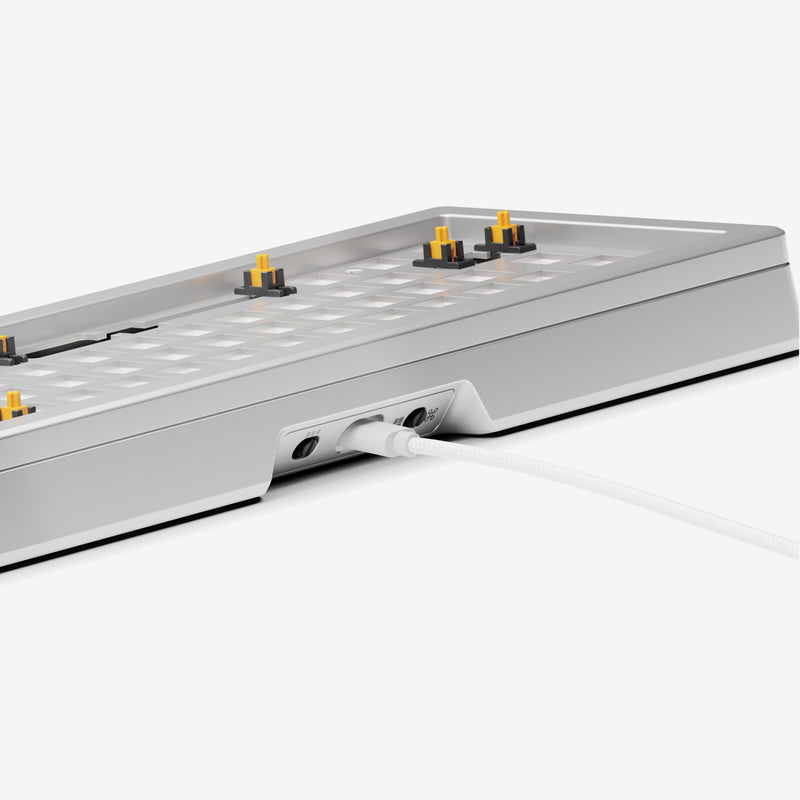
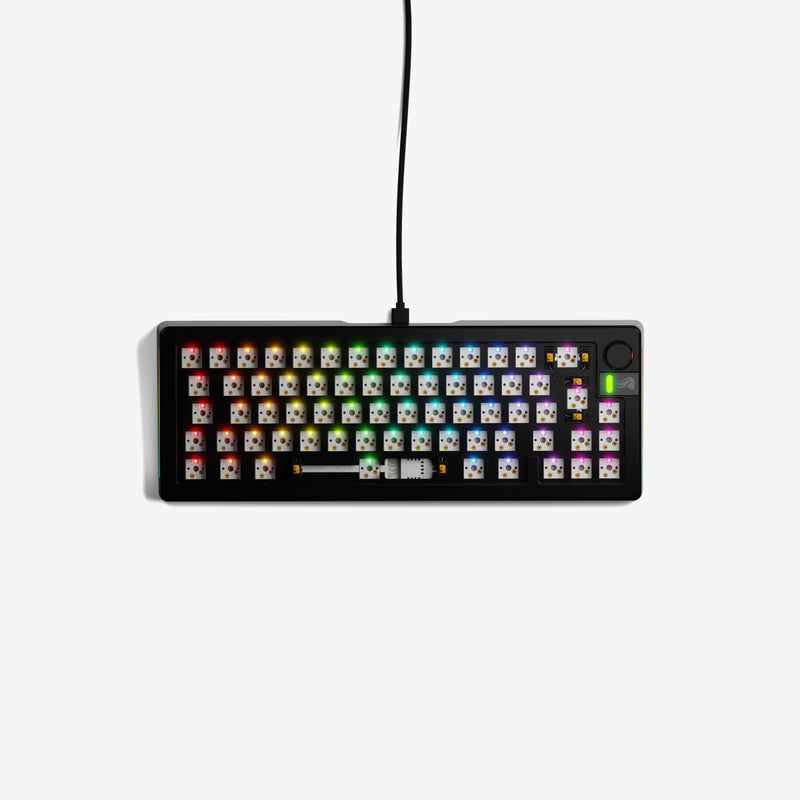
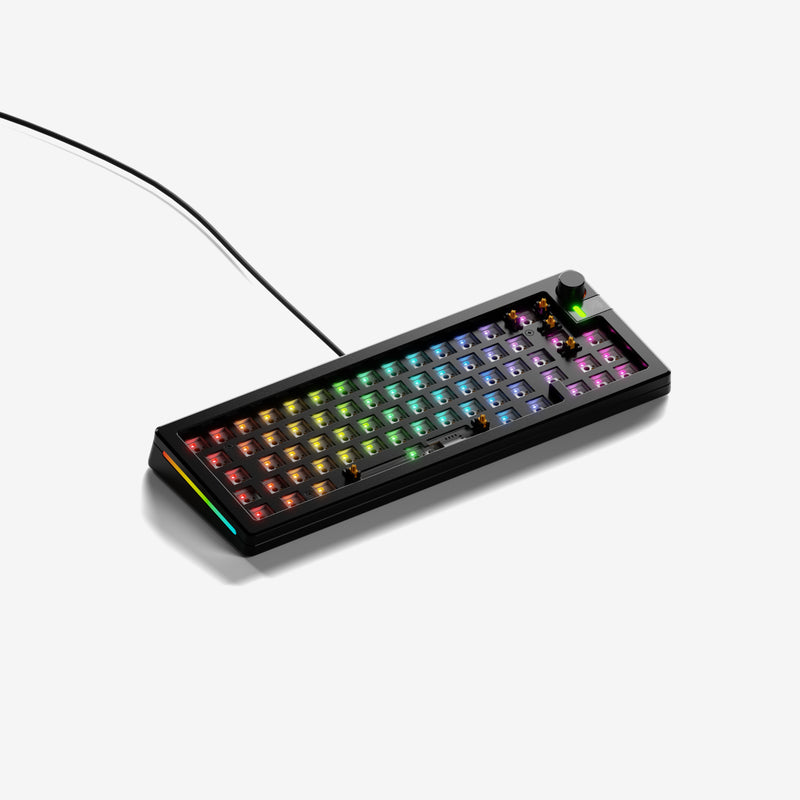
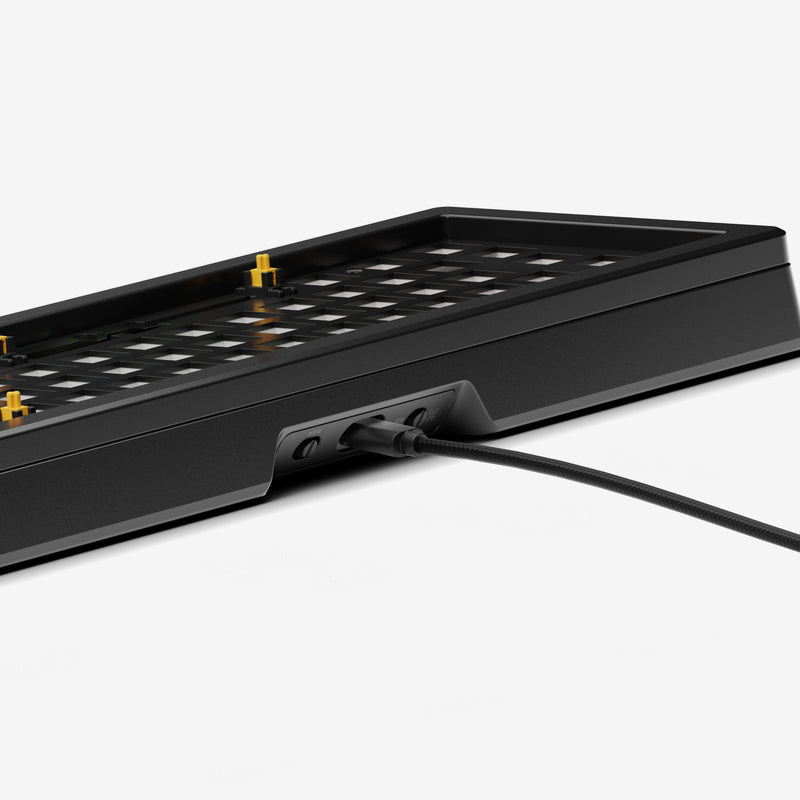
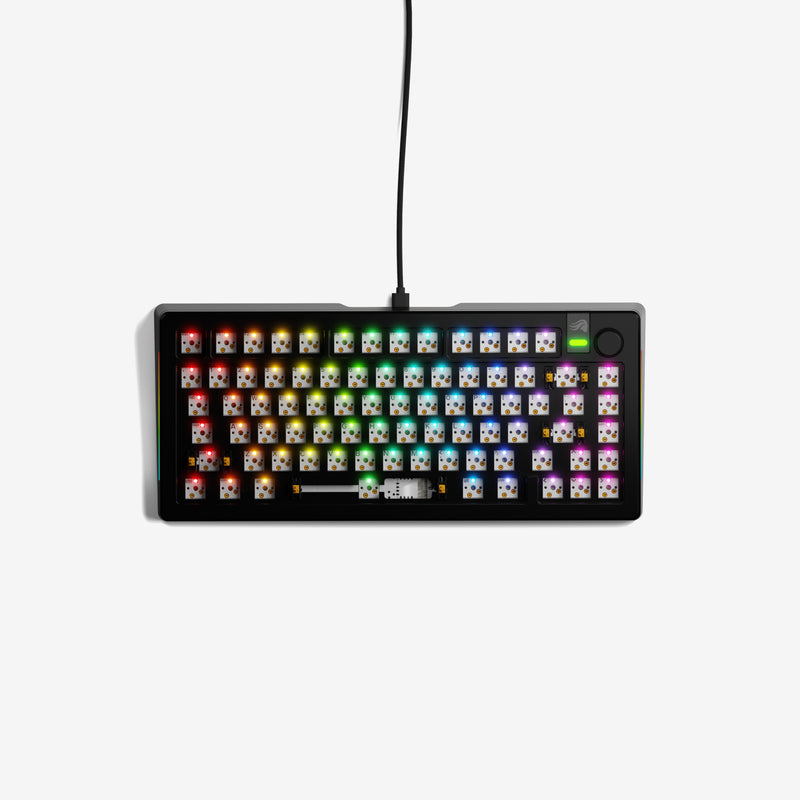
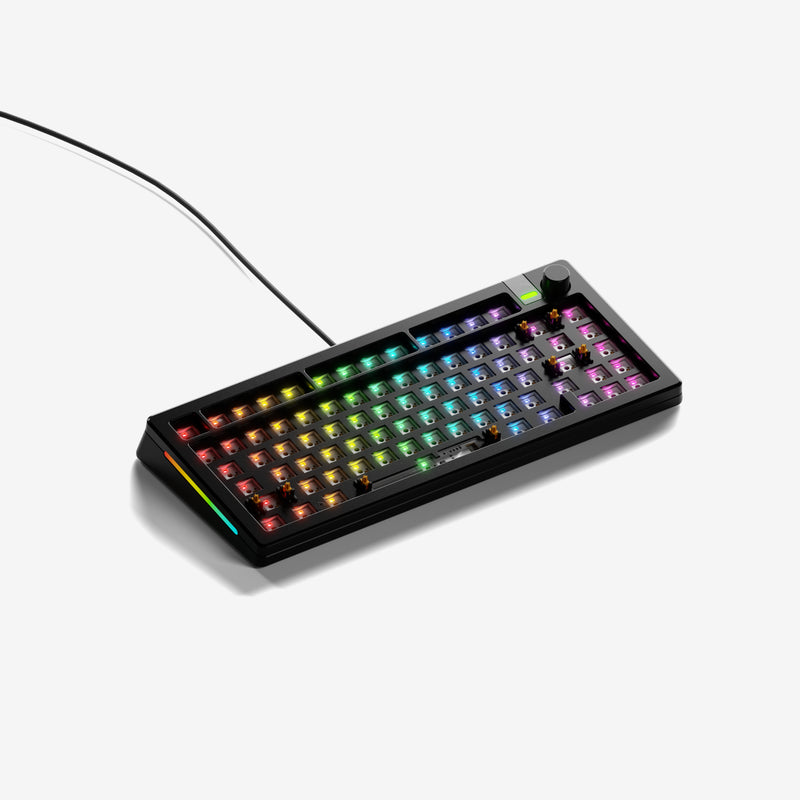
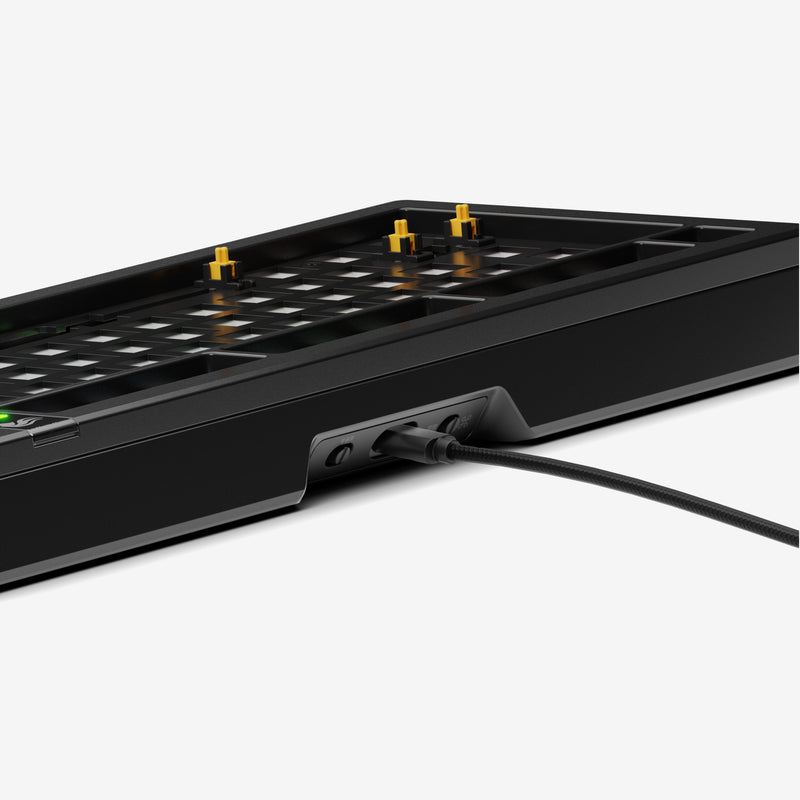
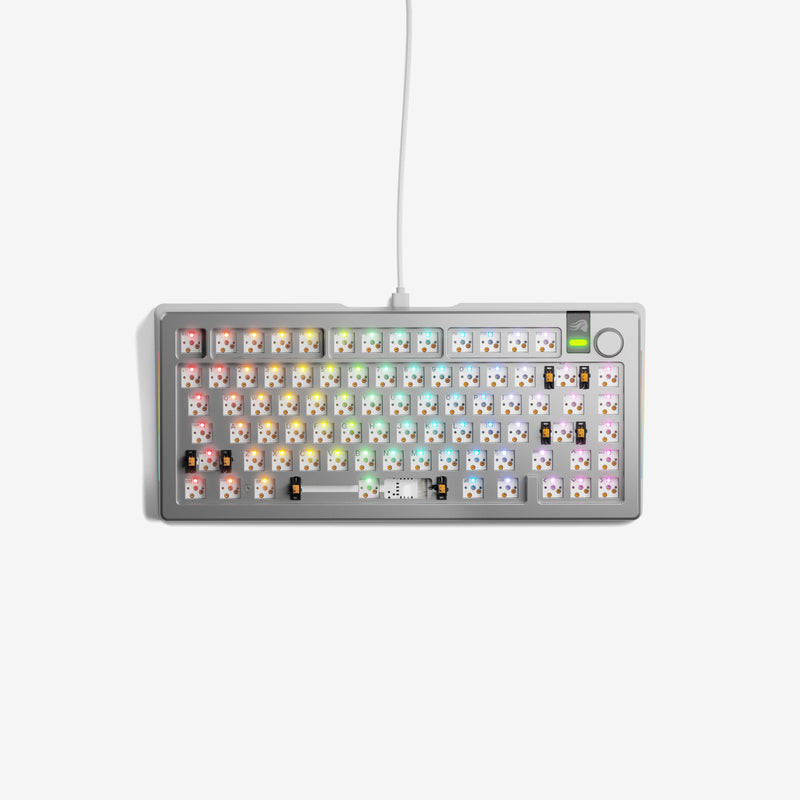
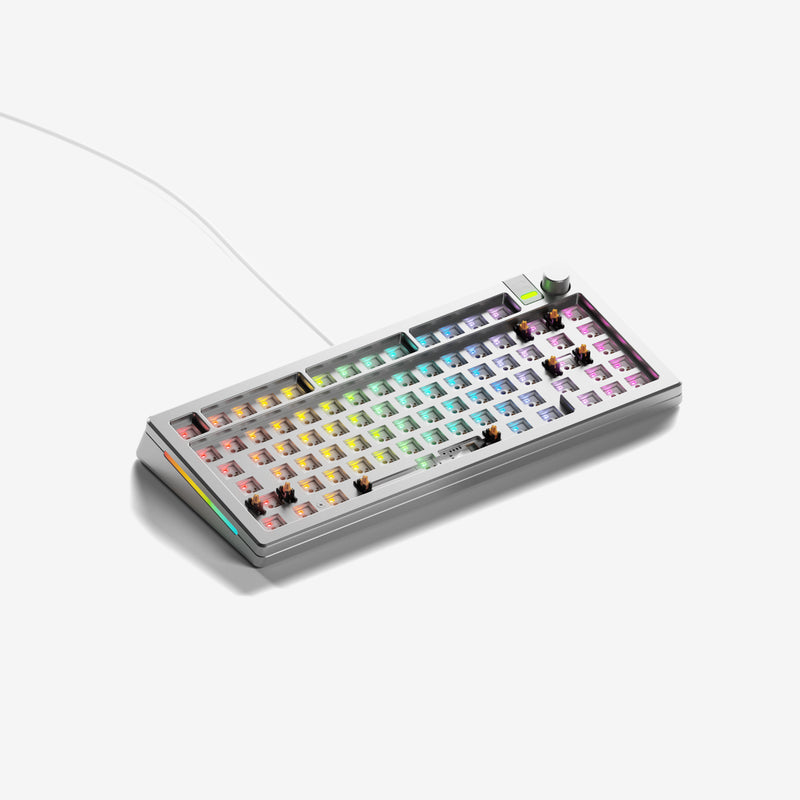
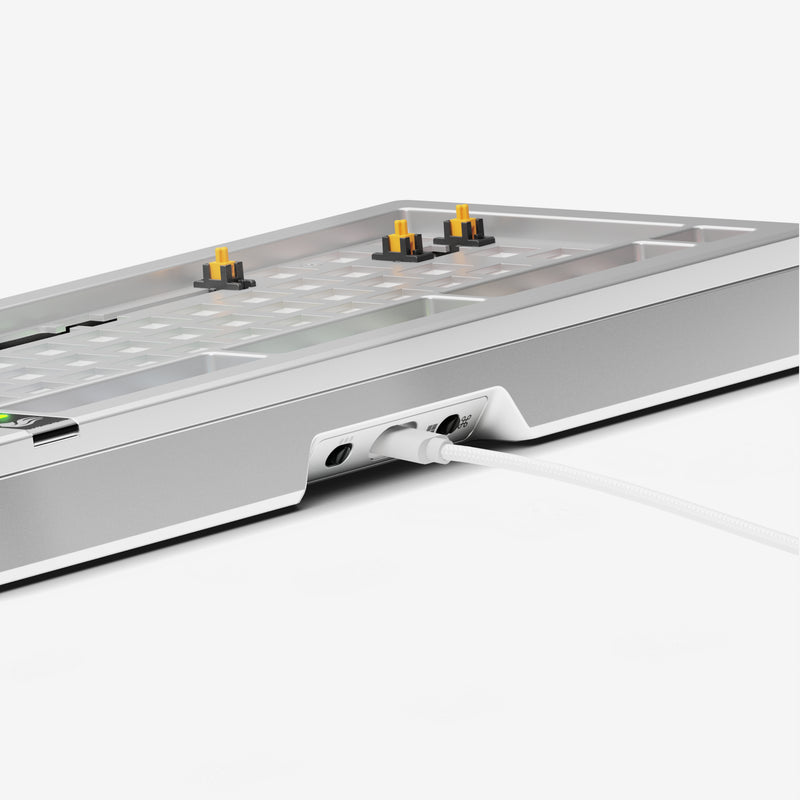
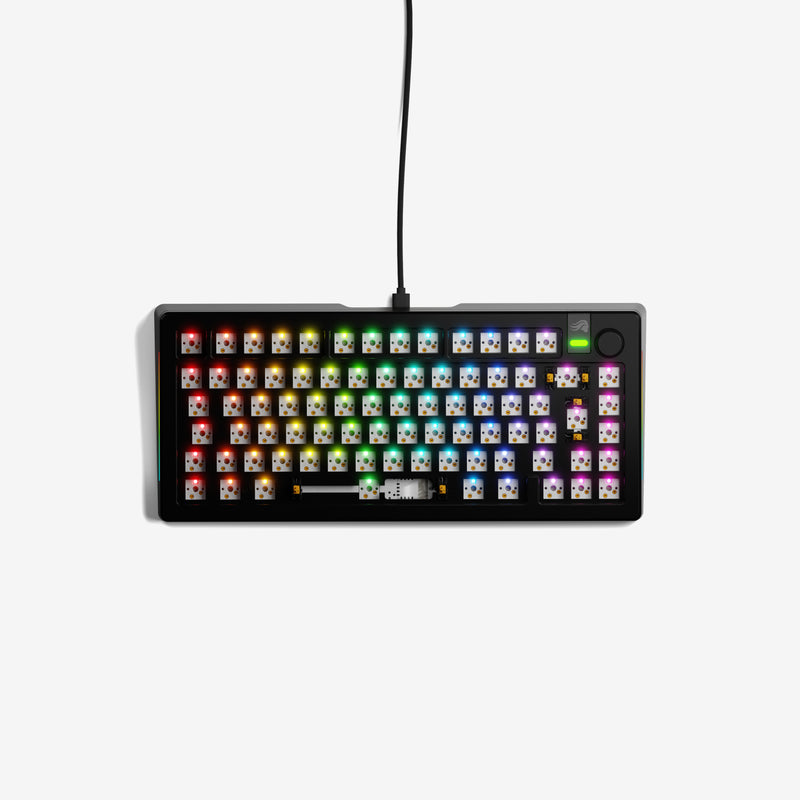
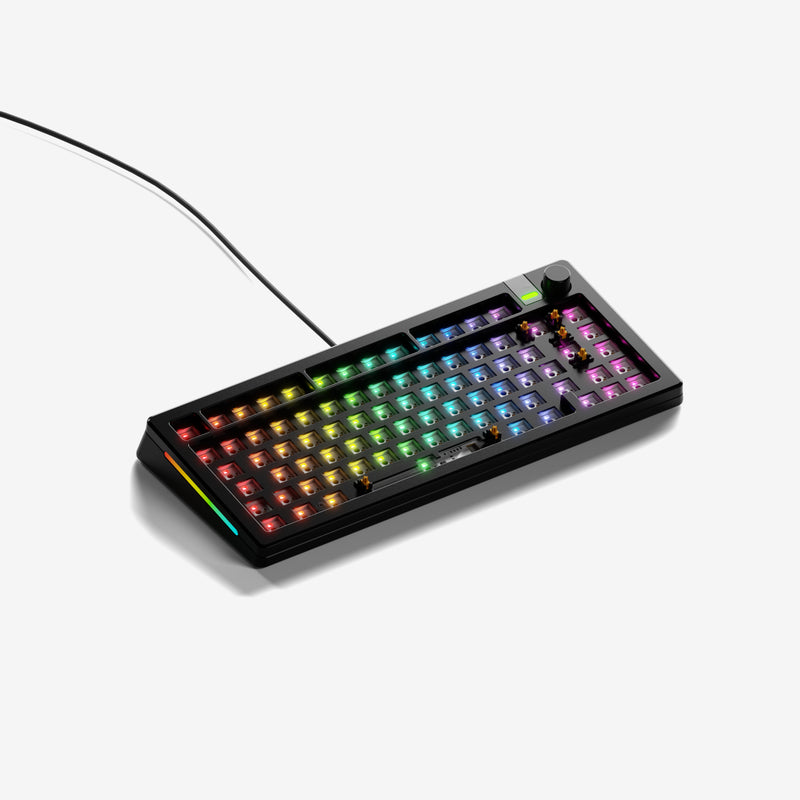
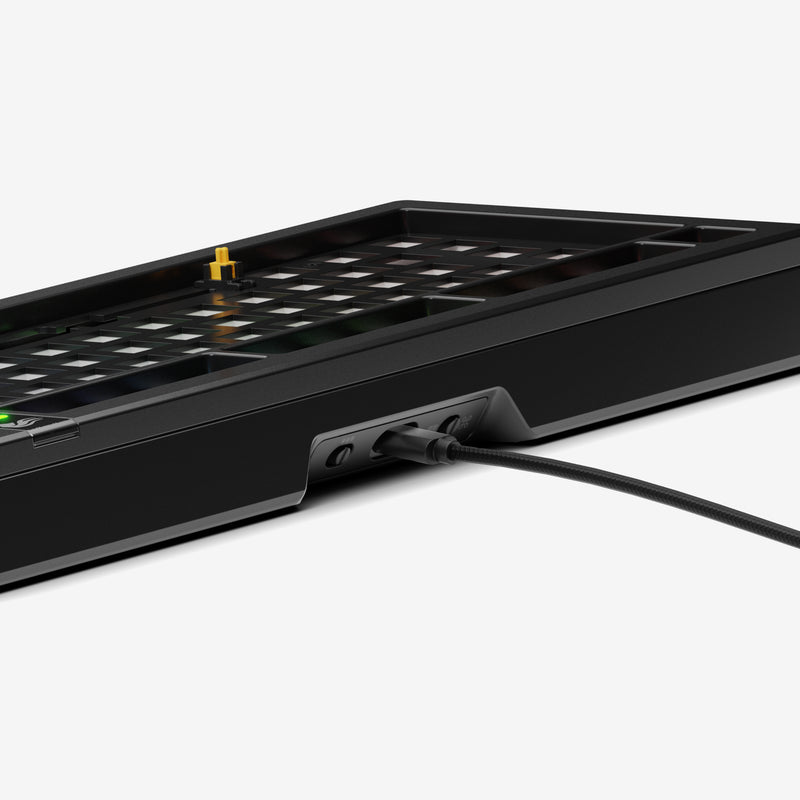
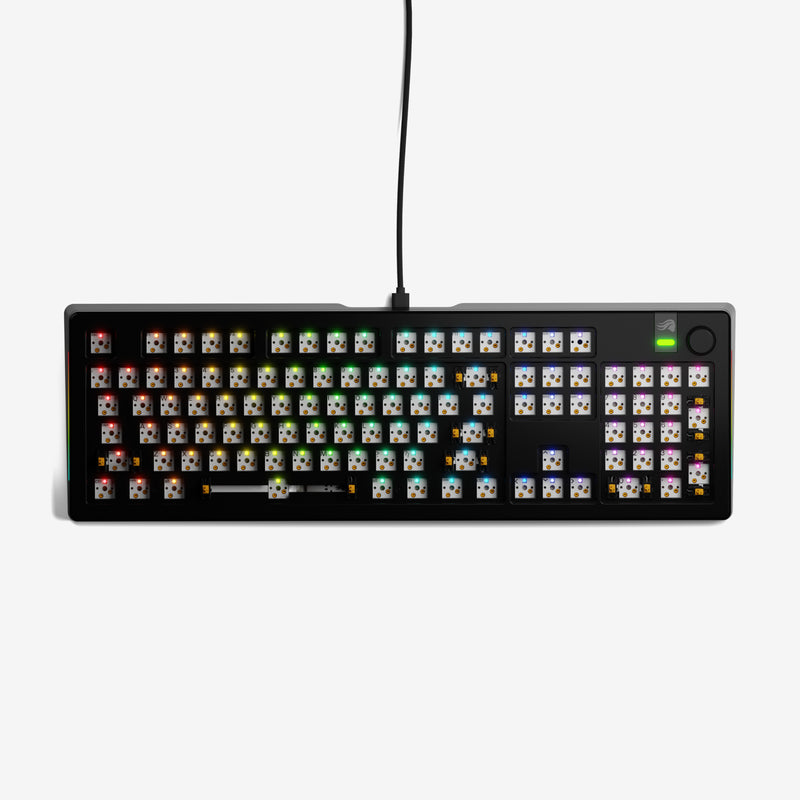
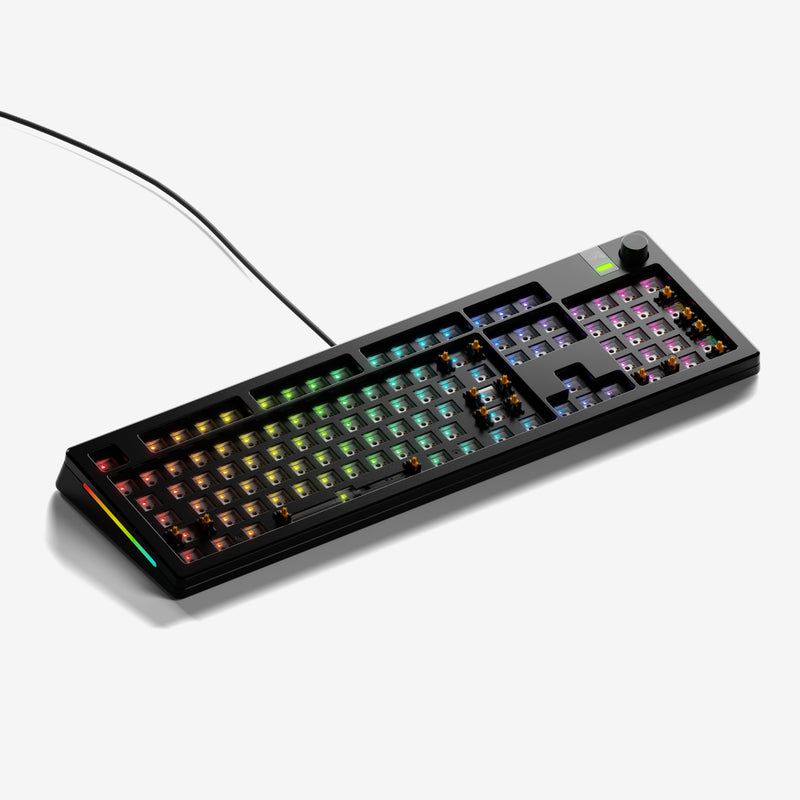
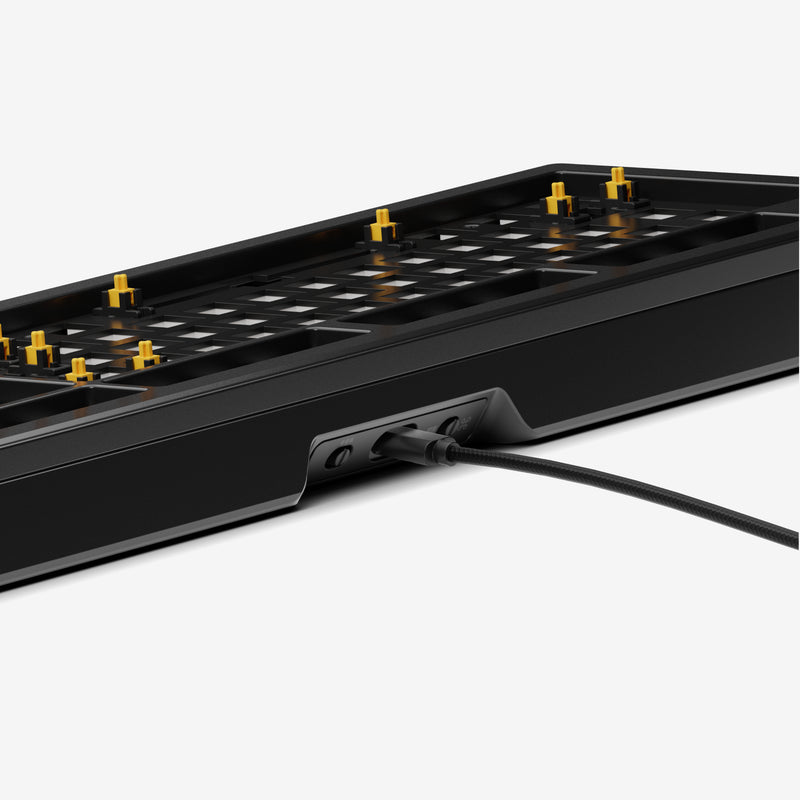
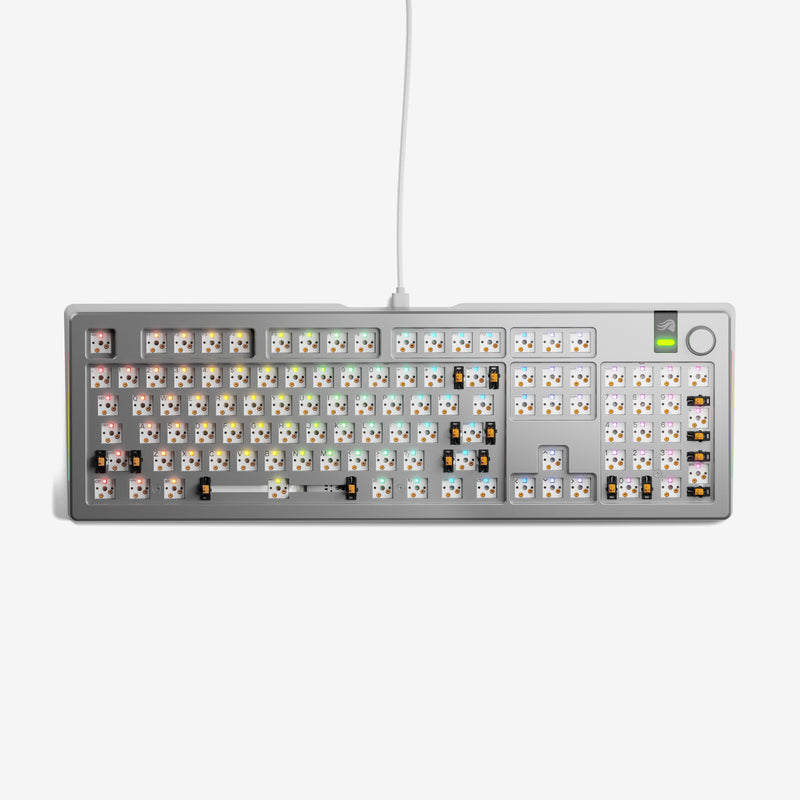
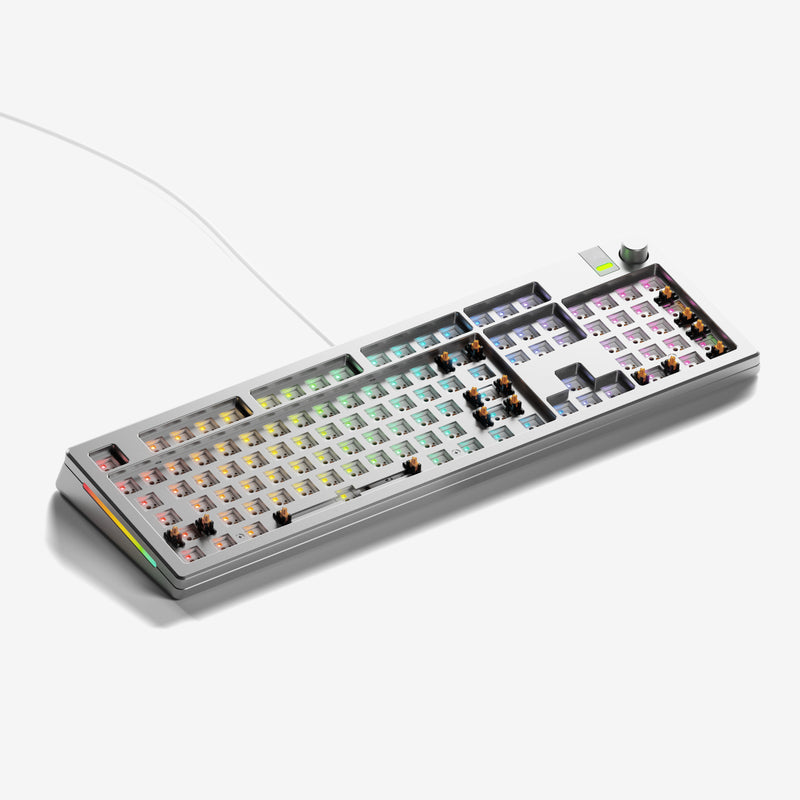
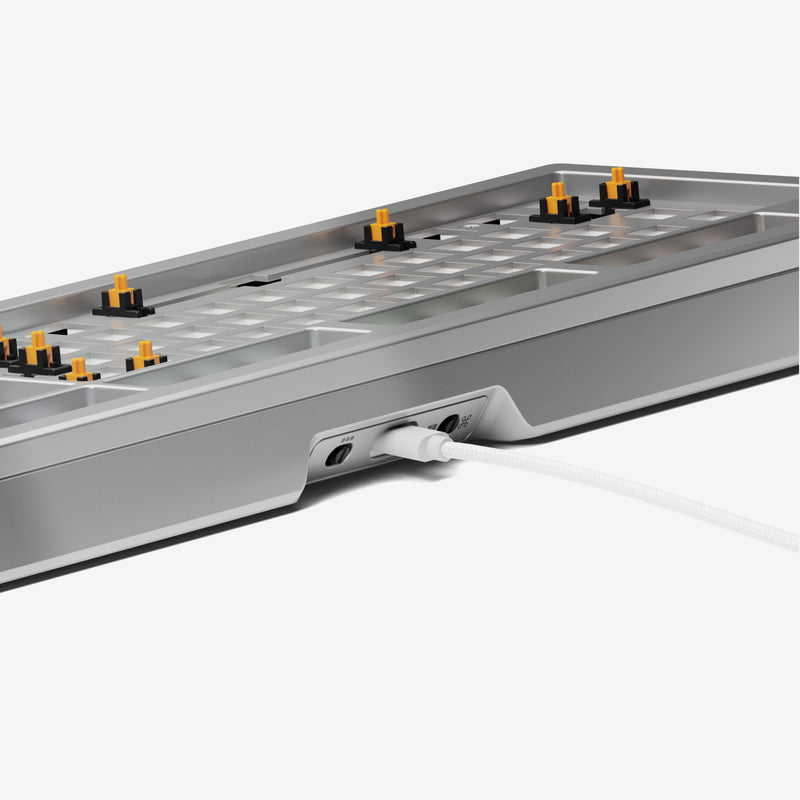
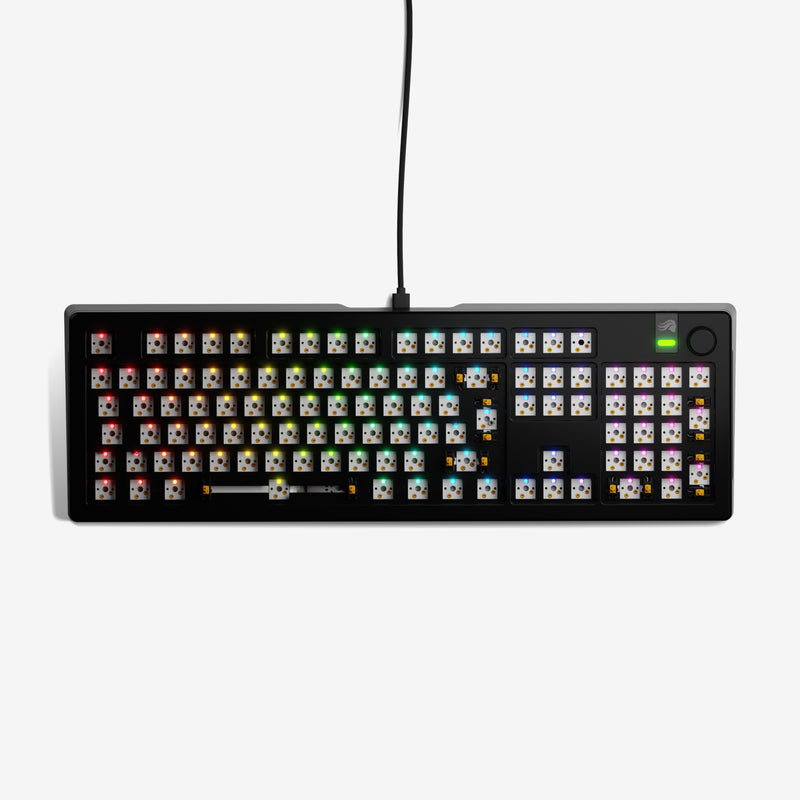
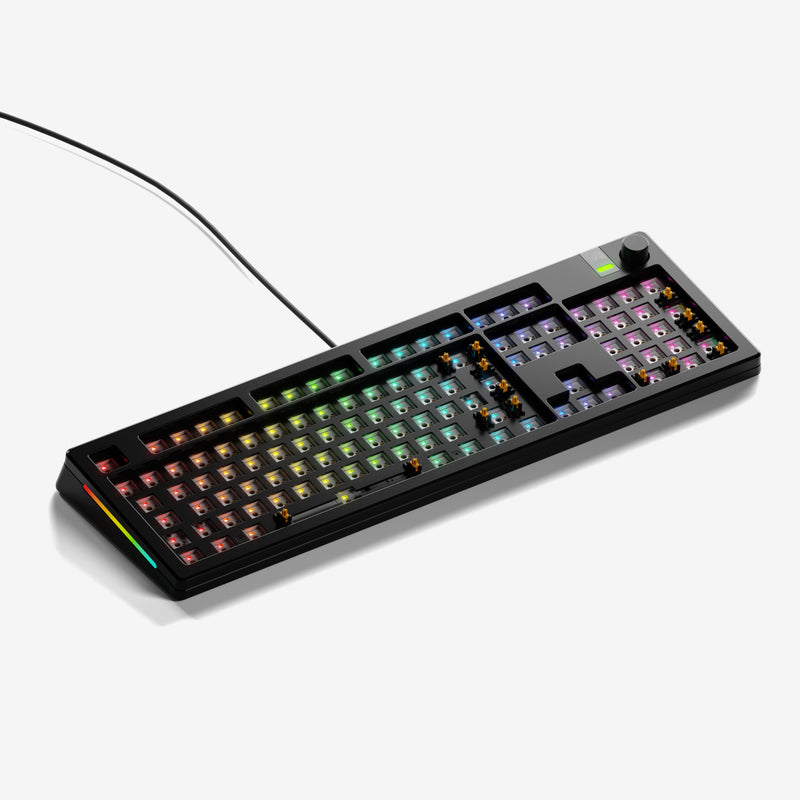
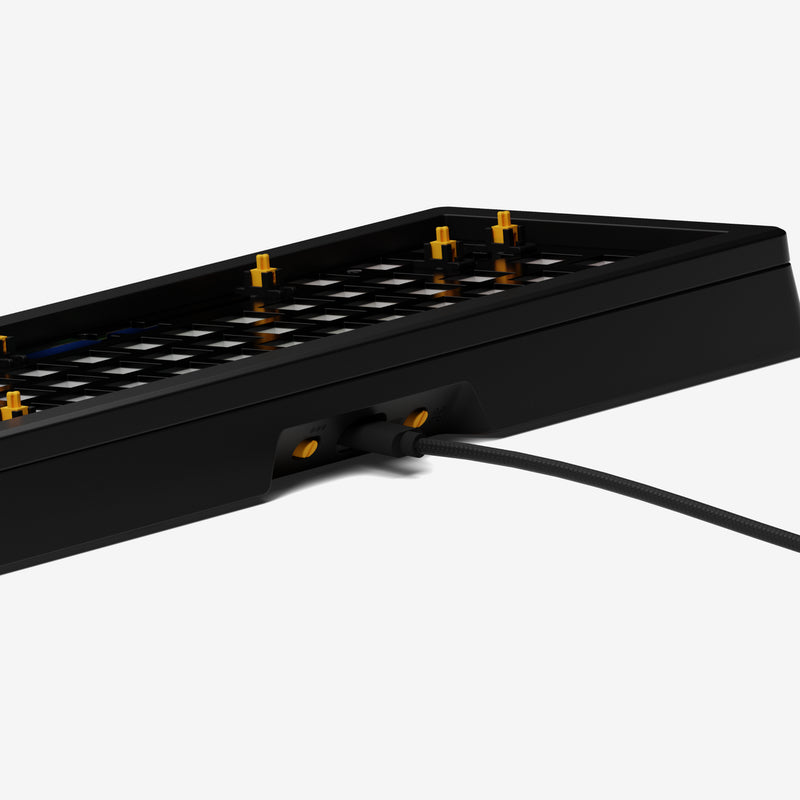
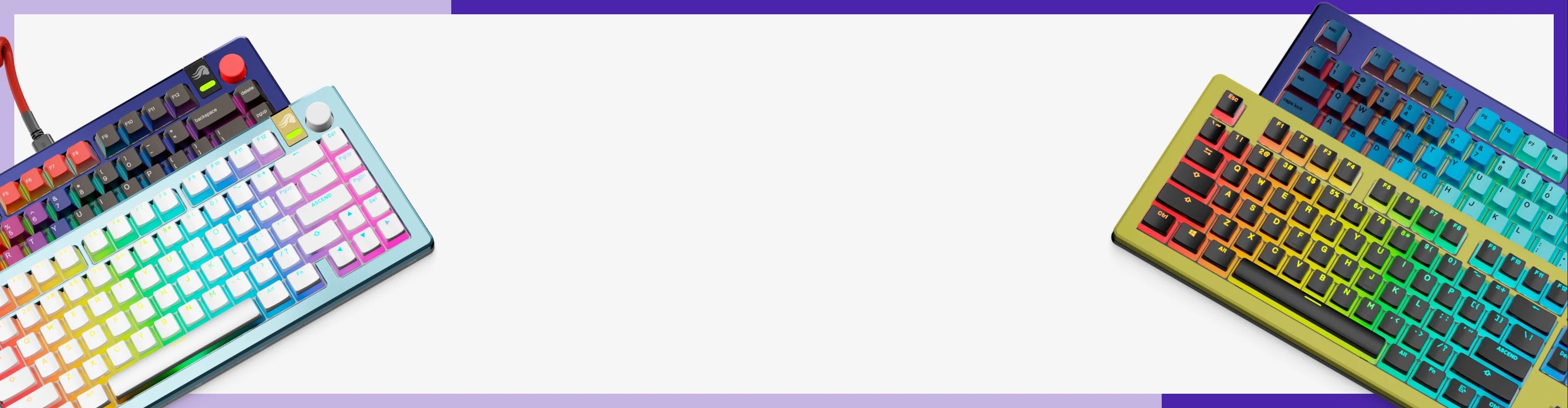
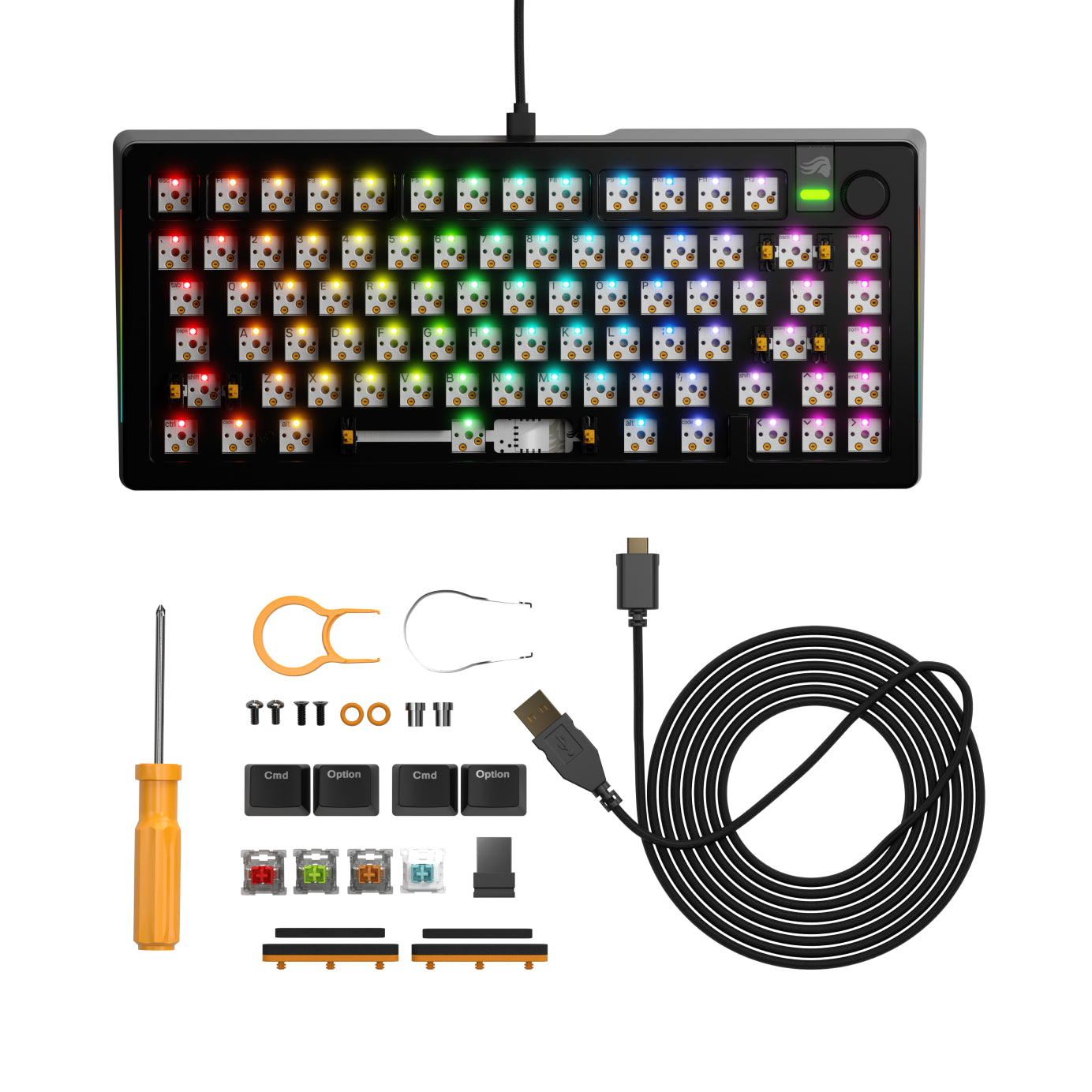
The world’s most customizable gaming keyboard base capable of over 1 billion possible configurations, offering gamers complete control over every aspect of their experience: Gaming performance, typing experience, and aesthetics.


Dimensions
Find everything you need to get the most out of your keyboard.

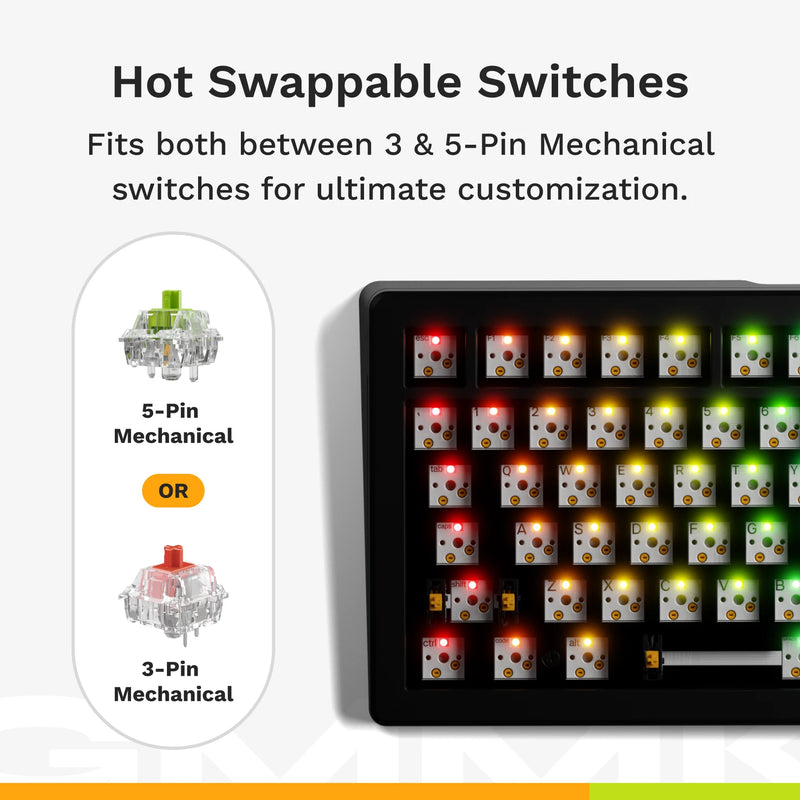
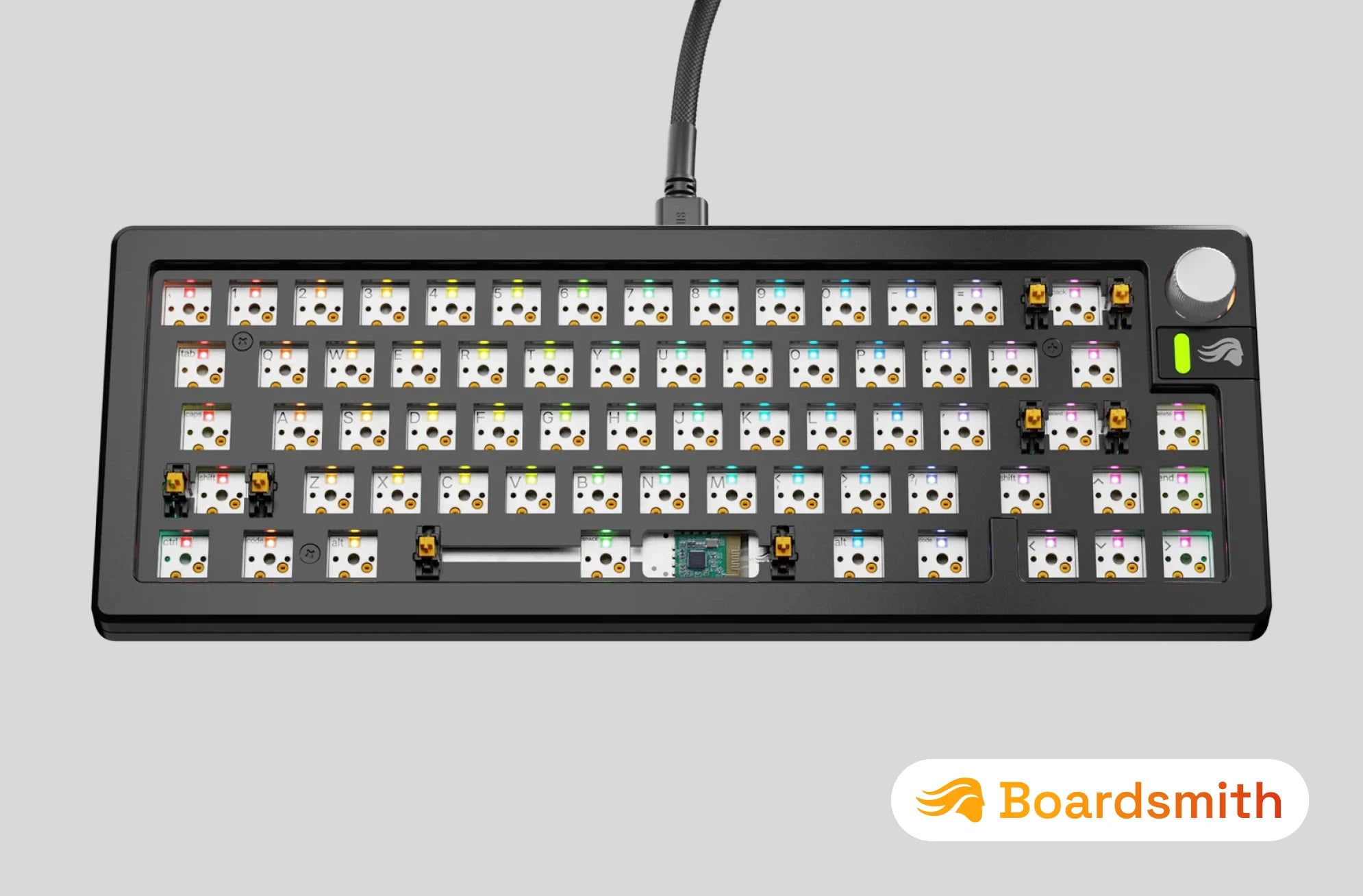
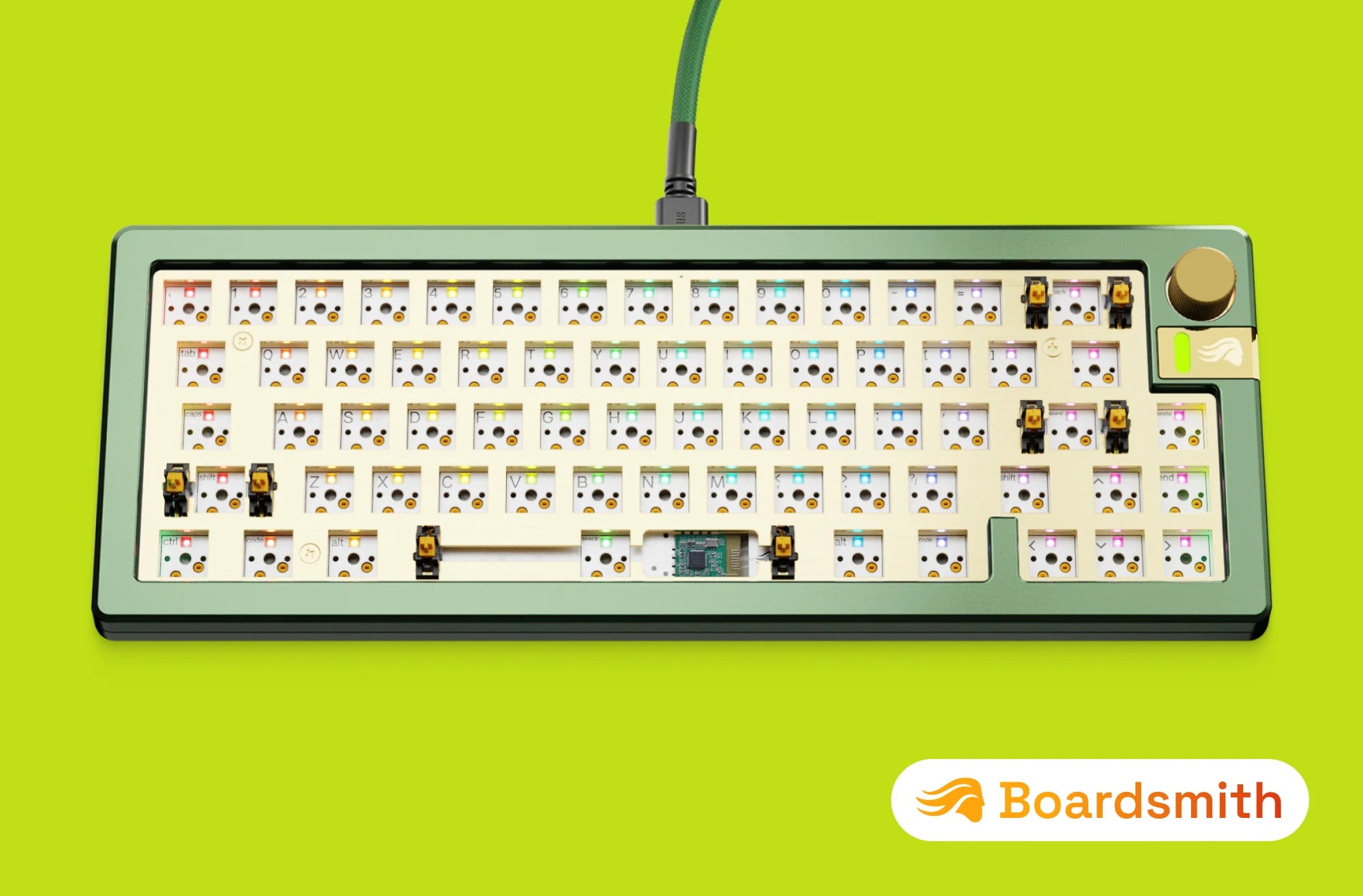
Plug and play with our wide range of Glorious MX switch styles to define your GMMK 3's typing sound and feel, no soldering required.

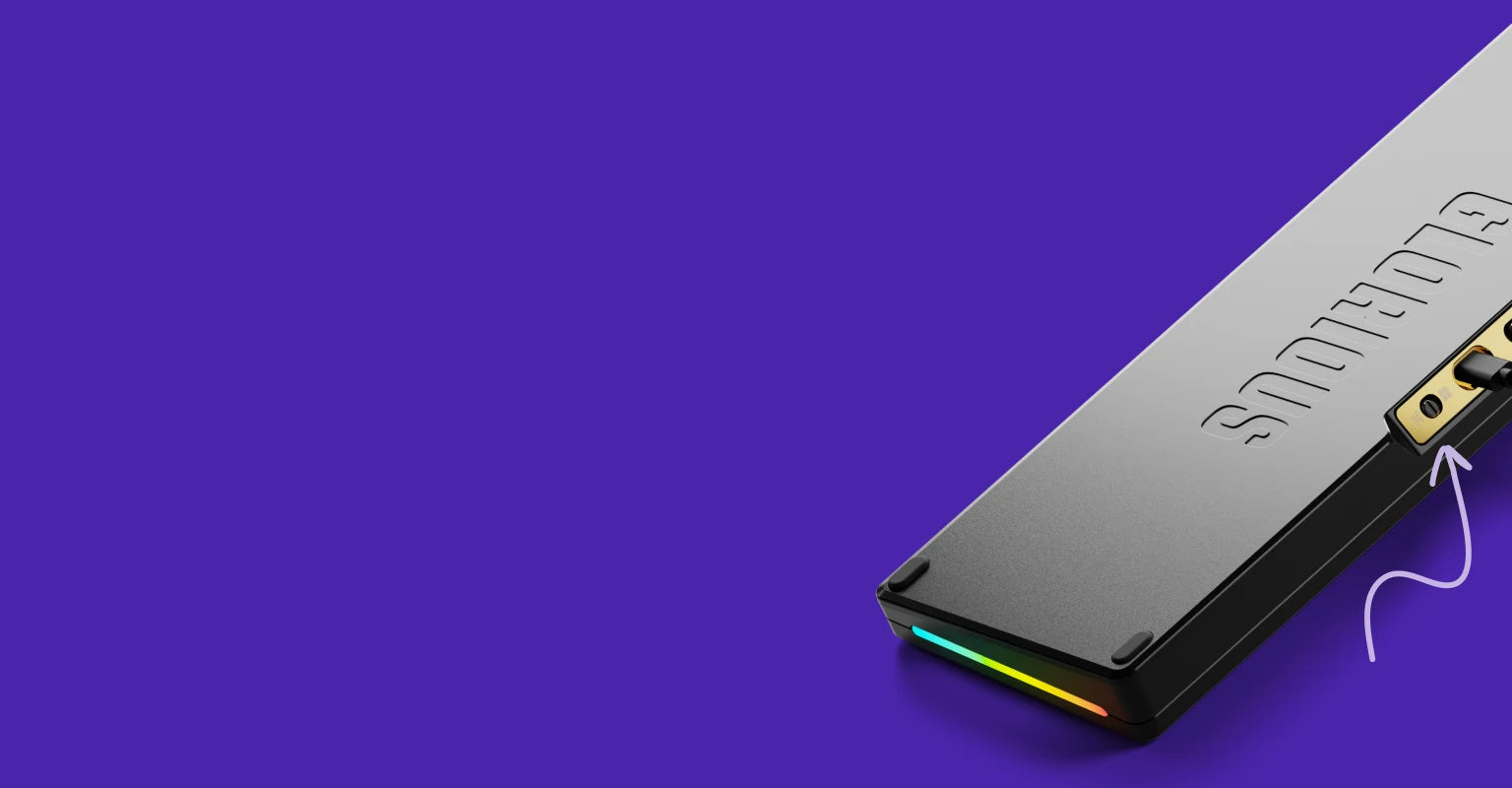
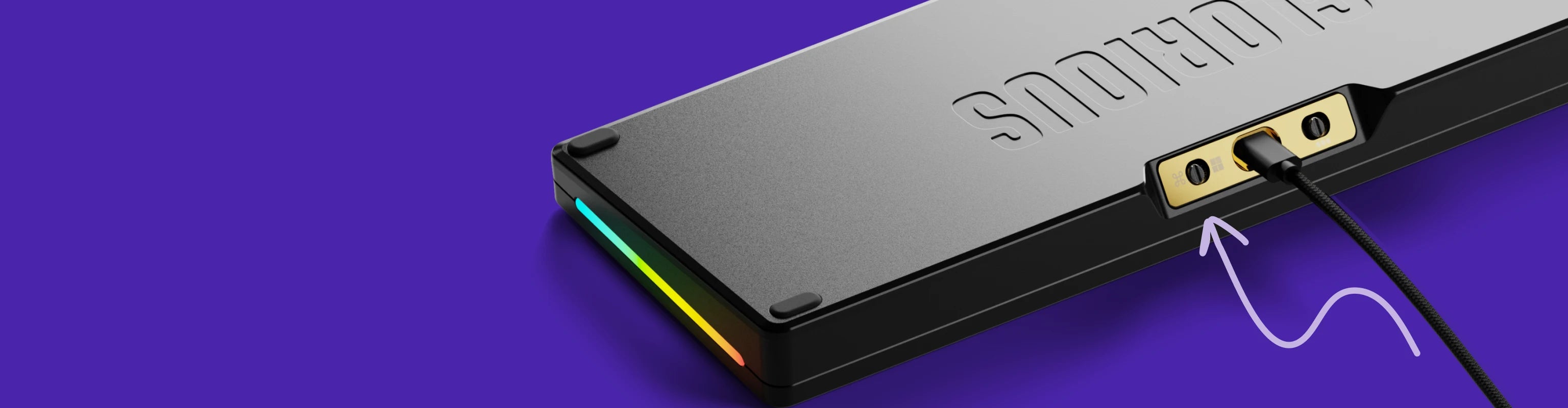
CNC-machined top and bottom cases deliver a premium weight and aesthetic, featuring a sleek anodized finish for enduring durability.

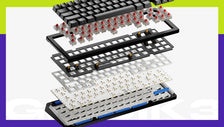
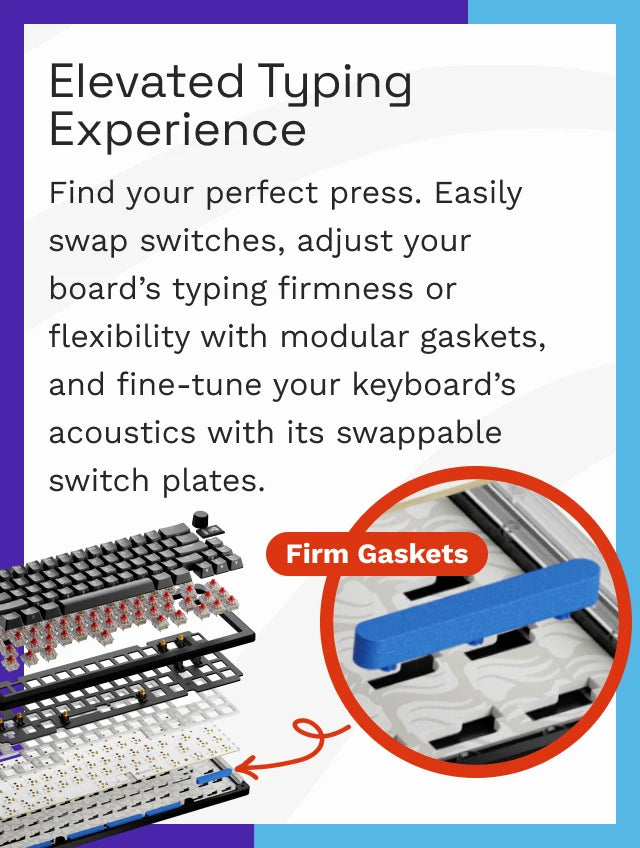
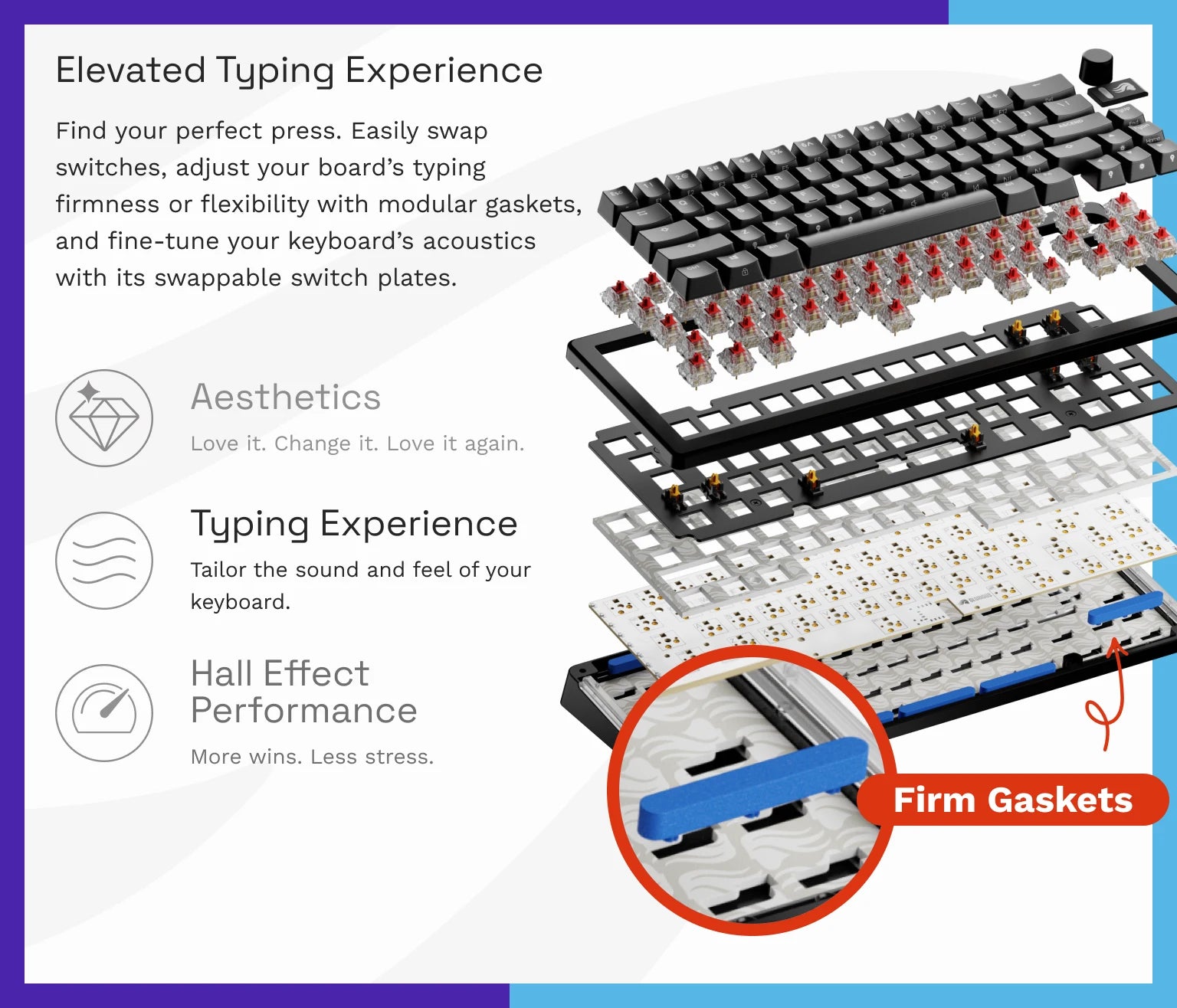
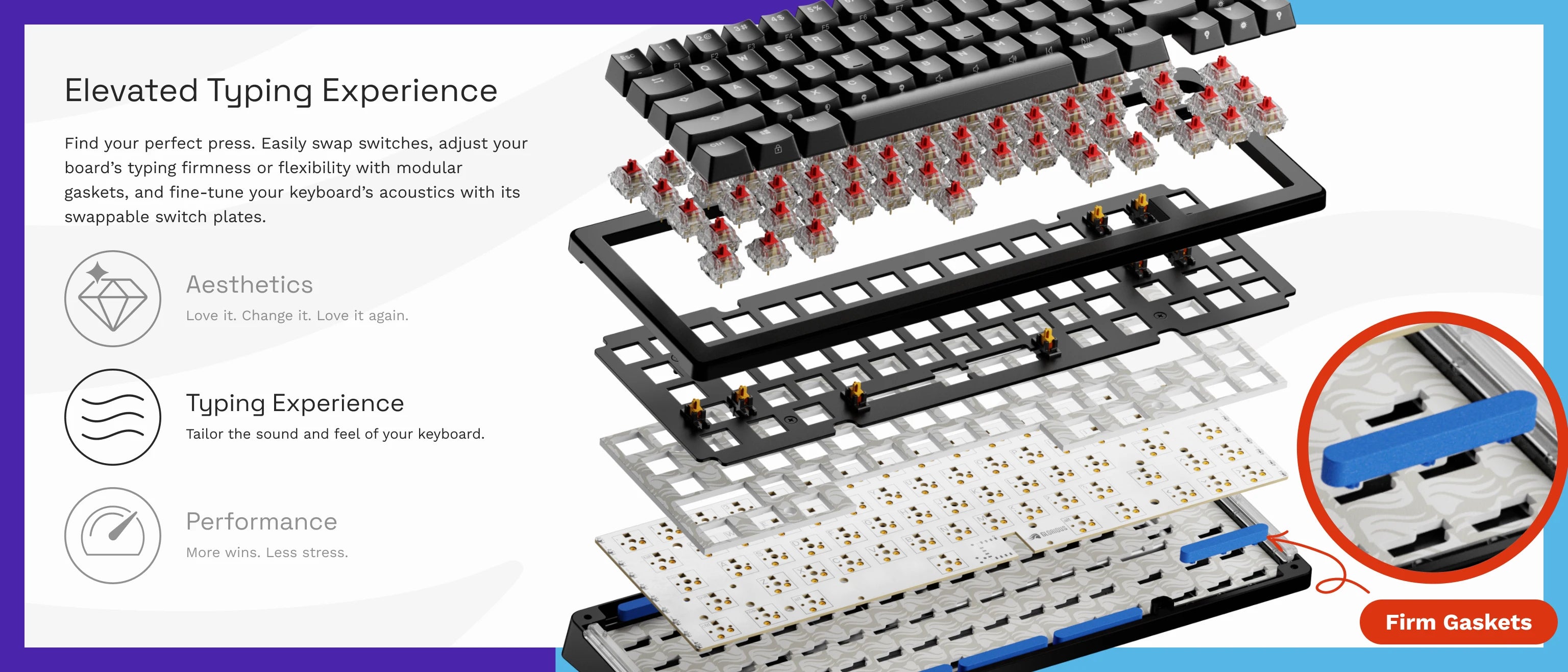
Modular gaskets let you easily customize the firmness or flexibility of your keypresses thanks to its simple, building-block-inspired design.
| Warranty | 2 Years |
|---|---|
| Switch Type | Not Included |
| Hot Swappable | Yes; 3 & 5-pin Mechanical |
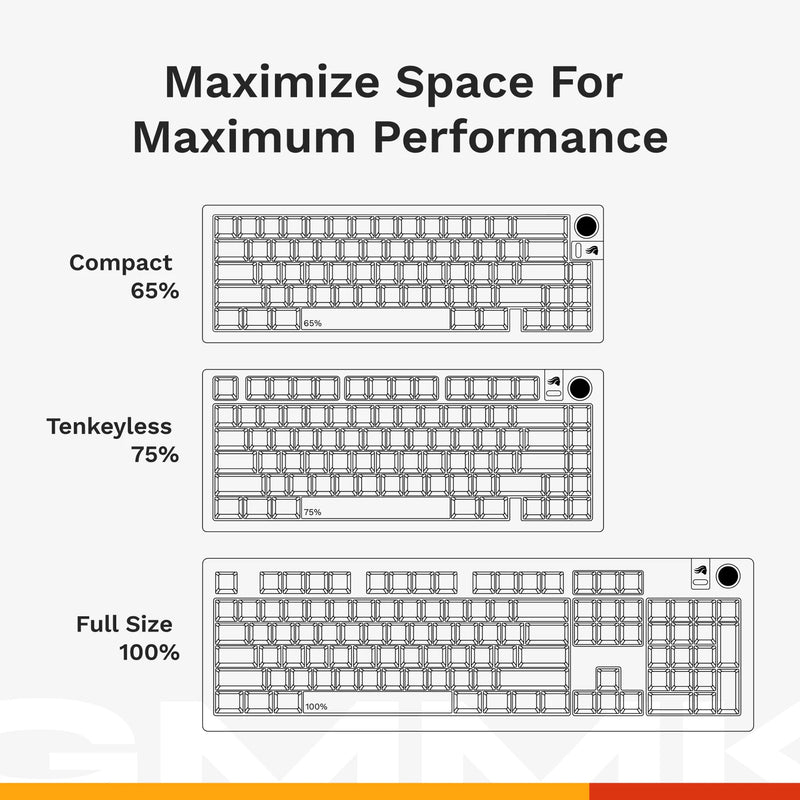
| Size | 65%, 75%, 100% |
| Hall Effect (Rapid Trigger) | No |
| Connectivity | Wired |
| Lighting | 3 Zones: Per-key Backlighting, Side Lights, Badge |
| Colors | Black; Silver |
| Case Material | CNC Aluminum |
| Keycap Material | Not Included |
| Software | Glorious CORE |
| Max Polling Rate | 1,000 Hz |
| OS Support | Windows, macOS, Linux |
| On-Board Memory Profiles | 3 |
| Mounting Style | Gasket |
| QMK Support | No |
| Knob Support | Yes |
| Battery Life | None |

GMMK 3 Ecosystem
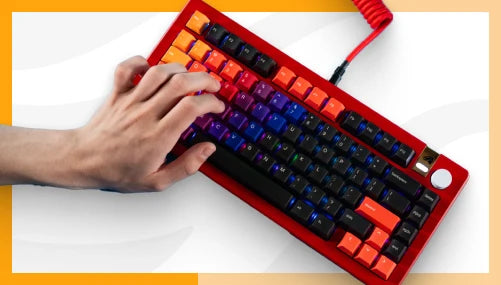
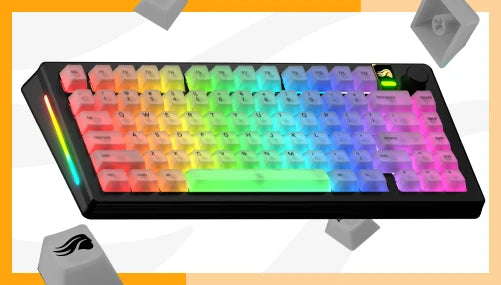
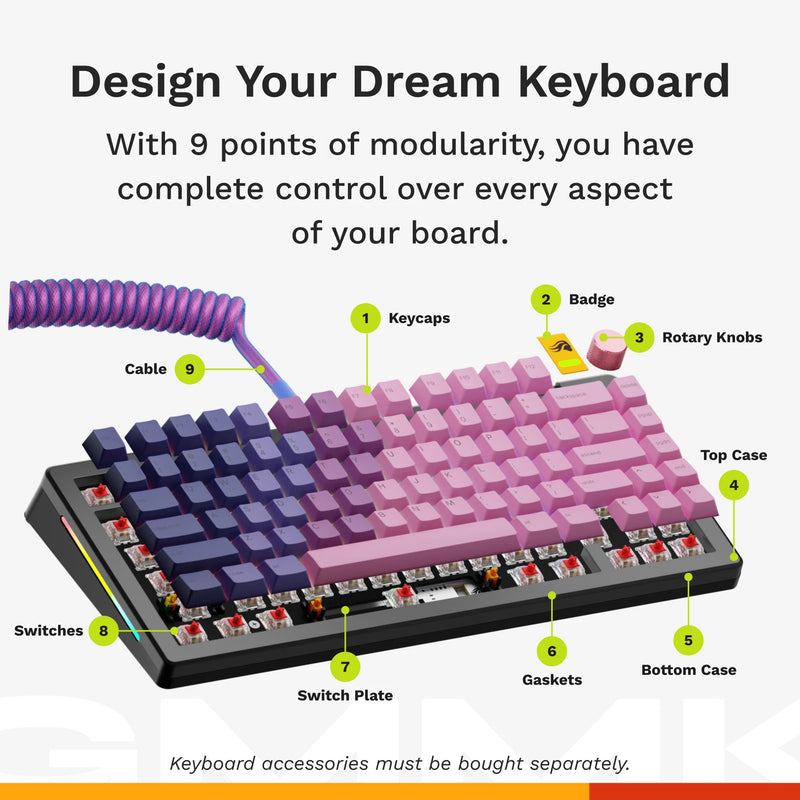
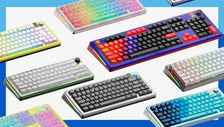
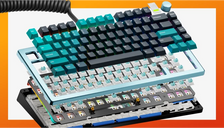
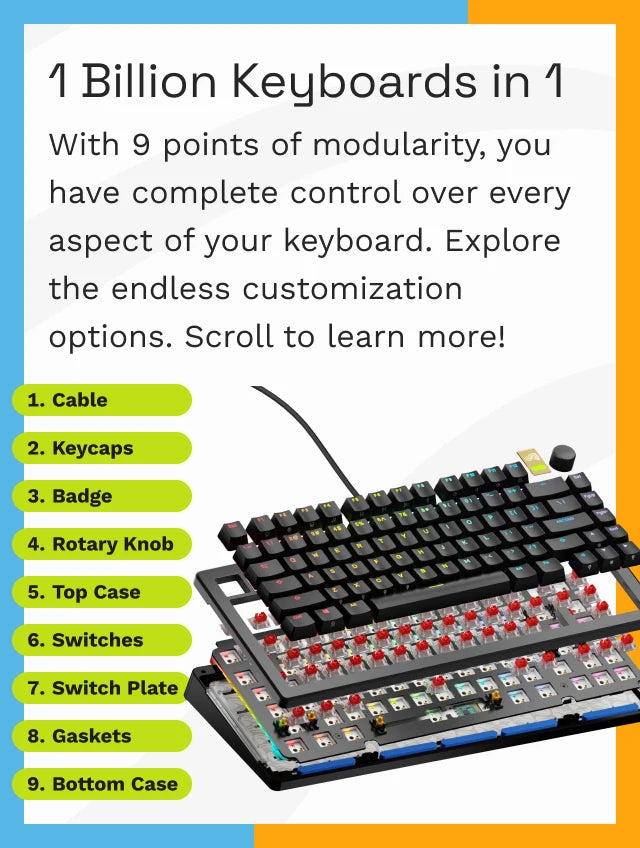
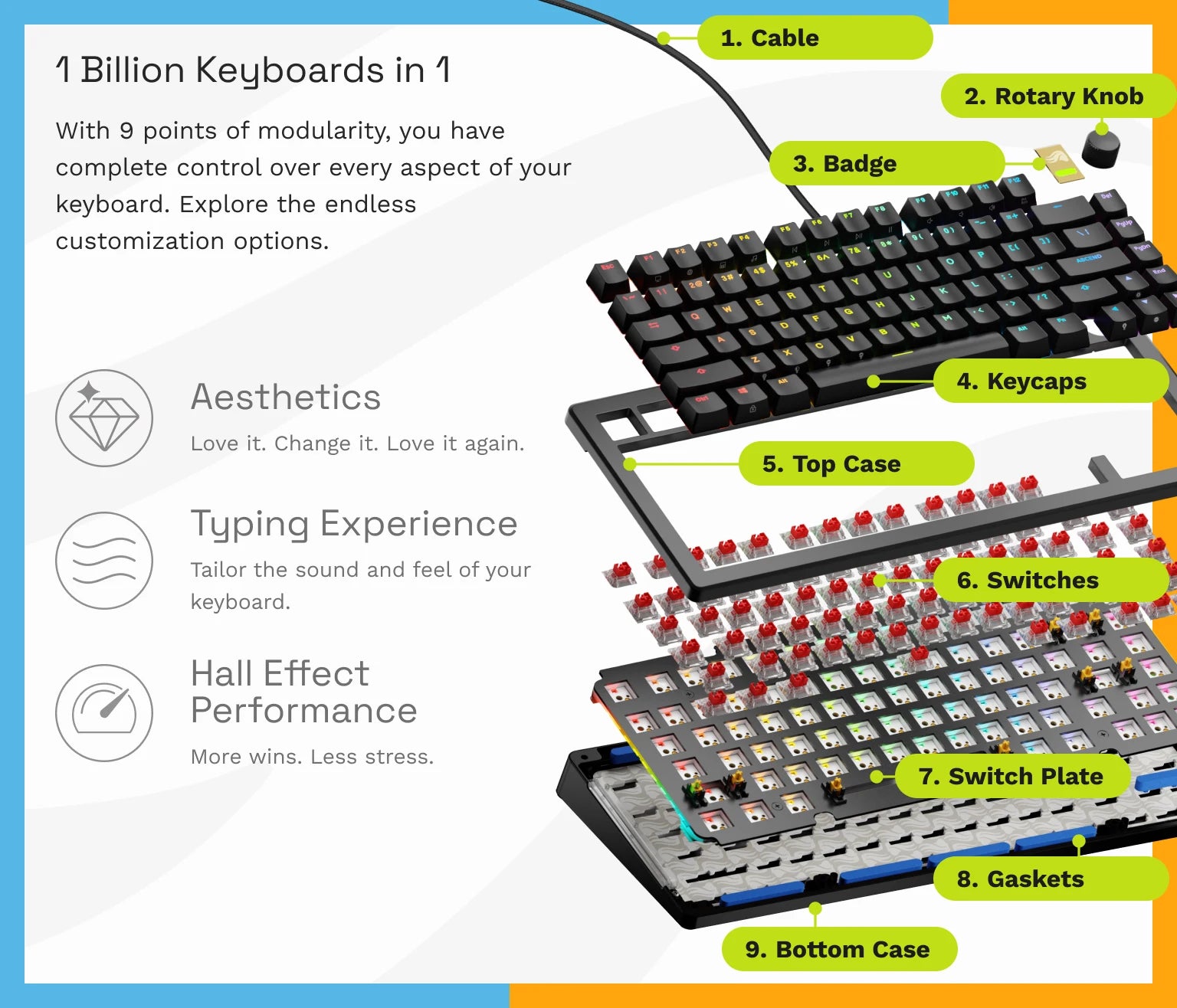
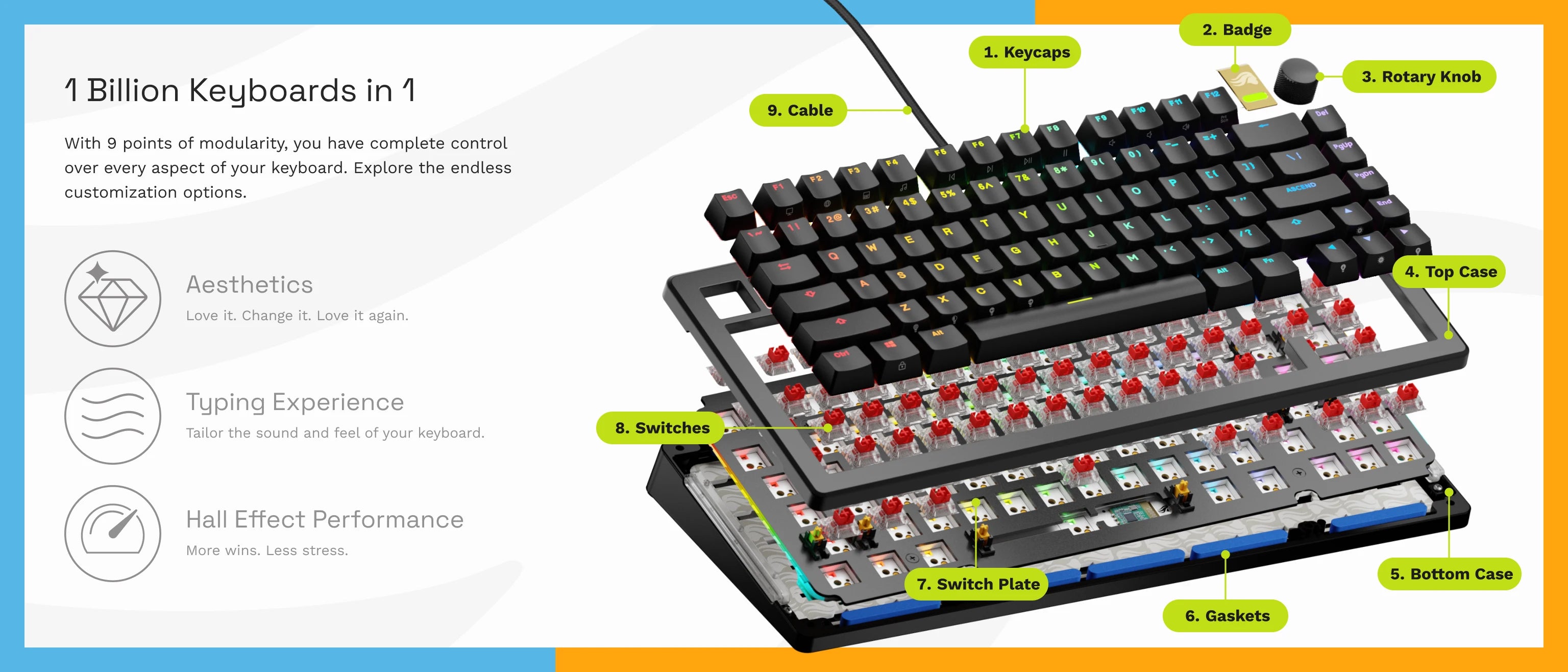
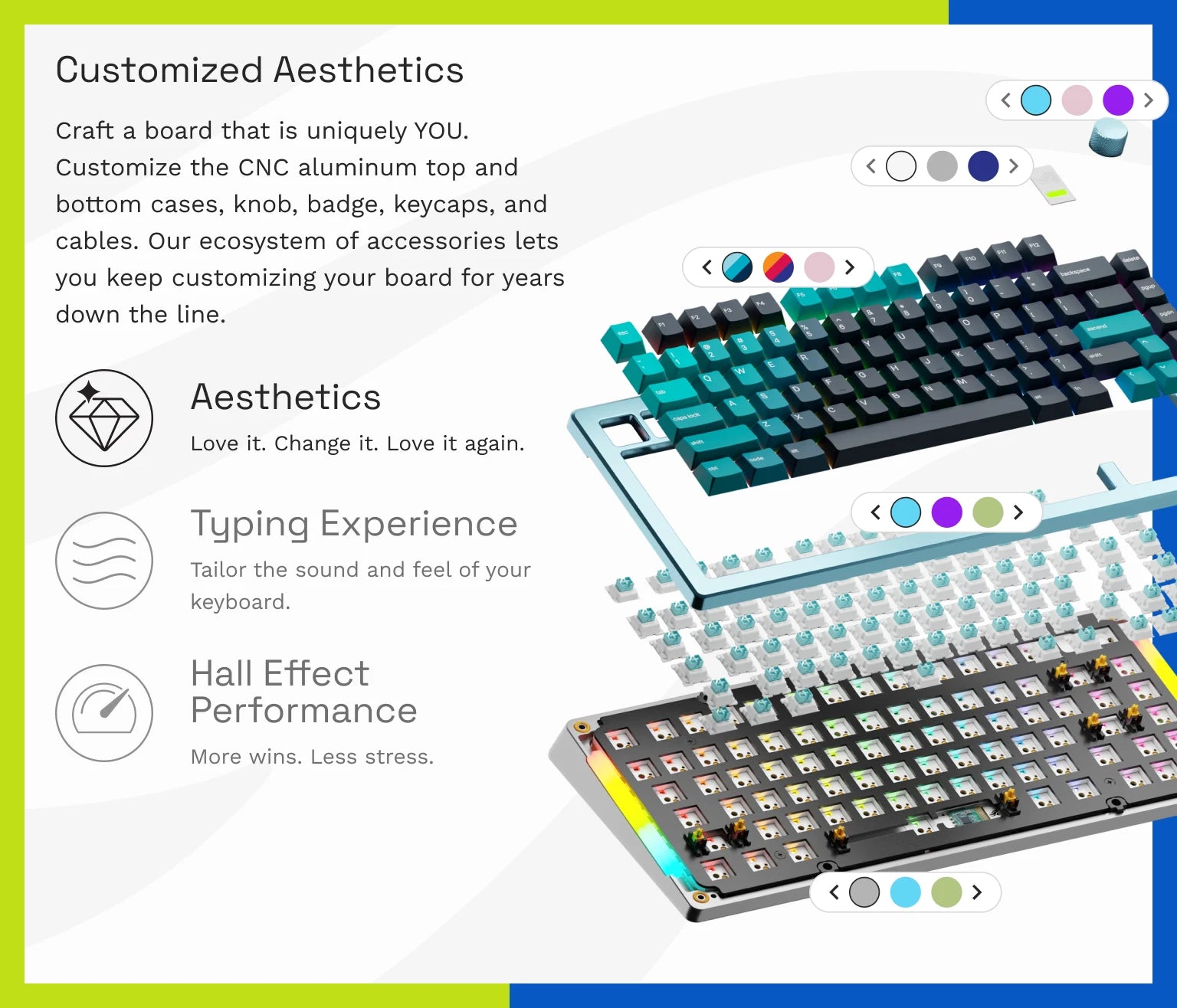
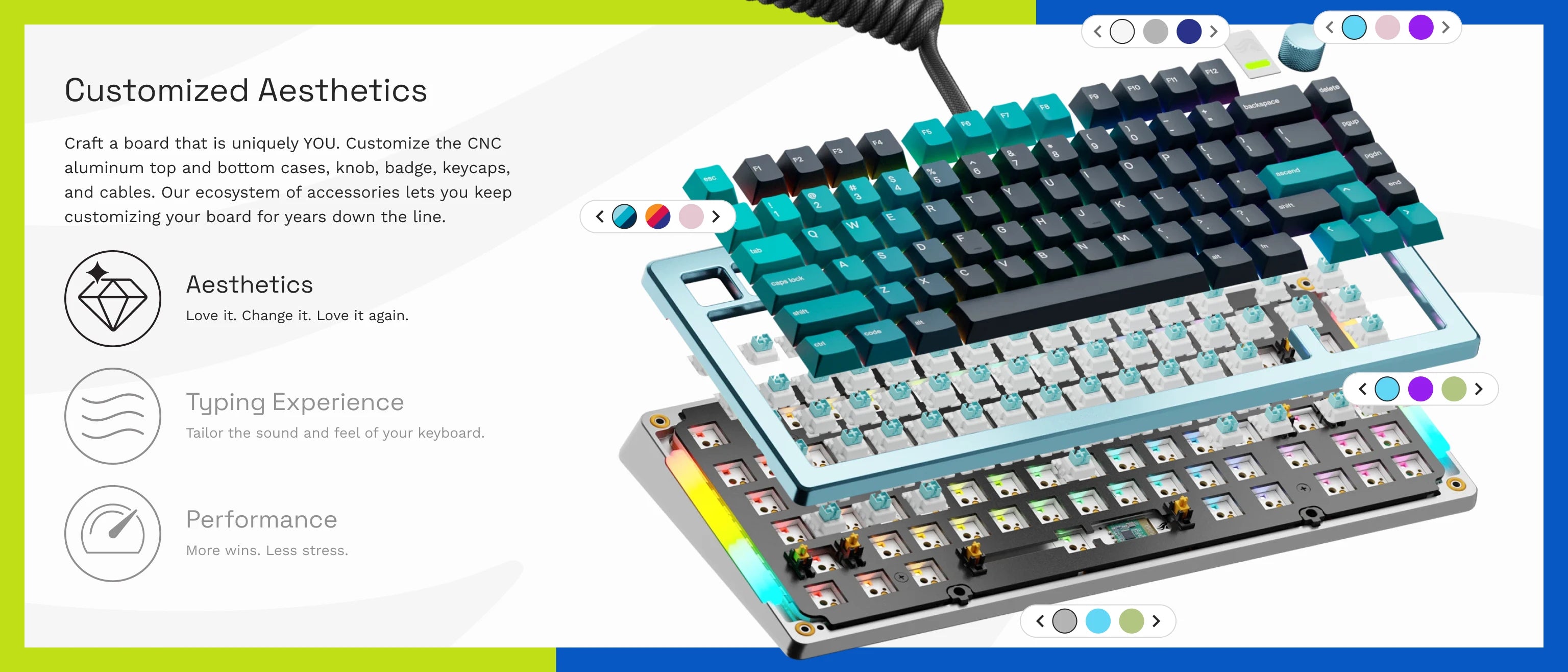
With 9 points of modularity, you can endlessly customize your board exactly how you want it. No matter how many times you change your mind.
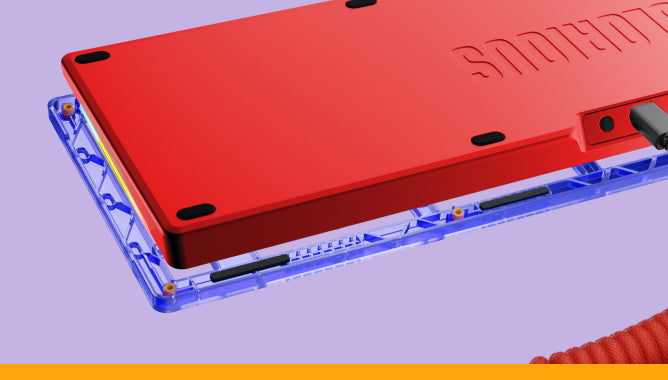
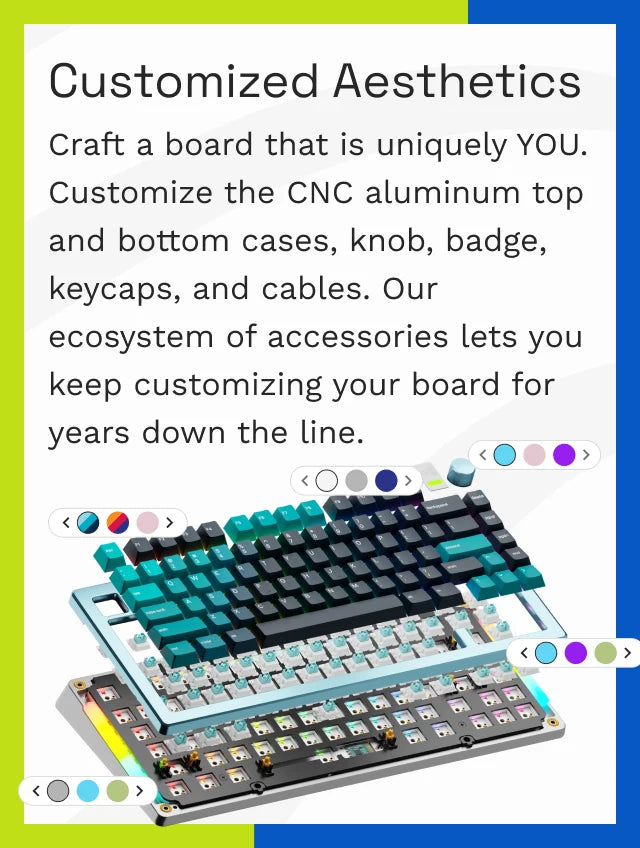
Keep it sleek with a cohesive solid colorway, or make it your own by choosing your two favorite colors.
Explore Top & Bottom Cases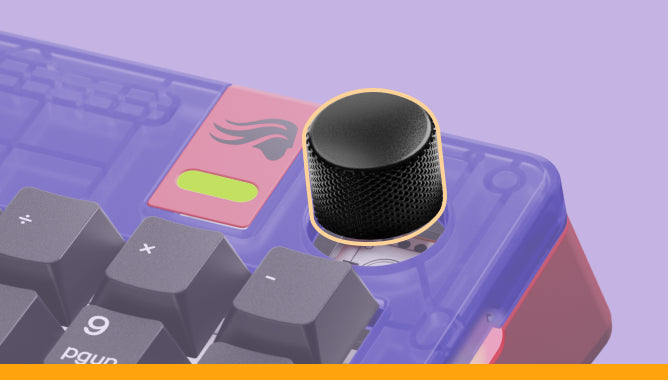
Choose your favorite color to match your GMMK 3’s look. Then, customize the knob’s function with CORE 2.1 to adjust music, media playback, and more.
Explore Rotary Knobs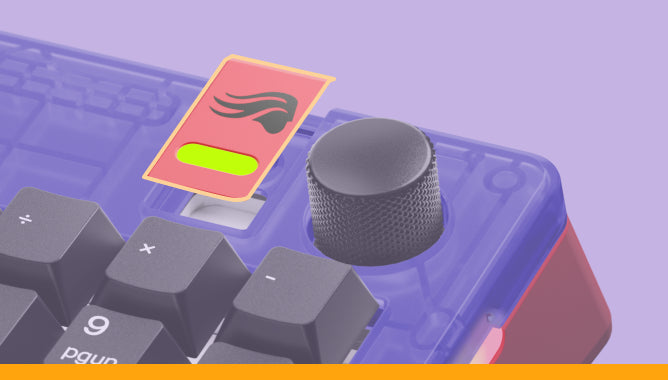
Form meets function with the RGB accent badge. Available in various materials and colors, and are easily swappable in a matter of seconds.
Explore Badges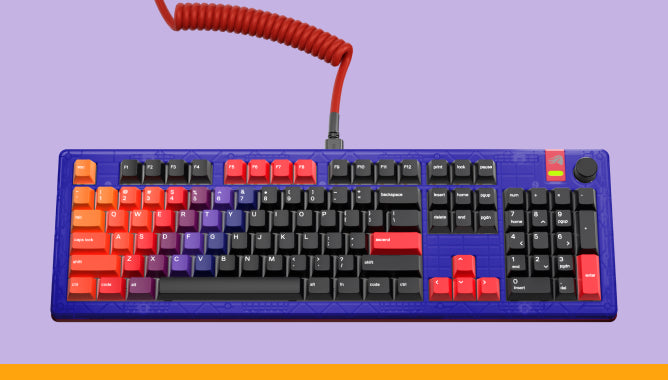
Though standard braided cables get the job done, coiled cables bring a more vibrant, personalized look that perfectly compliments your setup.
Explore CablesThis is hands down the best keyboard I have ever seen, tested, used, and owned.

The GMMK 3 HE oozes quality, feels absolutely joyful to type on and is certainly a premium product that I'd recommend.

The feature set here on the new GMMK 3 with the hall effect model is very impressive

The best thing about the Glorious GMMK 3 is that it can be whatever you want it to be.

Glorious Boardsmith is the custom keyboard equivalent of an RPG character creator, watching your baby come to life.

This is hands down the best keyboard I have ever seen, tested, used, and owned.
The GMMK 3 HE oozes quality, feels absolutely joyful to type on and is certainly a premium product that I'd recommend.
The feature set here on the new GMMK 3 with the hall effect model is very impressive
The best thing about the Glorious GMMK 3 is that it can be whatever you want it to be.
Glorious Boardsmith is the custom keyboard equivalent of an RPG character creator, watching your baby come to life.
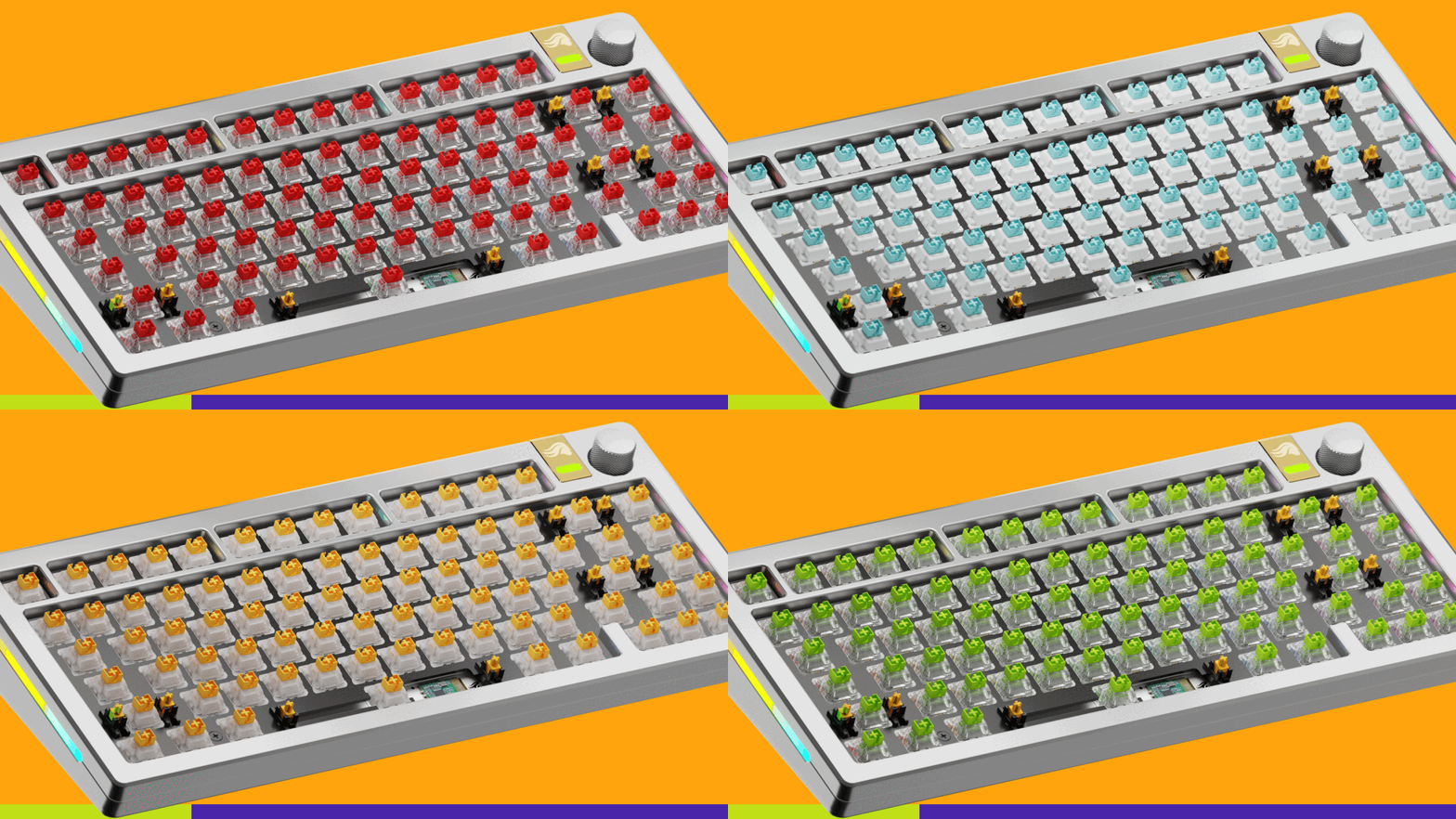
The GMMK 3 PRO HE Barebones is hot swappable so you can easily pair it with any Glorious HE or MX switches, or add your own 3 or 5-pin mechanical switches.
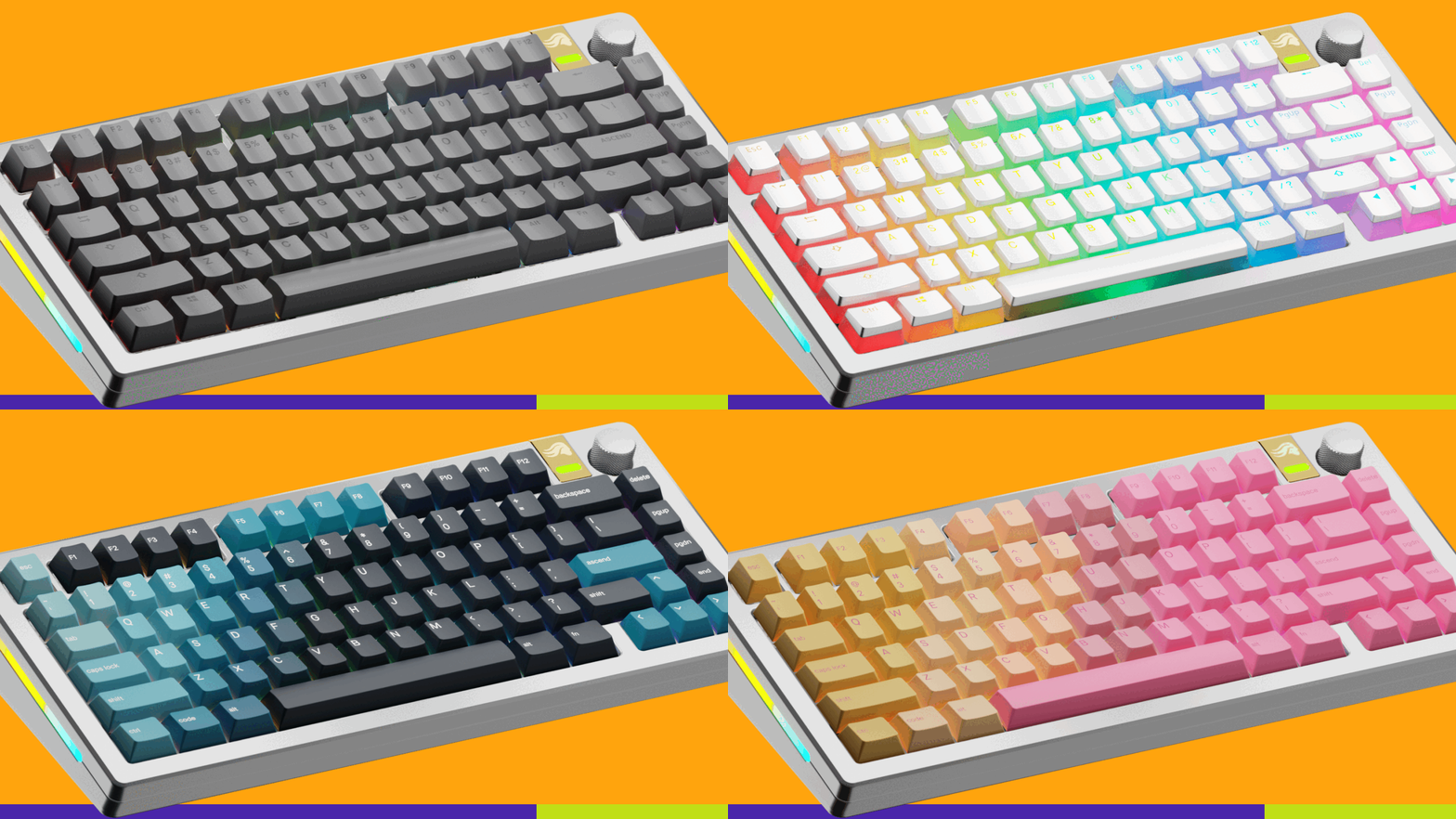
Express yourself with keycaps that perfectly match your style. Looking for inspiration? Check out our GPBT Keycap Collection.
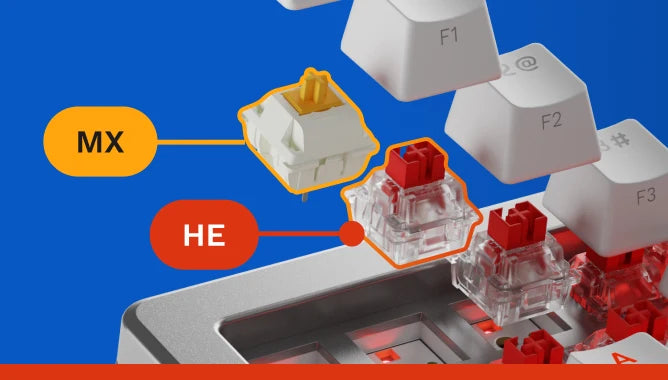
Switches define the sound and feel of your board. Pick your preferred switch tactility, acoustics, and resistance - then easily swap them out when you want to switch it up!
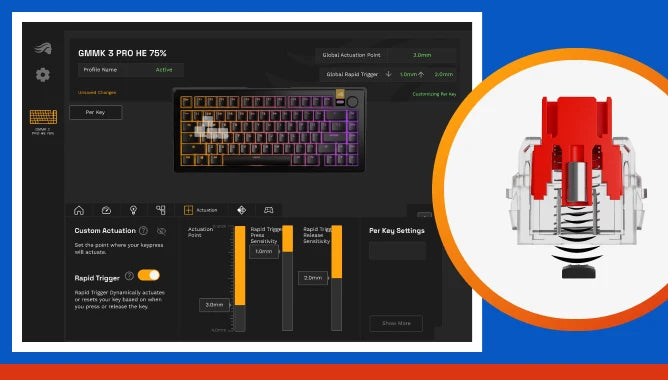
Every single key has full Hall Effect functionality, unlike competing keyboards with a limited selection. And no, we didn't skip the F row!
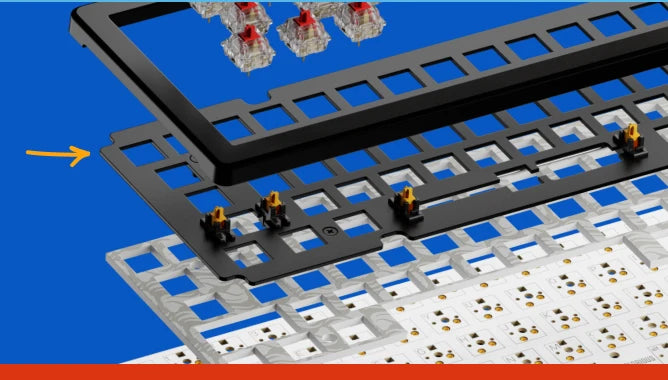
The included aluminum switch plate balances firm yet flexible typing with a neutral sound. Easily swap alternative material plates to customize keystroke acoustics and haptic feedback.
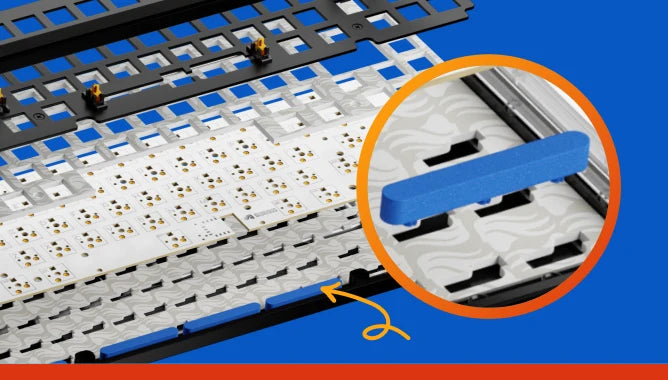
Gaskets let you customize the firmness or flexibility of your keypresses. You can easily customize the GMMK 3's internal gaskets thanks to their simple building blocks-inspired design.
Customize Your Typing Experience
Learn More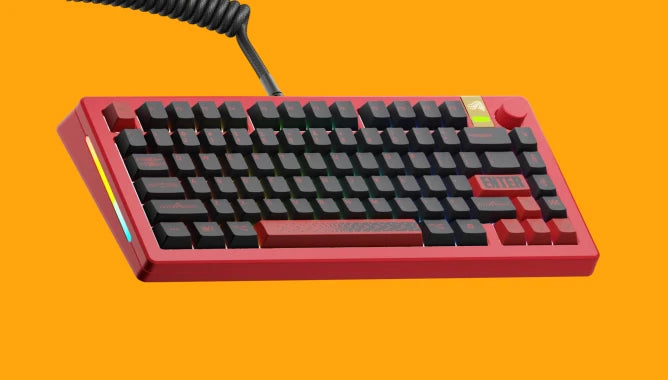
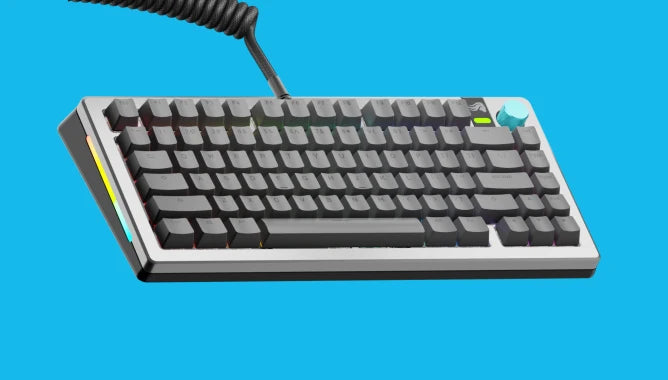
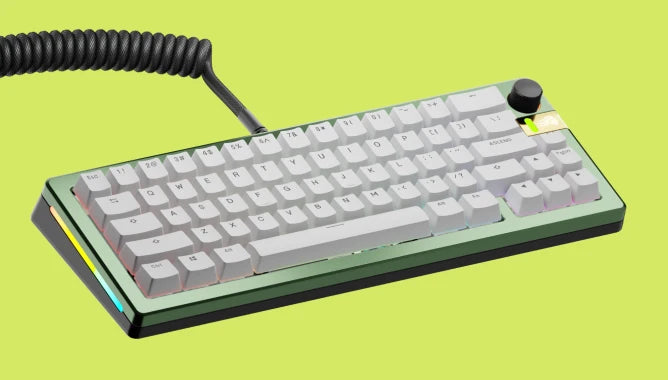
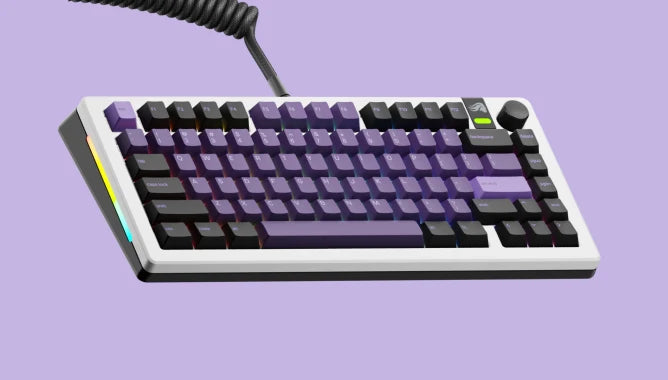
Design Your Barebones Board with Boardsmith
Get Started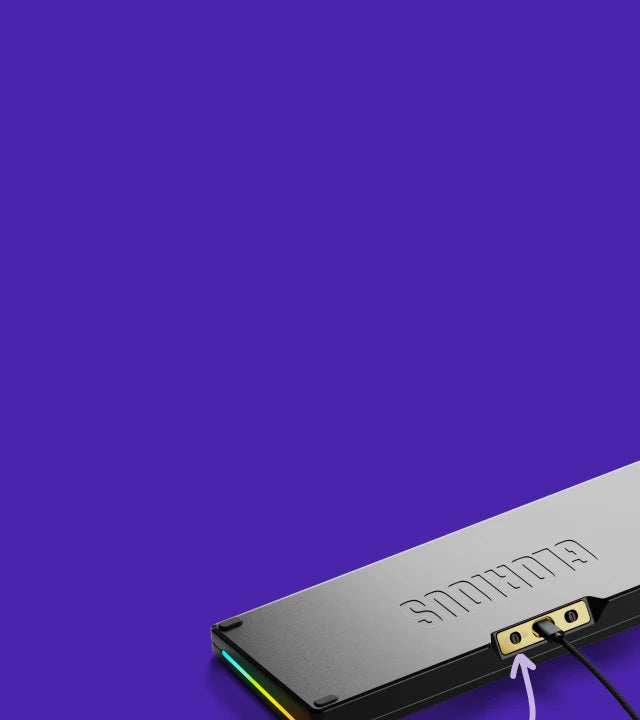
PC🤝MAC
PC and Mac compatible. Enable macOS support by toggling a switch on the keyboard and swapping in the included macOS keycaps.
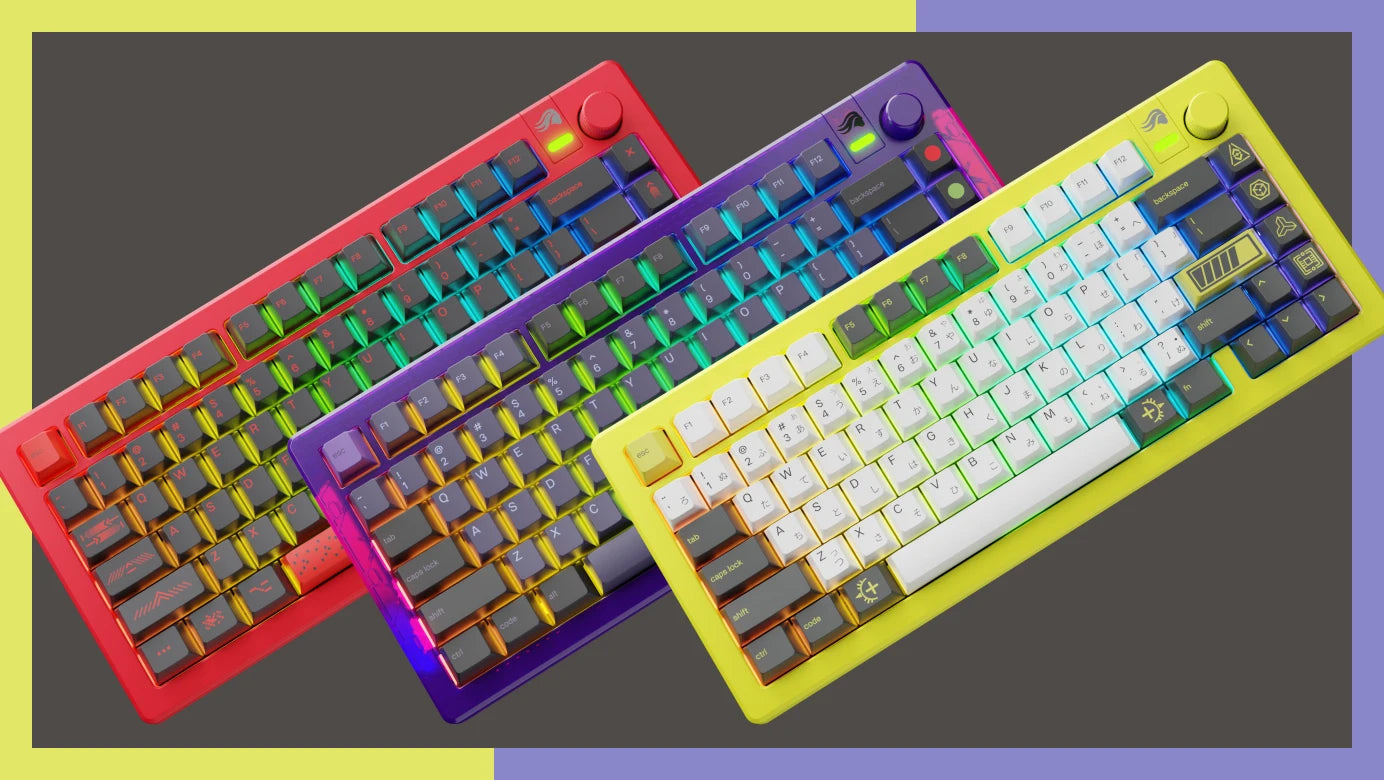
Make your board truly one-of-a-kind with limited edition accessories available only while supplies last.
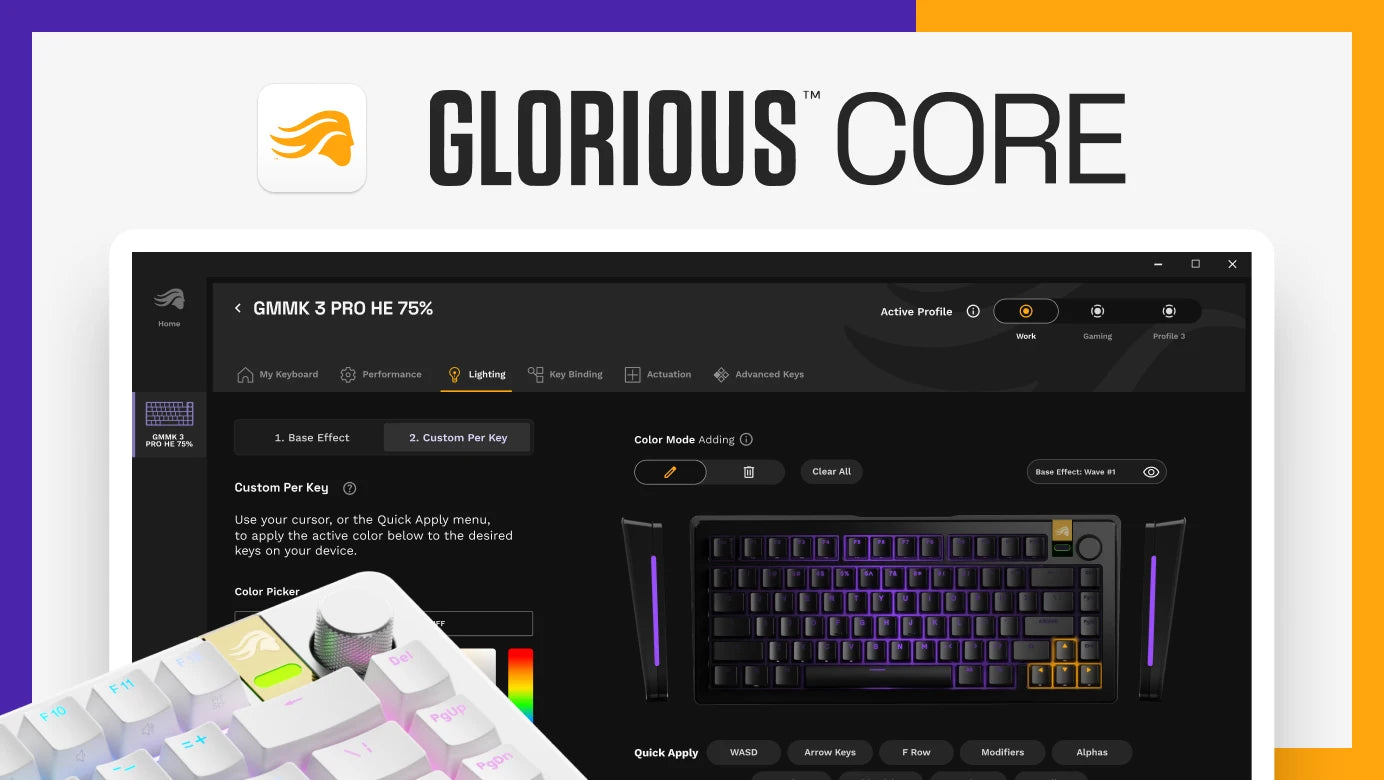
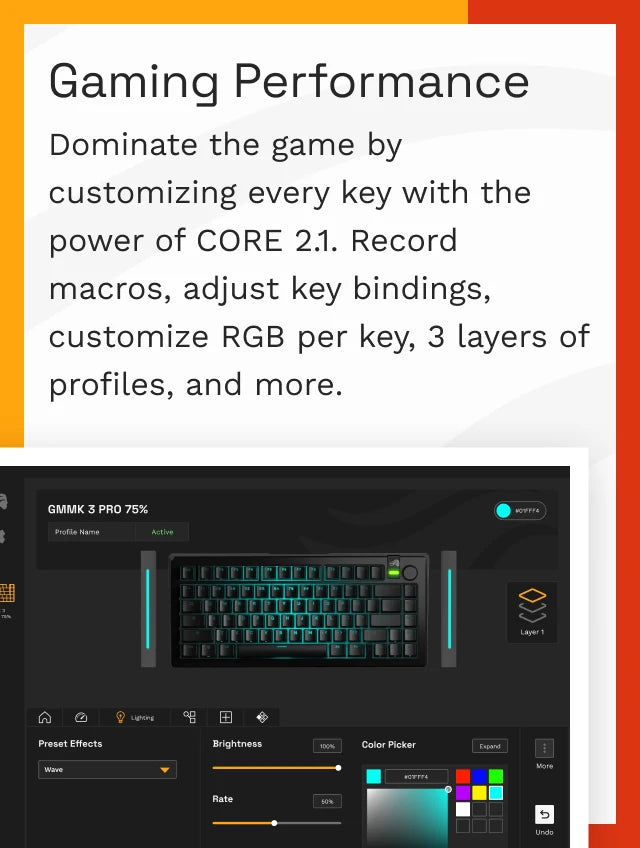
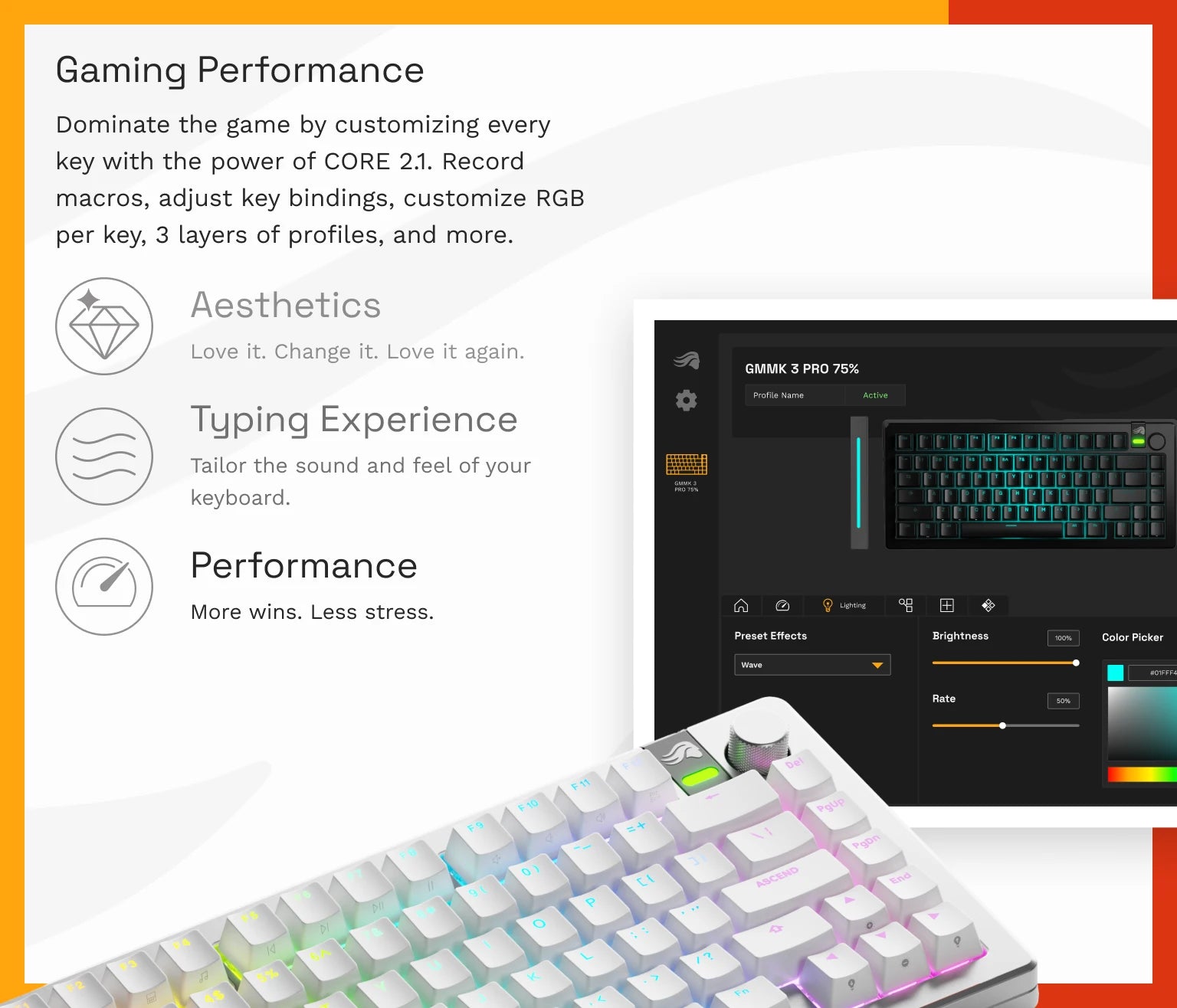
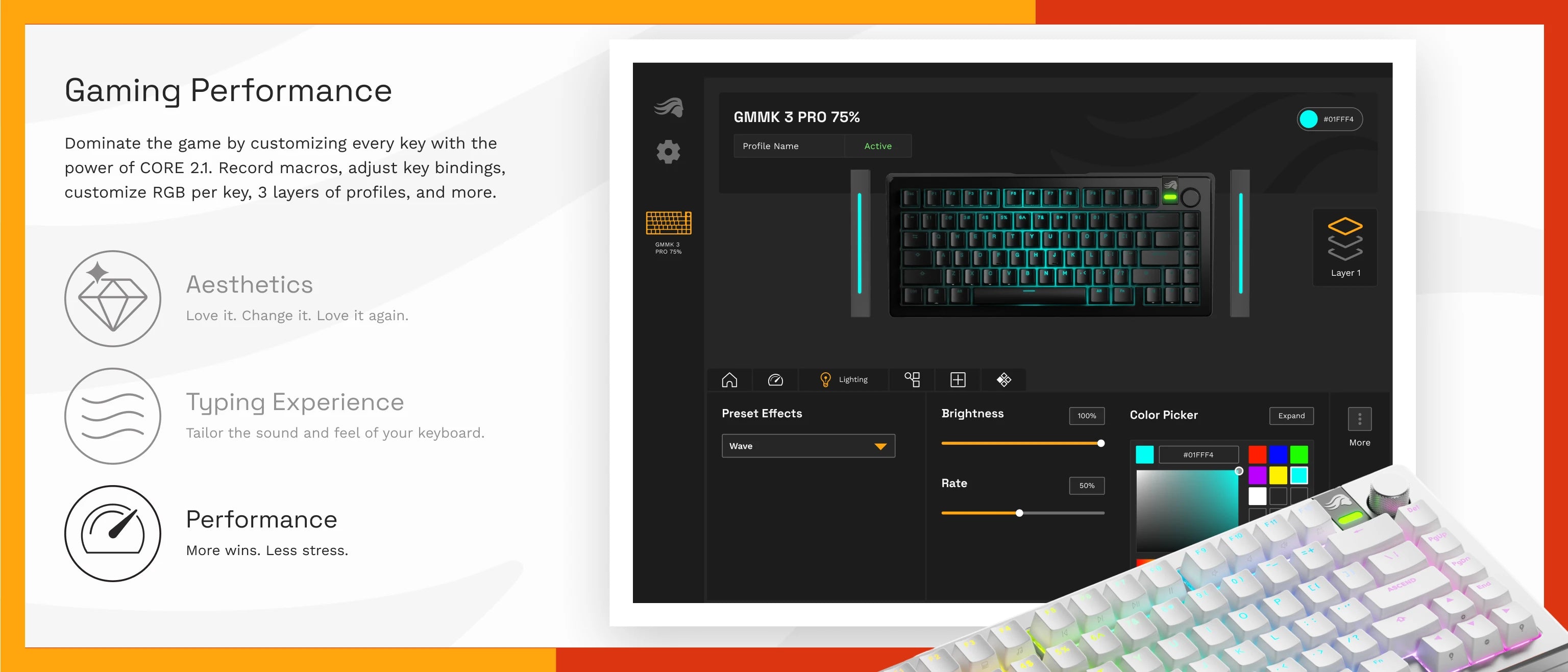
Configure any key with Glorious CORE on your Mac or PC. Program your board to your meet your needs, from hall effect performance, RGB illumination, per-key settings, and much more.
Overall rating: 4.0 / 5 from 13 reviews.
Review topics: ["quality","software","support","issues","customer service","build","keyboard","team","board"].
"first custom keyboard i’ve done and it’s amazing"
"This was my introduction to building a keyboard. The construction with full metal case really gives the keyboard a nice feel and weight to it. I added Womier Pudding Keycaps and started with Gateron Baby Kangeroo switches, but recently I have been converting them to the Glorious Raptor Clicky switches with I like a lot more The board that came with my keyboard did somehow get damaged in shipping, but Glorious support was very swift and helpful and sent me a replacement board. Overall, I'm very happy with this purchase."
"Well made and very bright im able to customize it how ever I'd like with no issues"
"Space bar side stabilizer is incredibly bad. Space bar sticks very often and is almost unusable in games that require using space bar often. GMMK 2 PRO seemed to have a much better side stabilizer design."
"Great quality keyboard with most common modding for great sounding typing experience already factory done. Really missing the Printscreen and Home buttons though. These are not possible to set in the software, really hoping that the software will update soon to make that possible."
"Overall, I'm actually a little disappointed. The board is mostly solid, but misaligning one switch on the Tab key actually pushed the connector off the board instead of being solid enough to just bend the pin. Yeah, user error, but still a little annoying. Also, the GMMK software won't recognize the fact that I'm sending audio over my HDMI port - so the volume knob (90% of why I bought this keyboard) doesn't work in my case. Finally, while the sidelights flash for CapsLock, there's no NumLock indicator which would be nice and is kinda important on a full size keyboard."
"I have only had one day with the GMMK 3 Pro 100 and it is a very nice build, but the software breaks the keyboard knob. Once you run the software for the first time with the keyboard plugged in, rotating the knob no longer works, only pushing to mute. No setting will work with the software installed/running, the only way to regain the function of the knob is to uninstall Glorious Core and then Factory Reset the keyboard and the knob comes back. But how do I program my calculator button now?!?"
"The keyboard itself is great but the core software doesn't work with it. The only way I could get the rotary knob to work at all was to uninstall core and hard reset the board and set the lighting up with key comands. Also the default setting for the rotory knob is volume/mute, so if thats not what you want youre going to have to use different software. Hoping it gets patched soon so I can program macros."
"The keyboard itself is pretty much perfect. The software is terrible tho und literally unusable hence no 5 star rating"
"Great keyboard but the C key is broken."
| Specification name | GMMK 3 PRO Barebones Keyboard | GMMK 3 PRO HE Barebones Keyboard | GMMK 3 Barebones Keyboard |
|---|---|---|---|
| Price |
|
|
|
| Reviews |
|
|
|
| Size |
65%, 75%, 100%
|
75%
|
65%, 75%, 100%
|
| Color |
Black; Silver
|
Black; Silver
|
Black
|
| Case Material |
CNC Aluminum
|
CNC Aluminum
|
Polymer
|
| Knob Support |
Yes
|
Yes
|
Yes
|
| Mounting Style |
Gasket
|
Gasket
|
Gasket
|
| Add to Cart buttons |
|
|
|