
InfinitePlay


Ultimate Power with InfinitePlay
Glorious Products Featuring InfinitePlay

GHS Wireless InfinitePlay
GHS Wireless InfinitePlay is the first wireless gaming headset that never disconnects. 2 x 85 Hour swappable batteries and a built in Guardian Battery keep you gaming and connected between swaps.

V3 Wireless Mice
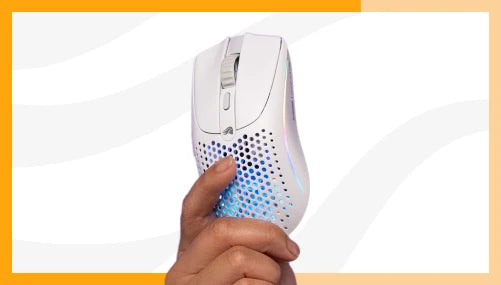
Model O3 Wireless featuring InfinitePlay is the first true wireless gaming mouse that you never need to plug in. Hotswappable batteries, 8K Hz polling and 30K DPI sensor, all in one product.
How InfinitePlay Changes the Game

Swappable Batteries

Guardian Battery System

PRODUCT DETAILS
GHS Wireless InfinitePlay
The dual-purpose charging hub simultaneously charges one of your battery packs while you game with the other, enabled 2.4Ghz wireless connection, and displays battery charge status.


Battery Charging Specs
Included with GHS Wireless InfinitePlay are 2 x 85hr InfinitePlay battery packs. Charge one battery while you game, and easily swap between them, even in the heat of battle.

2.4GHz & Bluetooth Wireless Connection
2.4Ghz wireless for gaming and bluetooth for on the go. Switch between them with one button press.
Dock Indicators
Headset Battery
Easily check the level of the battery in the headset by referencing the LED indicator on the dock.
Battery Status LED Color
0 – 30% Charge = Red
31 – 60% Charge = Yellow
61 – 100% = Green

Base Battery
Easily check the level of the battery in the base station by referencing the LED indicator on the dock.
Battery Status LED Color
0 – 30% Charge = Red
31 – 60% Charge = Yellow
61 – 100% = Green


PRODUCT DETAILS
V3 Wireless Mice
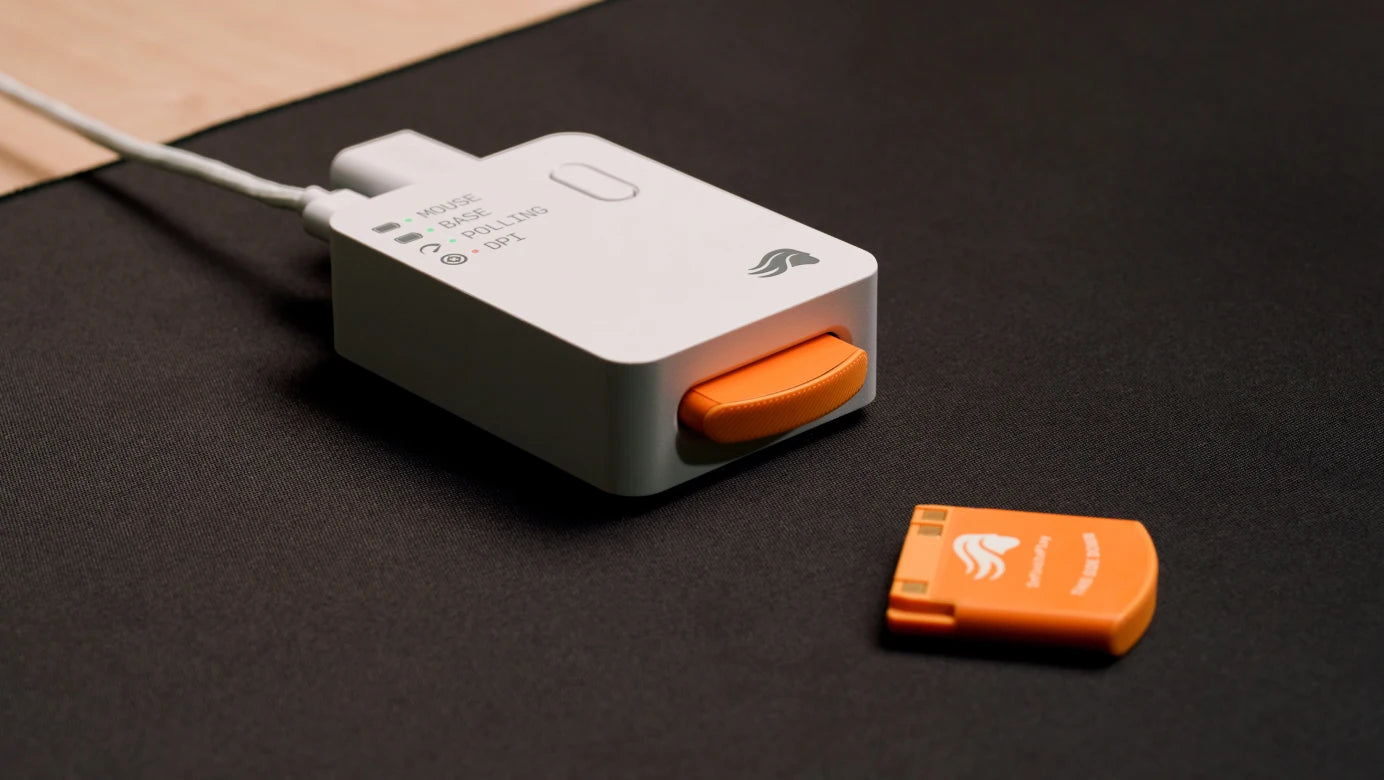
Enjoy ultra reliable 2.4GHz wireless connection, up to 8K Hz polling rate with the included base. The system doubles as the InfinitePlay charging hub showing battery charge status, polling rate and DPI settings.


Battery Charging Specs
Included with V3 Wireless Mice are 2 x 200mAh InfinitePlay battery packs. Charge one battery while you game, and easily swap between them, even in the heat of battle.
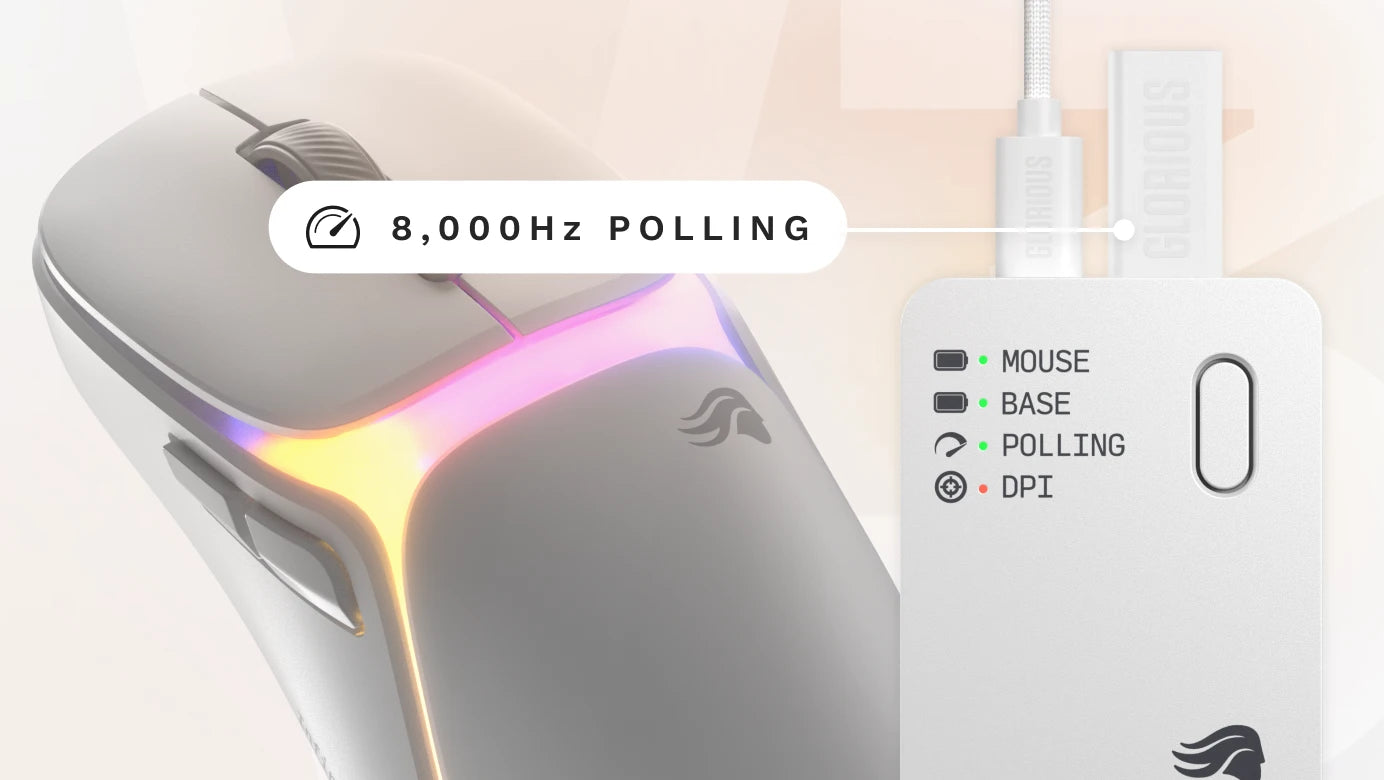
8K Hz Wireless Polling
Ready for anything, with pro level 8,000Hz polling rate, giving ultimate responsiveness and reliability.
Dock Indicators & Features
Mouse Battery
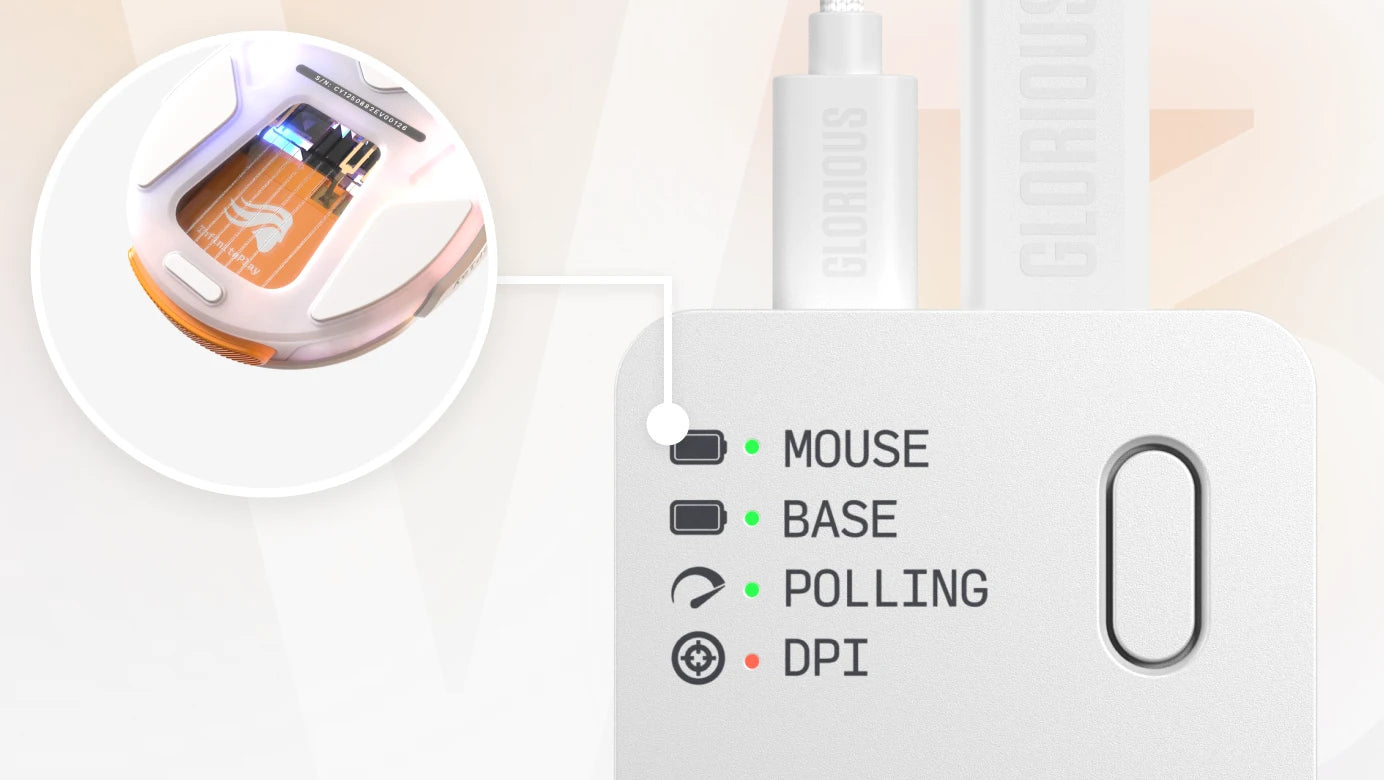
Mouse Battery Status is easily visible on the InfinitePlay Charging Dock, giving you the charge status of the pack.
Mouse (Mouse Battery Status) LED Color
0 – 30% Charge = Red
31 – 60% Charge = Yellow
61 – 100% = Green
Base Battery
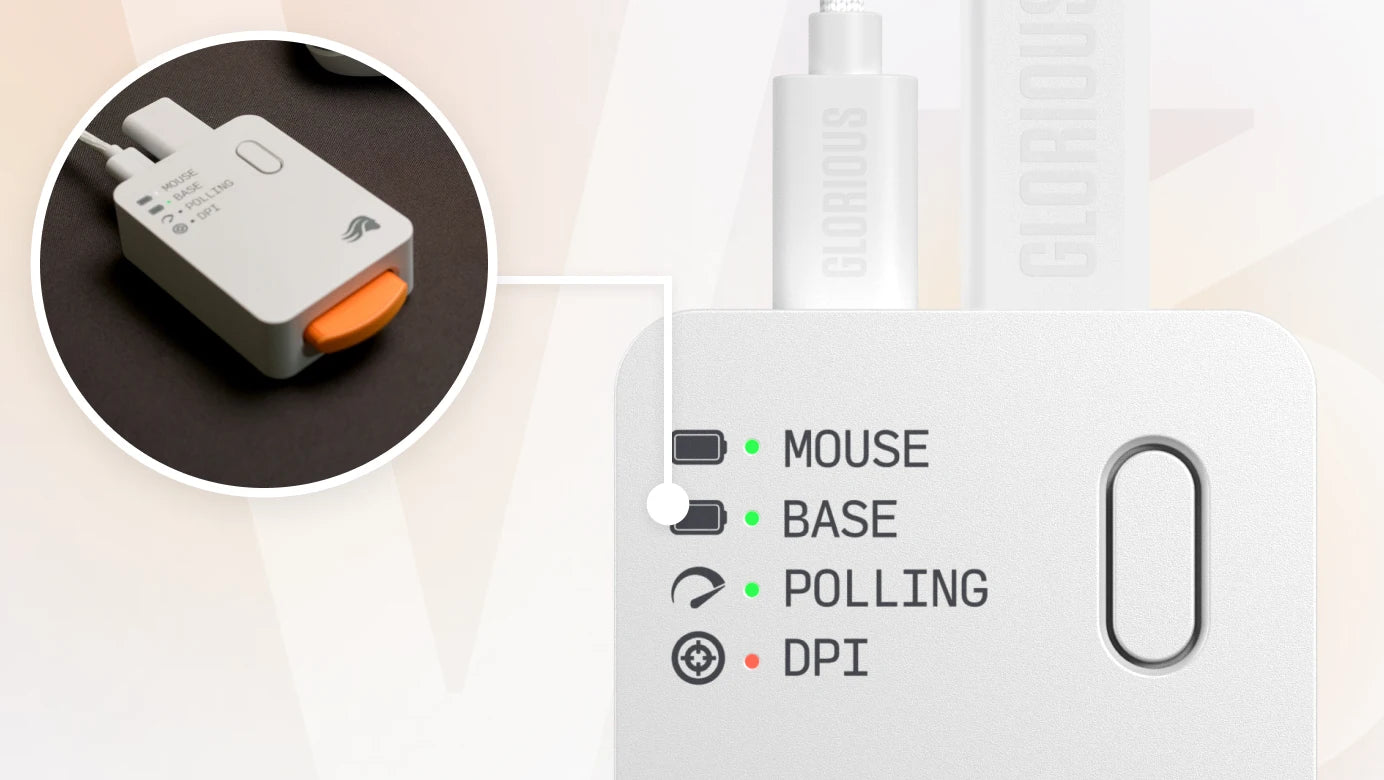
The status of the InfinitePlay Battery in the charging base is displayed on the dock, showing it's charging status, so you know it's charged when the time to swap comes:
Base (Base Battery Status)
0 – 30% Charge = Red
31 – 60% Charge = Yellow
61 – 100% = Green
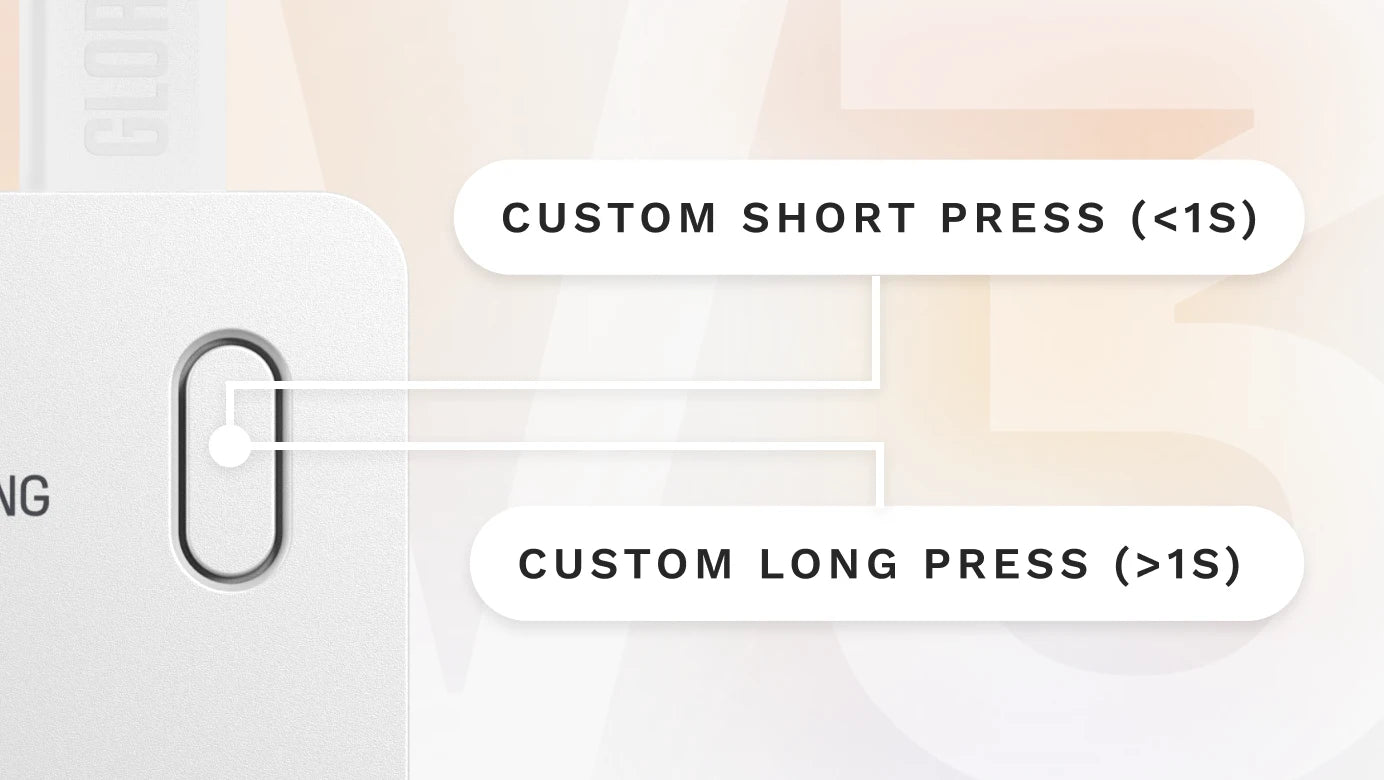
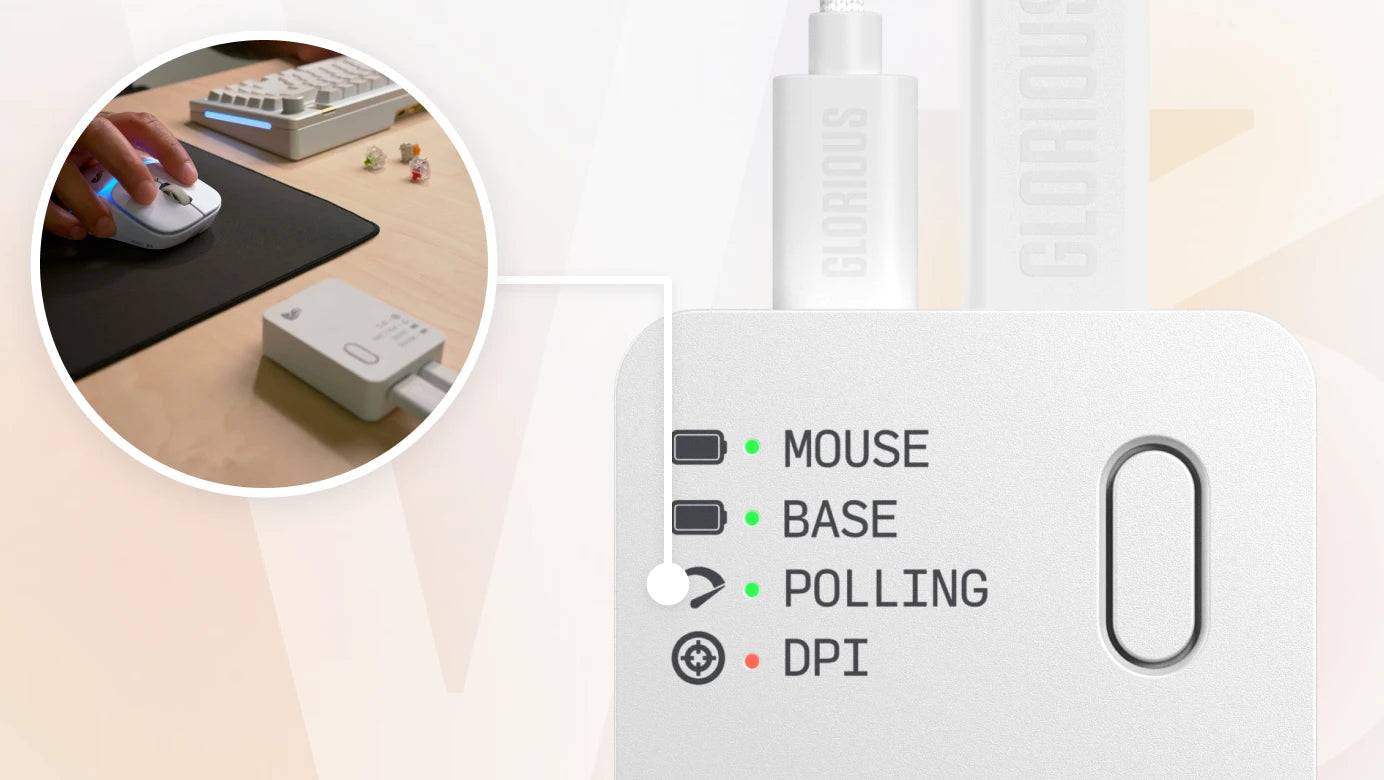
The current polling rate of your V3 wireless mouse is displayed on the InfinitePlay Charging Base, and can be changed with 1 long press (over 1 second) on the dock's button.
Polling Rate
- 125Hz = Cyan
- 250Hz = Pink
- 500Hz = Orange
- 1,000Hz = Green
- 2,000Hz = Yellow
- 4,000Hz = Red
- 8,000Hz = Blue
DPI Level
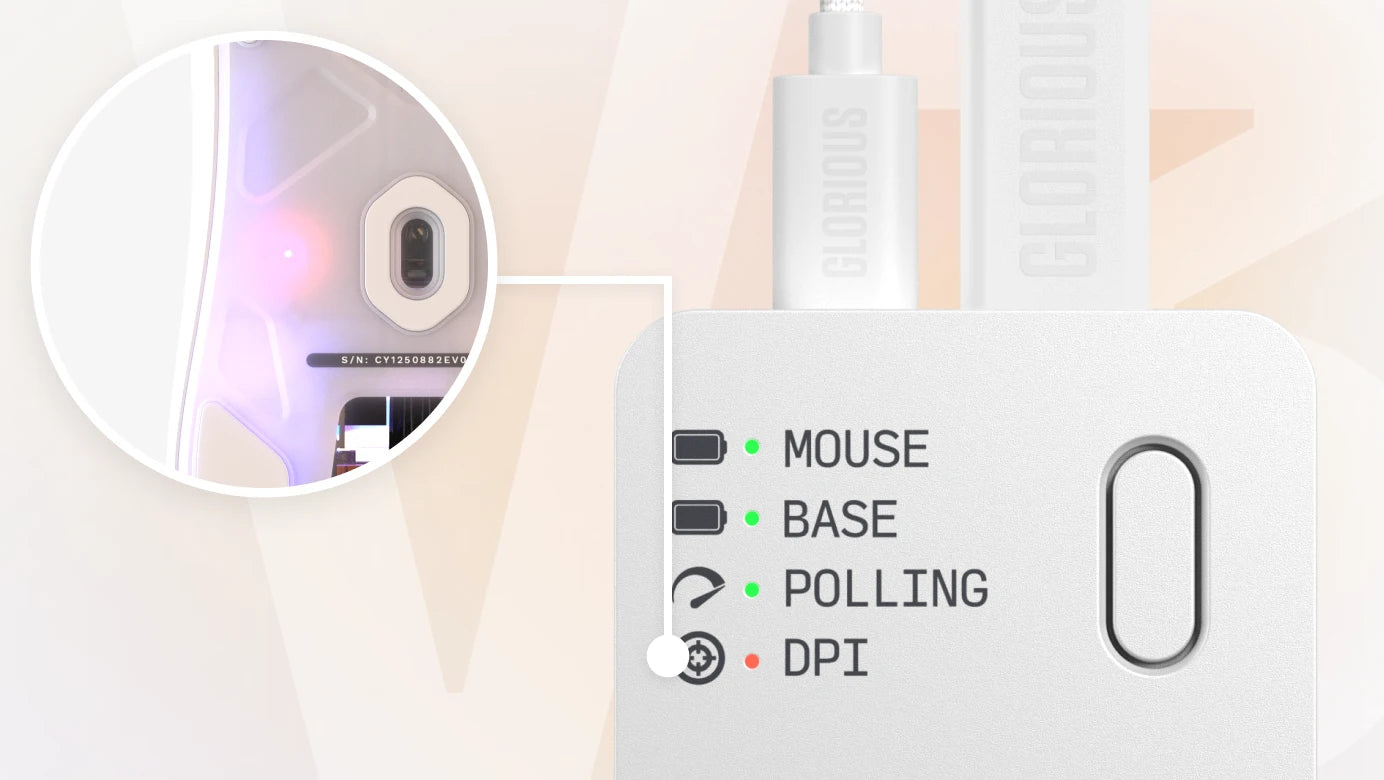
The DPI profile of the V3 wireless mouse is displayed on the dock, allowing easy viewing of which profile you're in. The LED colors and DPI steppings can be customized in Glorious CORE software, as default they are:
Default DPI Level
- 400 DPI = Yellow
- 800 DPI = Blue
- 1600 DPI = Red
- 3200 DPI = Green
The onboard button is easily customizable in Glorious CORE software.
Choose from mouse functions, keyboard combinations, macros and more, giving you extra control, right at your fingertip(s), now you just have to choose what.
By default, the button can be used to change DPI (short press under 1s) or change polling rate (long press over 1s)