Review topics: [quality, buttons, shape, feels, looks, issues, mouse, click, rest, hands, medium, scroll wheel, model i].
Reviews
Too big for medium-small hands
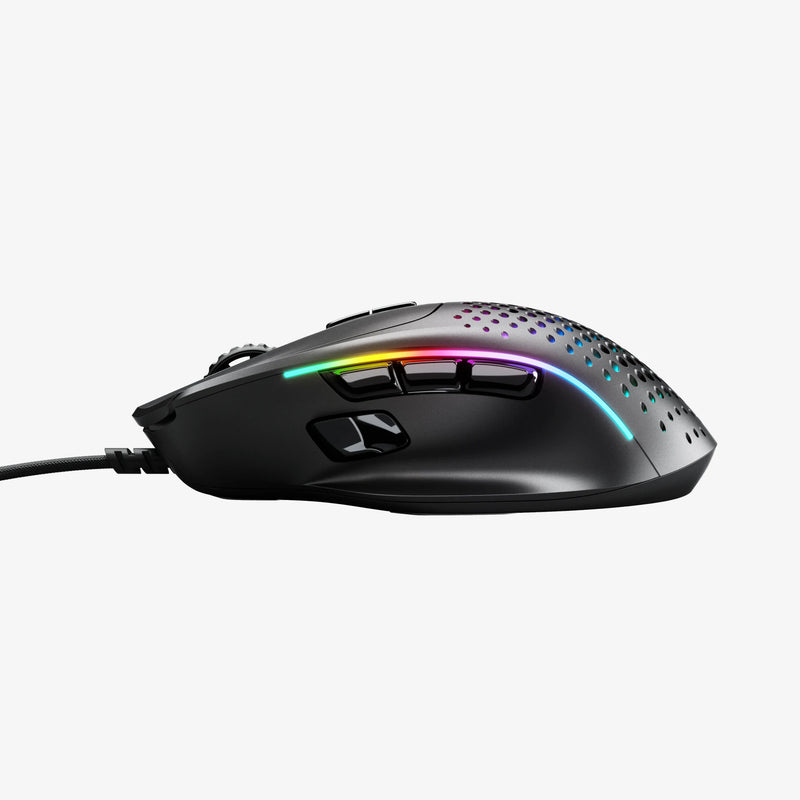
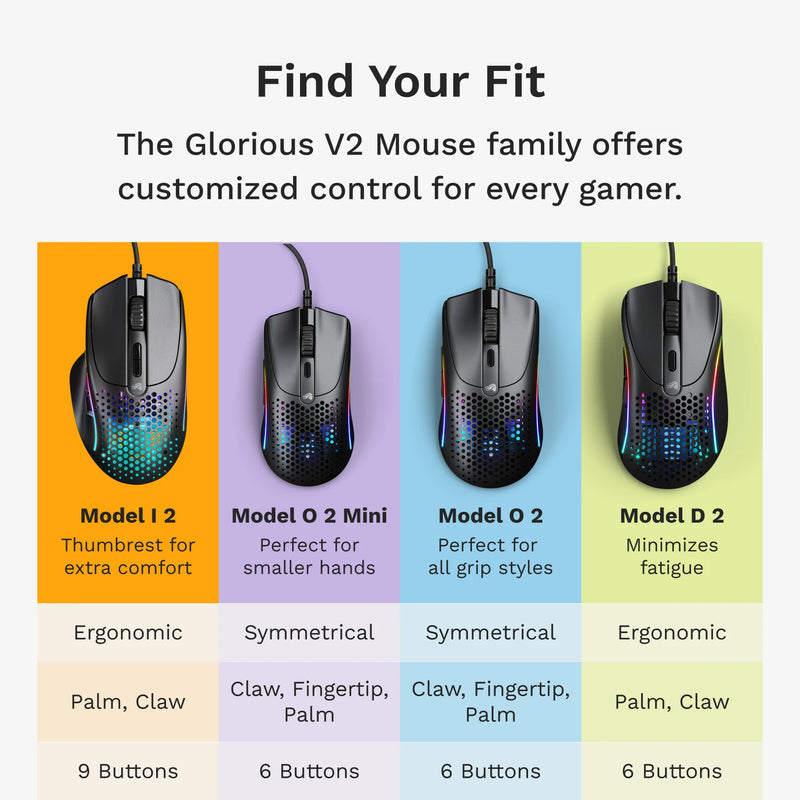
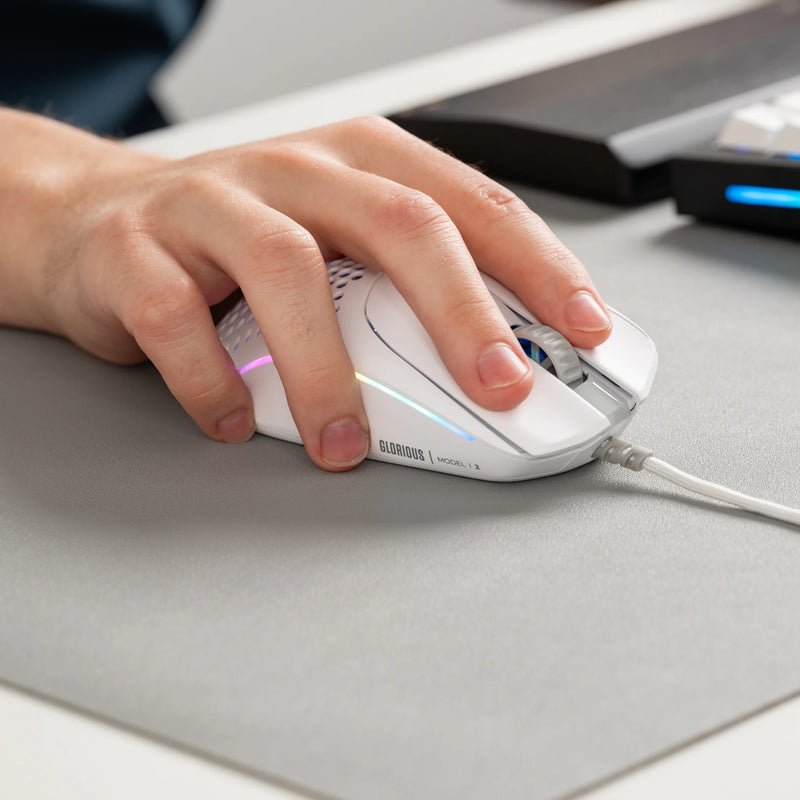
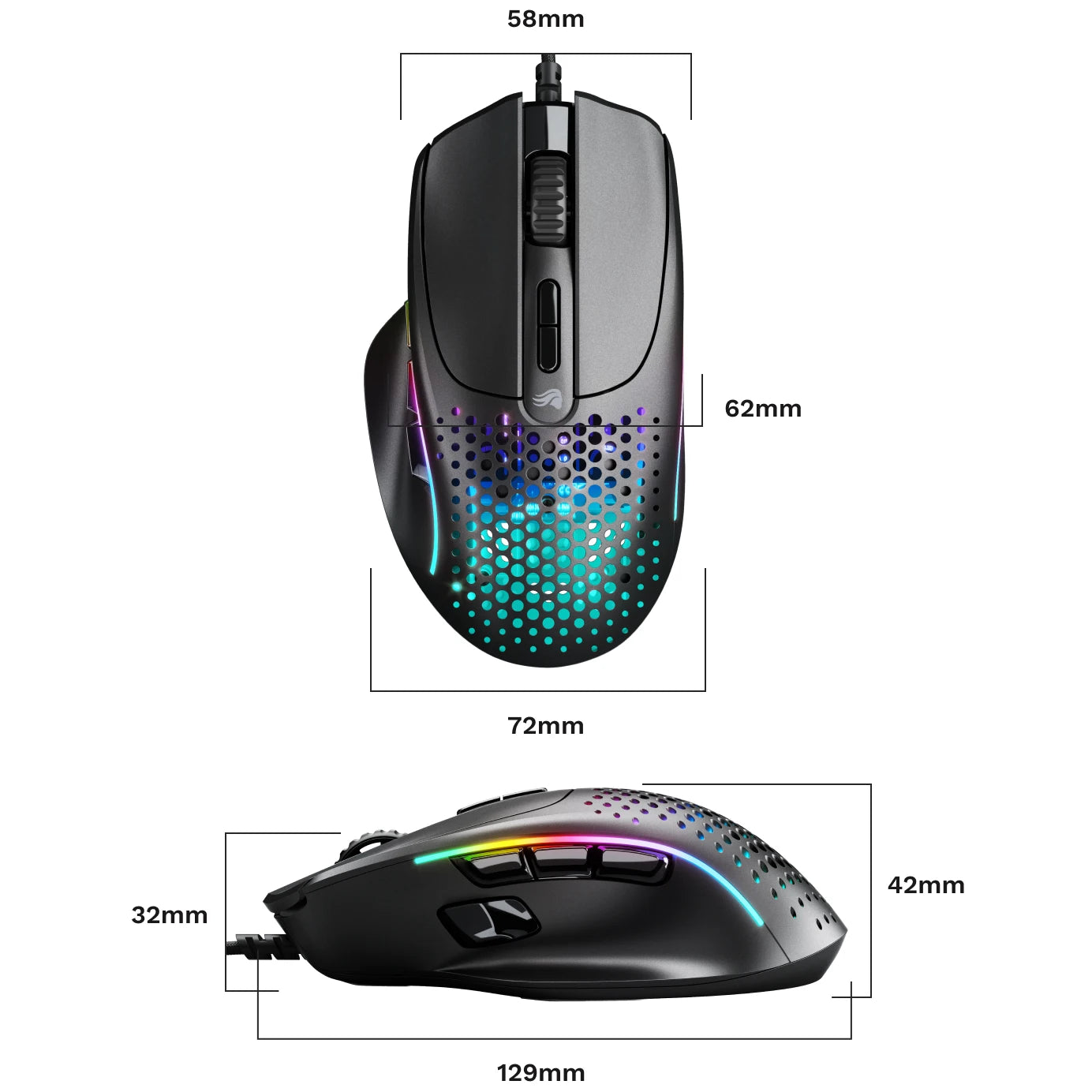
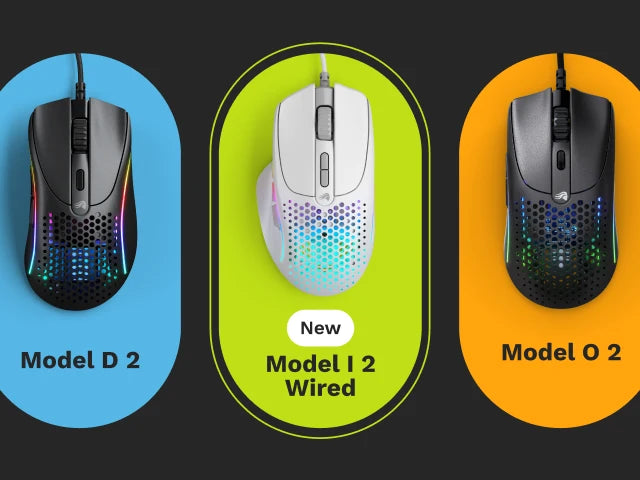
"The mouse itself is excellent, and the fact that it adds more accessible buttons is fantastic. Unfortunately, I returned it because, as you can see in the photos where it’s compared to my current model o-, the problem is its size. With fairly small hands, it’s not very comfortable to use, the side buttons are hard to reach, and, for those who use a palm or claw grip like me, it'll probably give you carpal tunnel, since it’s fairly tall. I sincerely hope Glorious will consider making a -/mini model, since gaming has become mainstream for girls as well, and in general also boys and people with smaller hands would likely find these sizes uncomfortable too, and I believe they’re missing out on a relevant market share since someone is forced to look elsewhere."
— Nicole (3/5)
I had the Glorious Model
"I had the Glorious Model I v1, now I have the v2. I thought the v1 was fine, I never had any problems with it. My family is always trying to borrow it. Now I'm ready, no one's borrowing this one."
— IPL I. (5/5)
8/10 mouse
"there was a bit of creaking noise on itbut amazing mouse other than that. also nice side buttons"
— Zay (4/5)
Great mouse!
"Multi-function mouse that is comfortable to use."
— James L. (5/5)
One of few lightweight multi-button mice
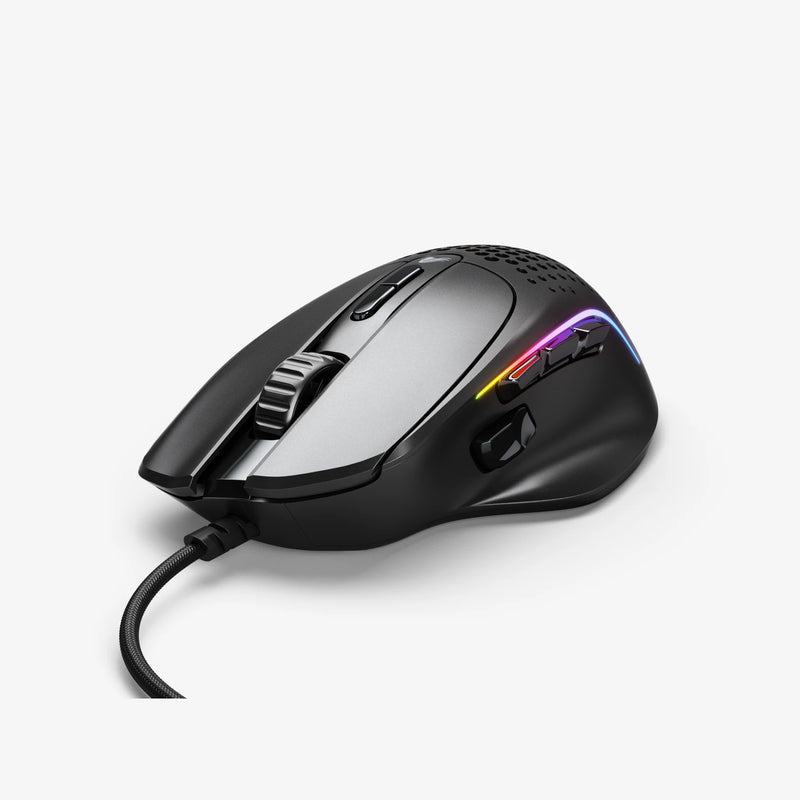
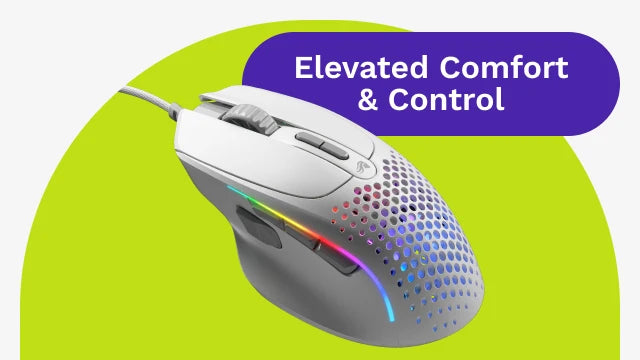
"As the title says, this is one of very few mice that have multiple buttons. My Aerox died after 2-3 years so I decided to try this out instead. Overall the mouse feels really good, buttons are nice, the shape is very comfortable, and it performs really well. The only issue I've had so far is that it tends to sometimes drain its battery when the PC is off, and sometimes it struggles to remember that I've set the lights to never be on. Still, it's a mouse that I'd wholeheartedly recommend to anyone who wants a lightweight, wireless mouse with more than your standard 5-button layout."
— Espen (4/5)
Great!
"Great for MOBA"
— MrMoomer (5/5)
My brother in law is
"My brother in law is very much enjoying his new mouse. It was delivered early as well and I appreciated that very much. No complaints here."
— Jesse B. (5/5)
The mouse is not good
"The mouse is not good for Minecraft but its ok"
— Nolan S. (4/5)
Amazing Comfortable Mouse, Even Better Support
"The quality of this mouse is absolutely top-tier great performance, build, and feel. I had a minor issue with it a while after purchase, but what really stood out was how incredible Glorious' support team is. They were quick, understanding, and genuinely helpful. Even though my mouse started working again, they had already arranged a full replacement at no cost. It’s rare to see a company so willing to go the extra mile for their customers. You can buy with full confidence even if something goes wrong, they’ve got your back."
— Adrian (5/5)
Good Overall, One Problem.
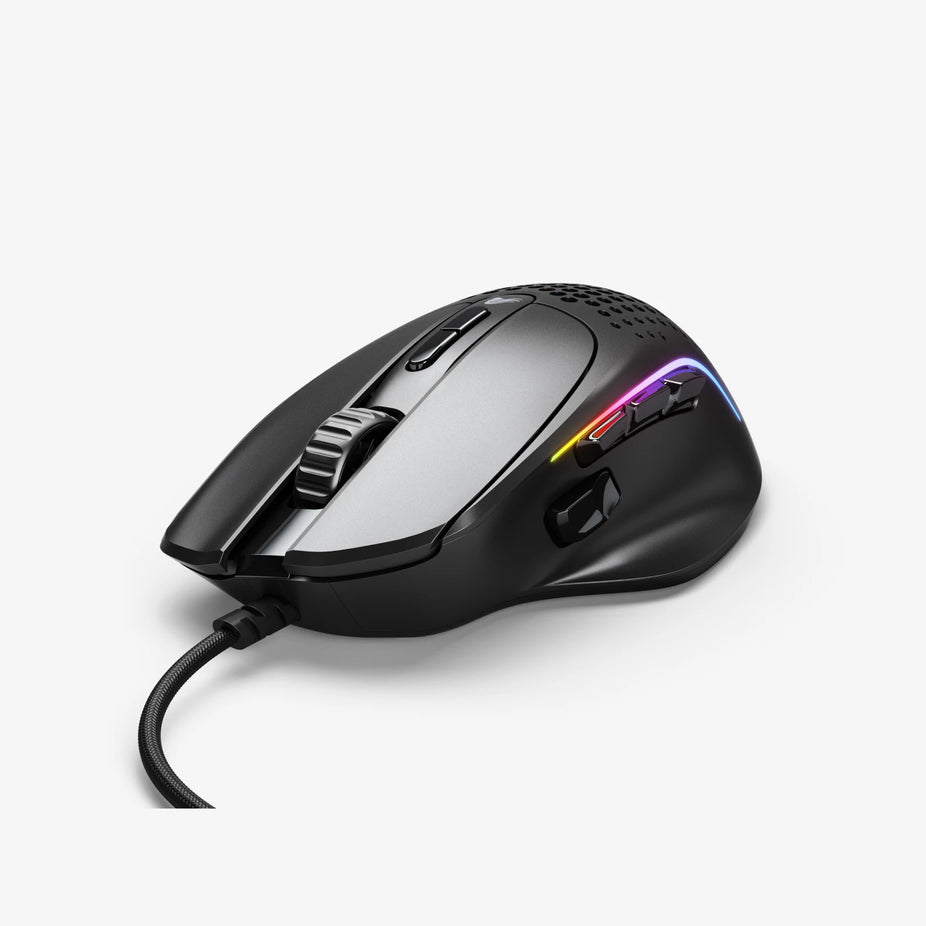
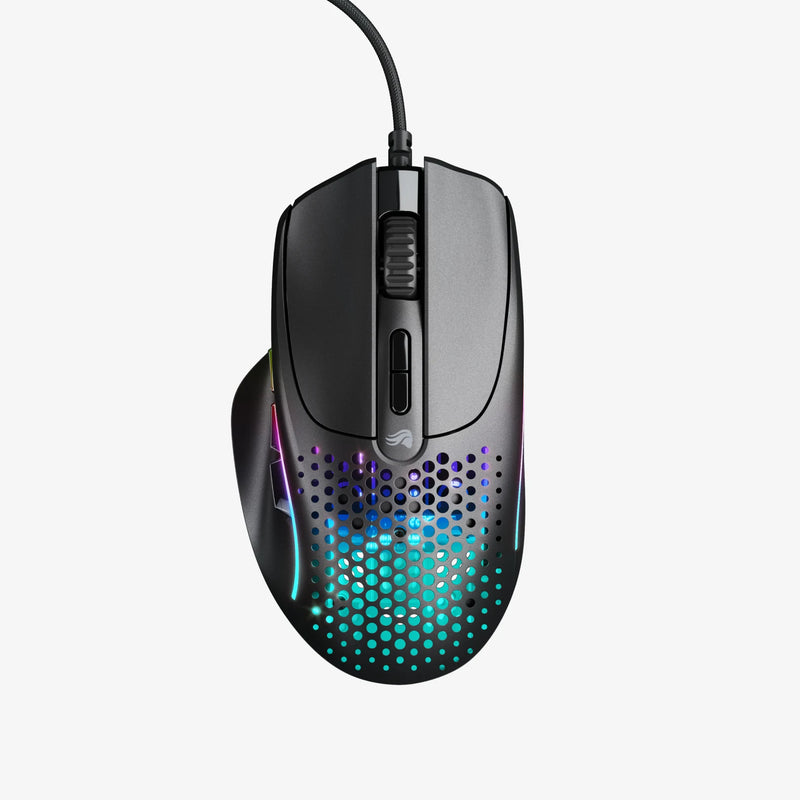
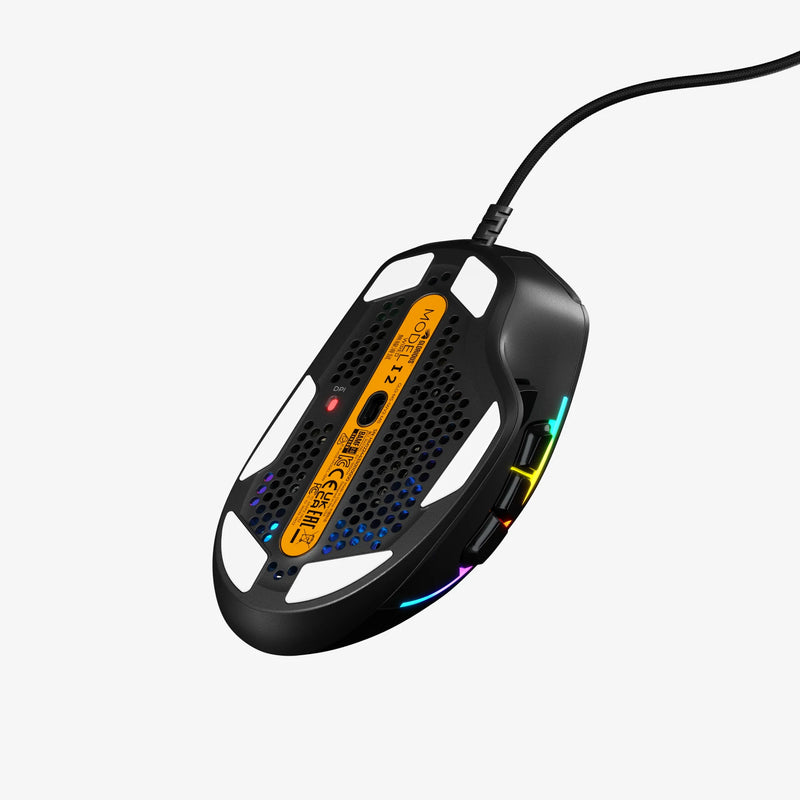
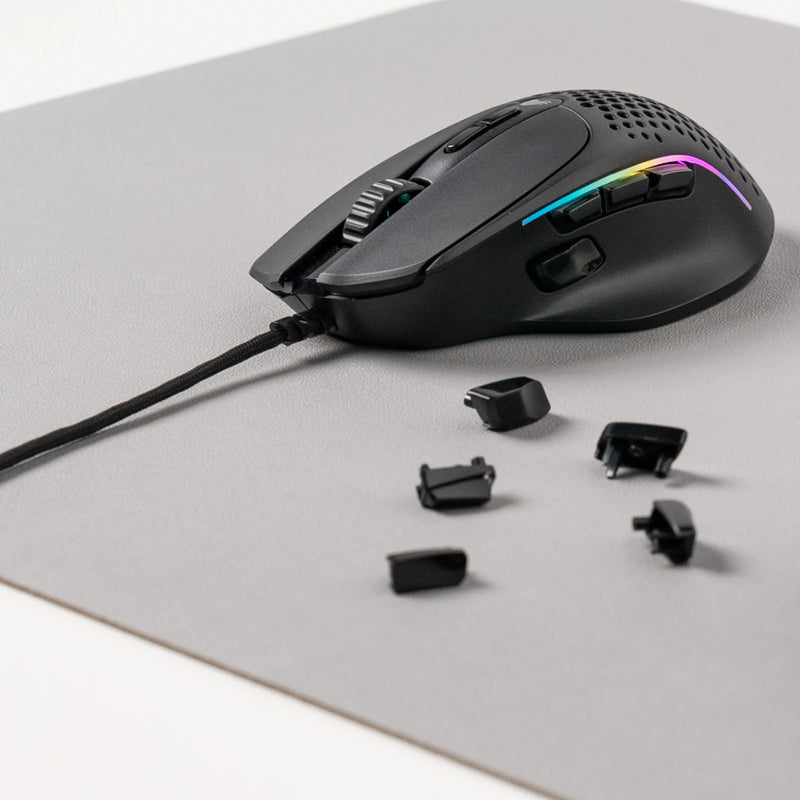
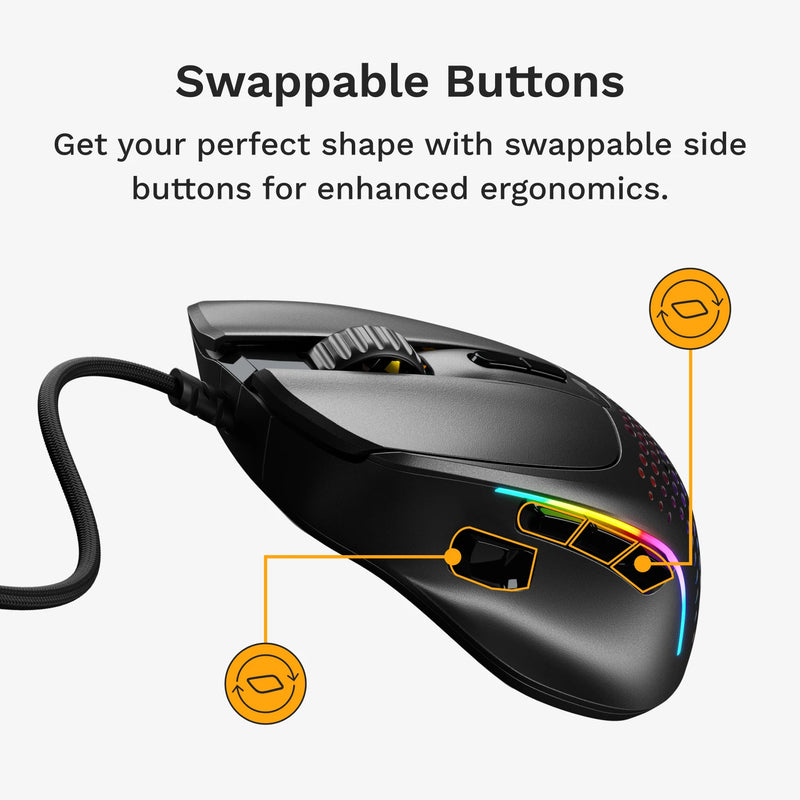
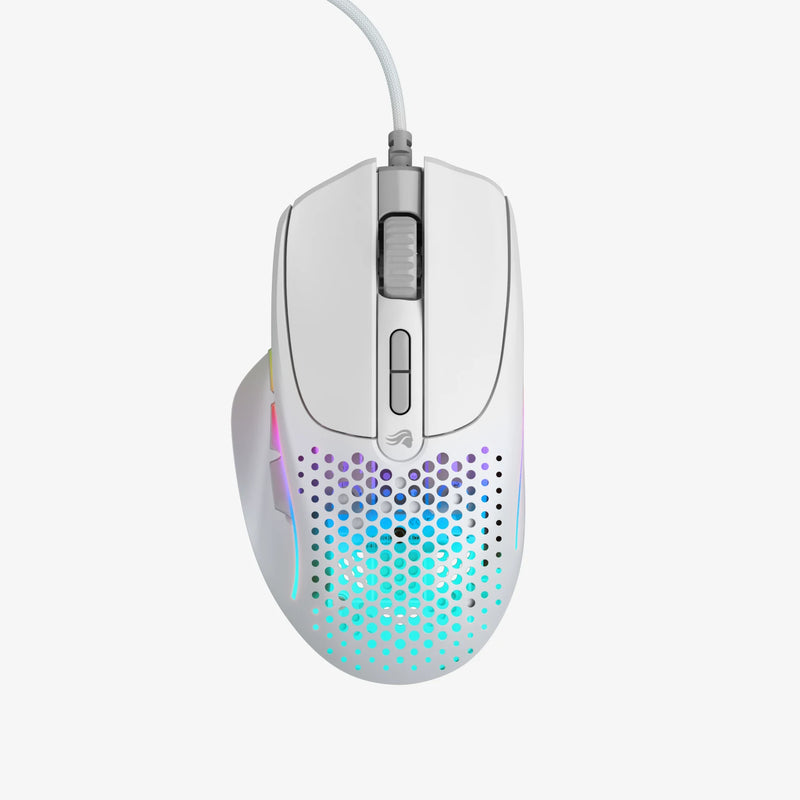
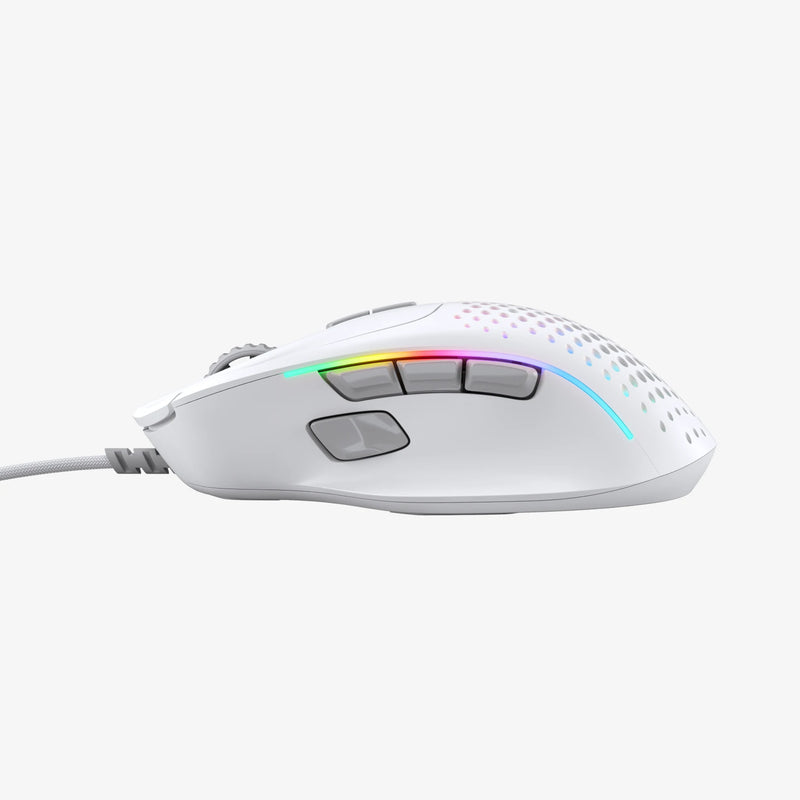
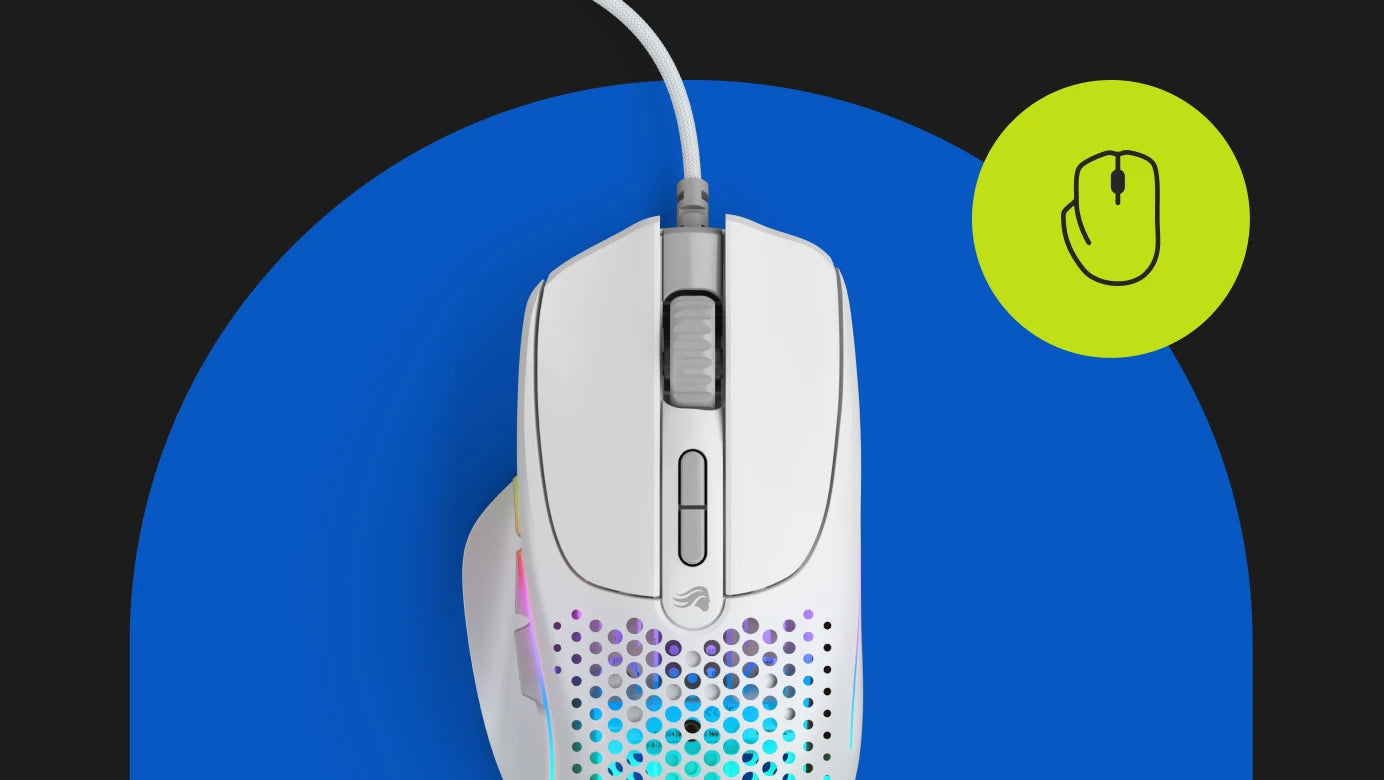
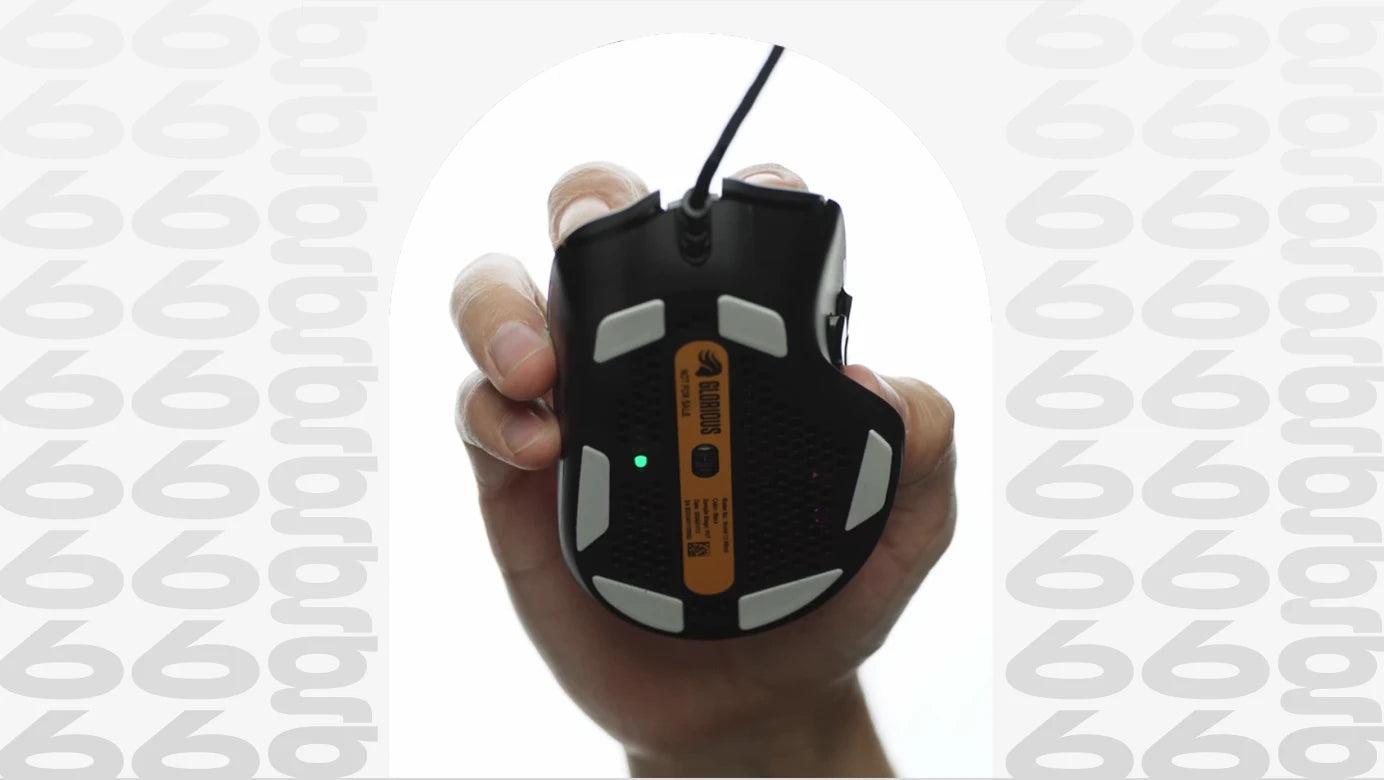
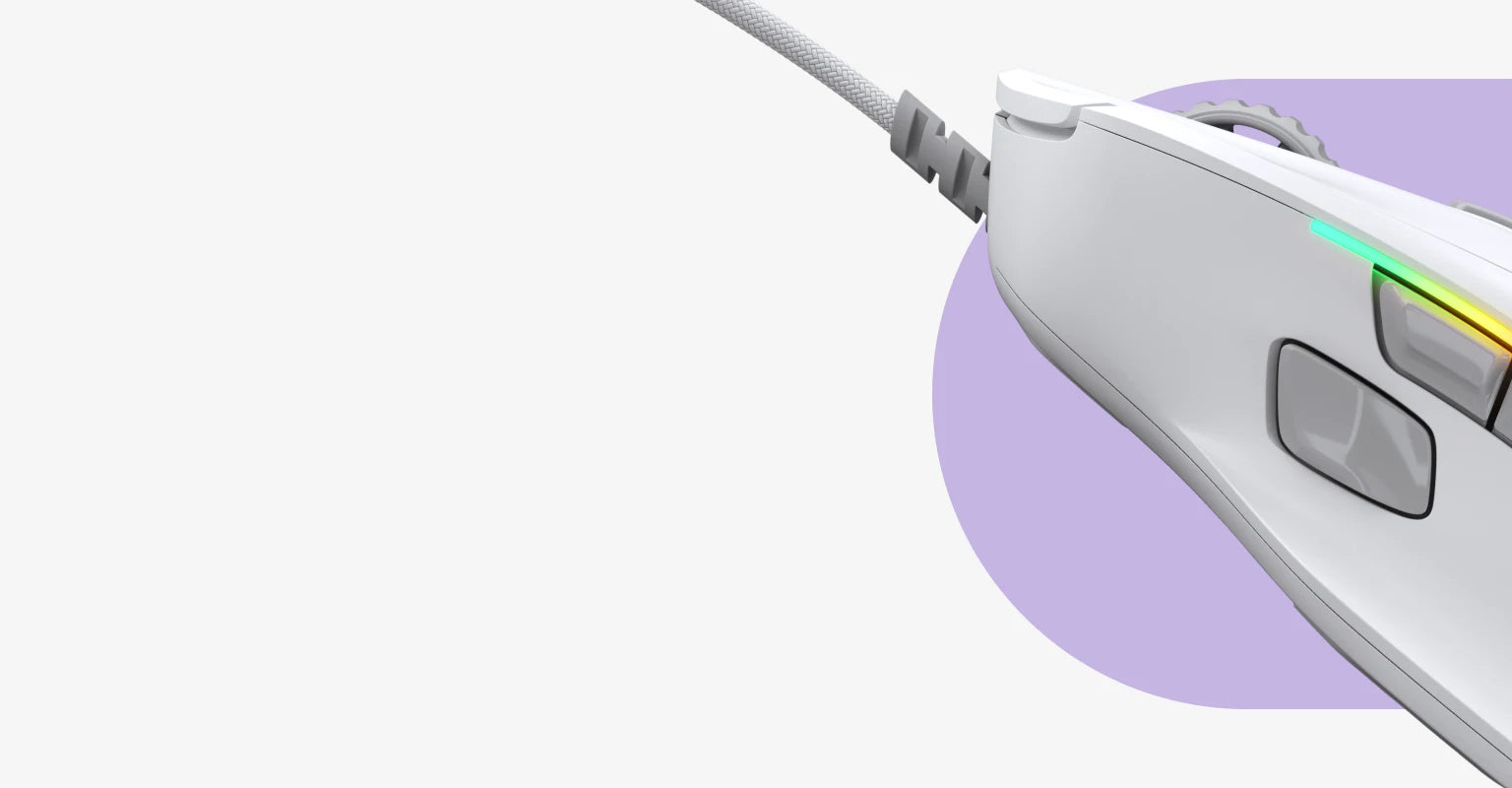
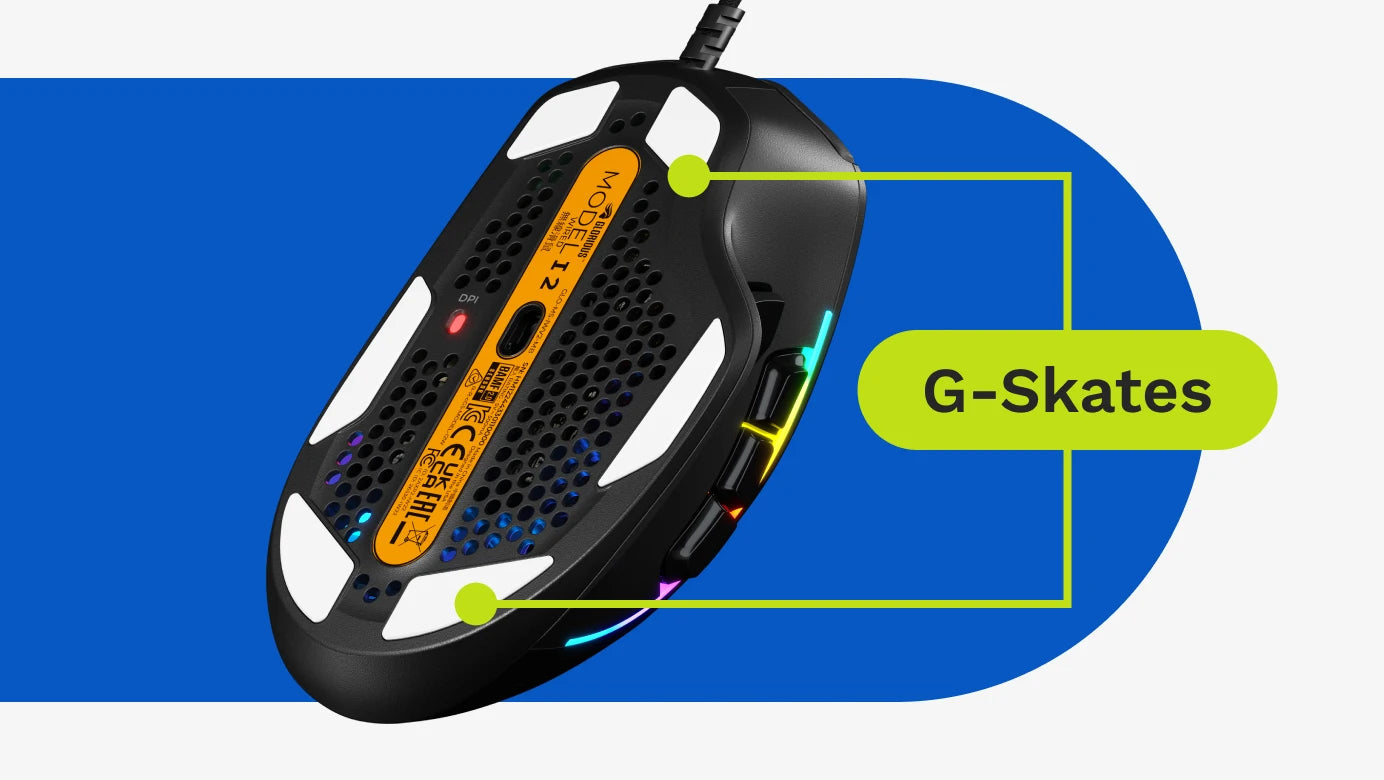
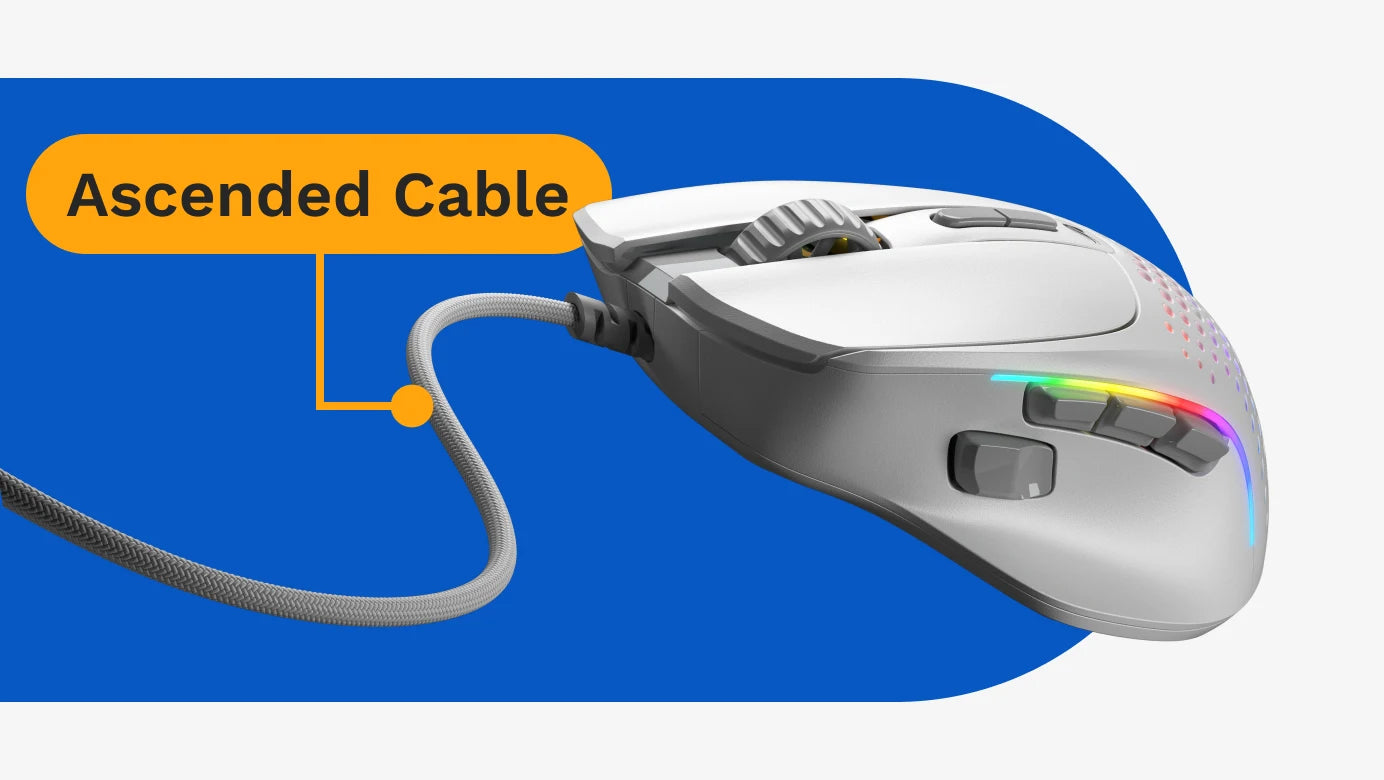
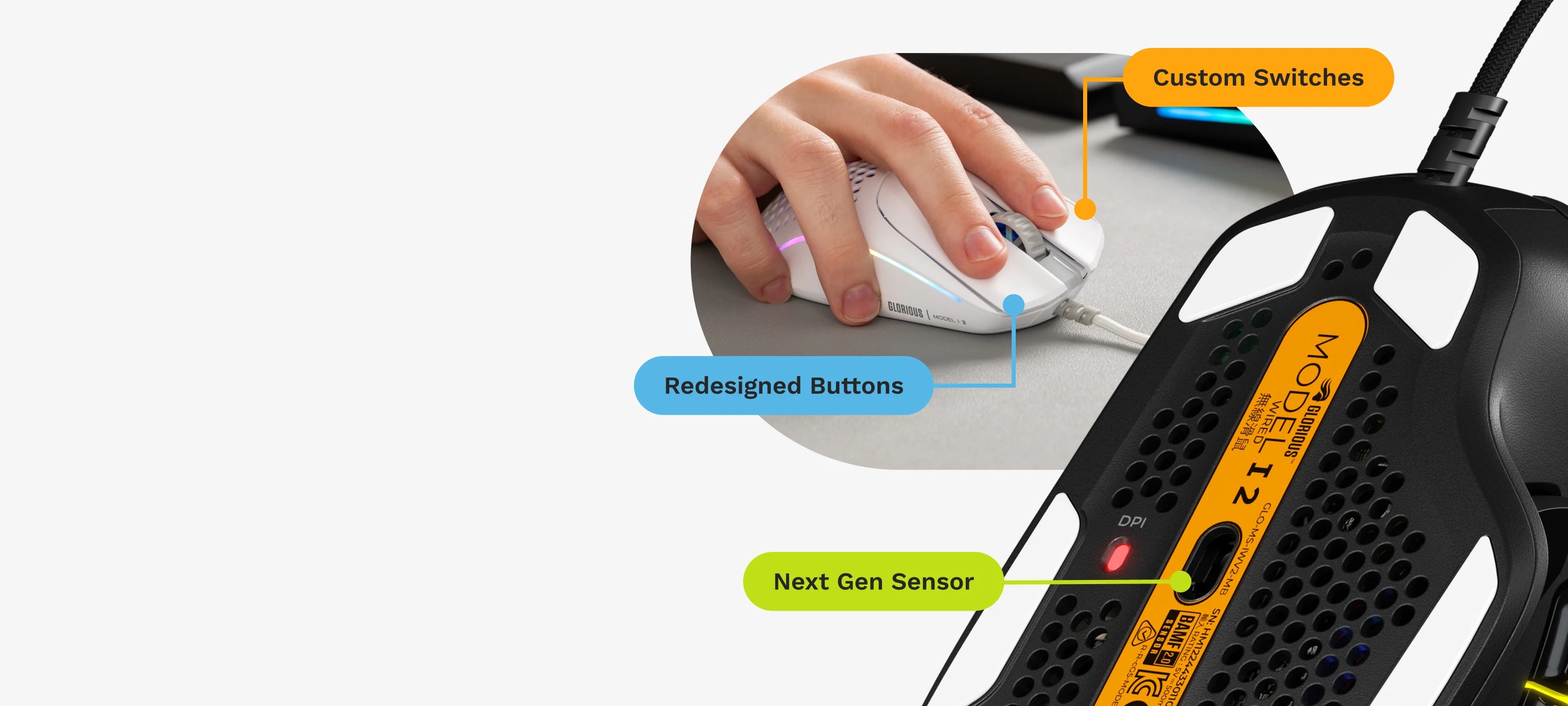
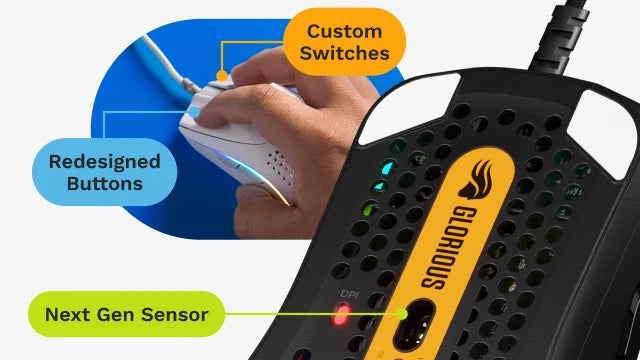
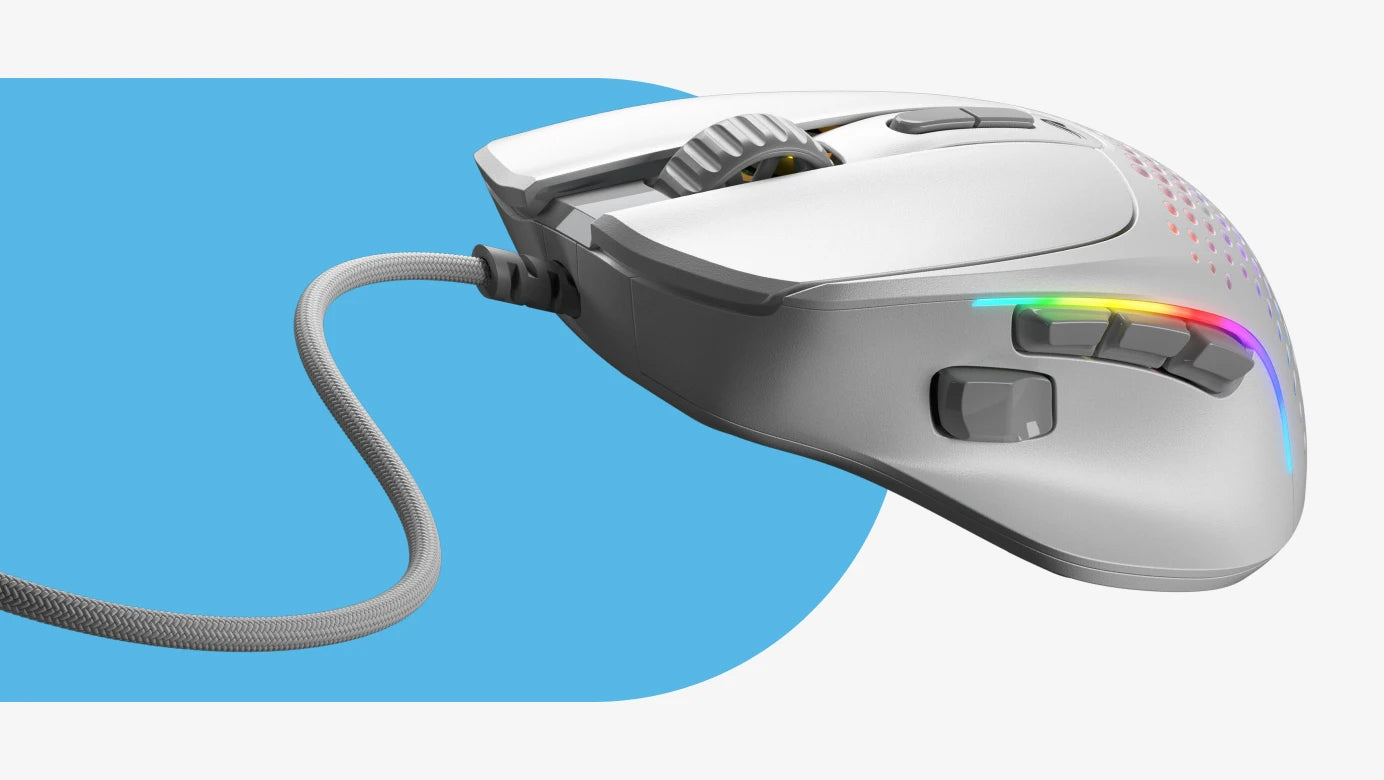
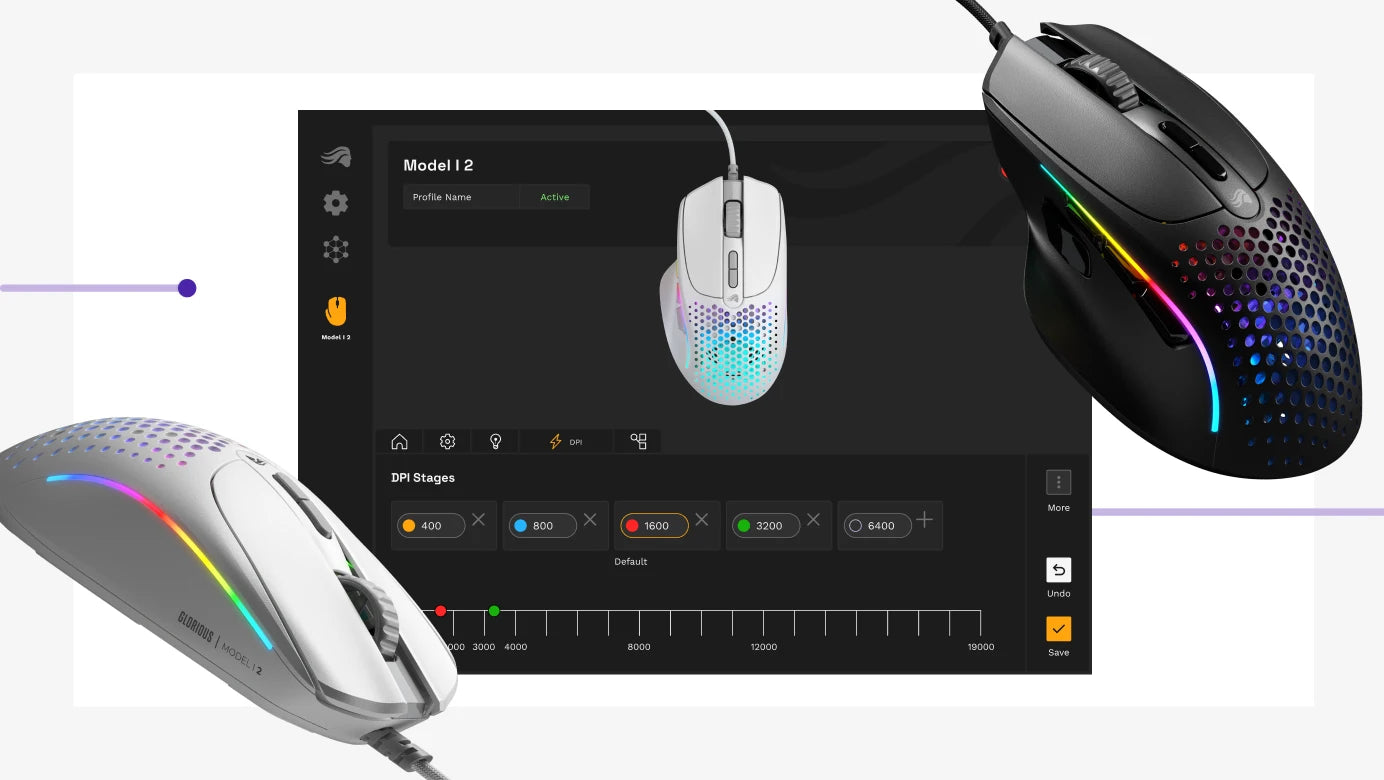
"This was the first mouse I got from Glorious. At first, I had no issues with it and was really enjoying playing Minecraft with it. But I started to notice some problems when I started playing 1. 8. 9 PVP because in this version, spam clicking is really a useful strategy to hit combos and I usually butterfly click. However, I still have to say that it’s a decent mouse for most uses. This mouse has a solid build quality. It is an ergonomic shape that fills up the hand well. The thumb rest on the side really gives support and makes controlling smoother than ever. I did think at first the six mouse feet was a bit of an overkill, but I can definitely feel the difference of having four and six feet. The lighting on this mouse is amazing. With the new shell design, the RGB shines though the top and from the scroll wheel and adds some interest to any gaming setup. I was disappointed that they got rid of the RGB on the scroll wheel but it still looks good with out it when the side RGB shines through it. The clicks on this mouse are nice and snappy and It never double clicks when you set the debounce time to 16. When you set it to 0, you get insane CPS when Drag clicking. This mouse comes with the same four side buttons as the old model that can all be customised. But there is one problem: With the new shape on the ‘2’ series, the buttons have a new border like part on the edges, making them thiner, and as I have said at the beginning, as I butterfly click when I play Minecraft, I got way less CPS because the new border feature kept on hitting my finger, making it difficult to press the button. I do think that this mouse is a great option for most gamers but just remember, the buttons on this mouse are really thin and I want to warn people who butterfly click about the new design."
— Isaac (4/5)